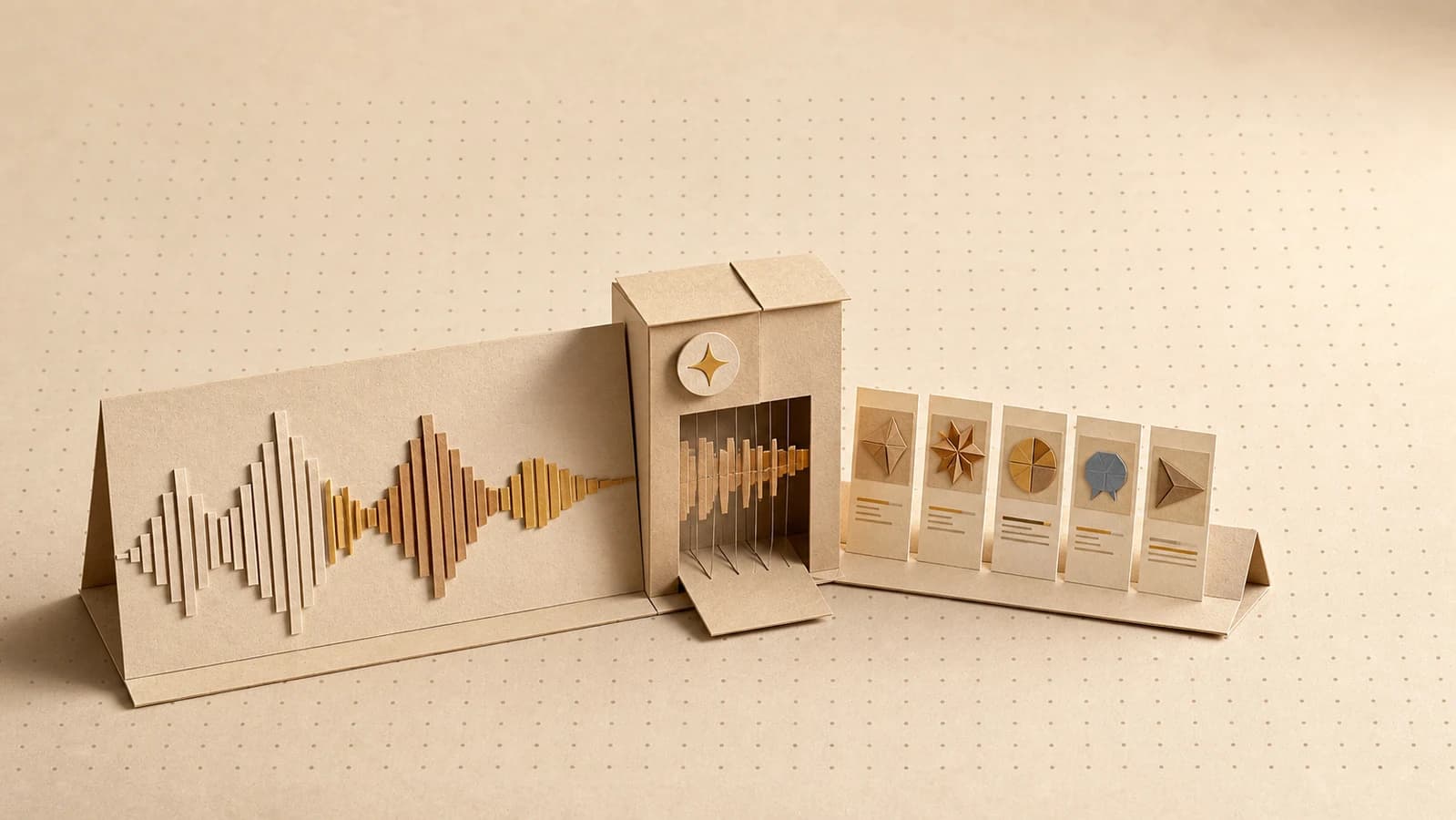
A full product launch asset set from one URL
How to turn one product page URL into a complete launch pack (hero visuals, social announcements, ad variants, an email header, and a short video) in a single pipeline.
You can turn one product page URL into a complete launch asset set with a single pipeline: hero visuals, social announcements, ad variants, an email header, and a short video. Paste the URL to extract the brand, write the announcement once, and every asset downstream inherits both. Build it once, and every future launch is a rerun.
What's in a complete product launch asset pack?
Most launch checklists agree on the production layer, even when they disagree on everything else. Before launch day you want:
| Asset | Where it goes |
|---|---|
| Hero visual | Product page, press kit, link previews |
| Announcement posts | Each social channel, sized to fit |
| Ad variants | Paid channels, if you're running them |
| Email header | The announcement send |
| Short video | Social feeds, the product page |
The usual way to produce this list is five tools, five browser tabs, and a folder of exports that almost match. The colors are close. The fonts are close-ish. The announcement says three slightly different things because three people wrote it on three days.
The fix is structural: give every asset the same two sources. One brand kit, extracted from your product's own URL, applied to every generation. One announcement text, written once at the top of the workflow and reused by everything downstream. Consistency stops being a coordination effort and becomes the default state.
What you need before you start
- A live product page that represents the brand. It's the source for extraction, so it should look the way you want the launch to look.
- Your launch message decided: what's new, who it's for, why it matters. The pipeline fans a message out; it doesn't invent one.
- A list of the channels you're actually launching on. Generate for those, not for a hypothetical everywhere.
- A Orisu account. The free tier covers building and testing the pipeline.
How do you go from URL to launch assets?
Each step below is a node or small group of nodes on the canvas. Treat the sequence as your launch-asset checklist: when the run finishes, the checklist is done.
Step 1: Paste the URL and extract the brand kit
Paste the product page URL and Orisu builds a brand kit from colors, fonts, voice, logo, and guidelines, then applies it to every generation in the pipeline. Skim the result before you continue. Extraction is only as good as the page, so if your site undersells the brand, correct the kit now. Every asset downstream inherits whatever this kit says.
Step 2: Write the announcement once
Add a text step at the top of the workflow holding the launch announcement: the product name, what's new, who it's for, the one line you'd say out loud. This is the single source of truth for the message. Every post, ad, and caption downstream draws from it, which is how you avoid the launch where the tweet, the email, and the ad each describe a different product.
This is also the step worth the most human time. In our experience, the announcement is the part of a launch AI is worst at and the part audiences notice most. Write it yourself; let the pipeline do the multiplying.
Step 3: Generate the hero visuals
Connect the brand kit and announcement into image steps for the hero. Generate a few directions rather than one, say a product-forward shot and something more atmospheric, then pick. With 100+ models under one subscription (Nano Banana, Seedream, and Flux families for image), trying a different model on the same brand-kit-and-prompt setup is a dropdown change, not a new tool.
Step 4: Branch into social announcements
From the same announcement text, branch into per-channel steps: square, vertical, and landscape variants, each pairing a kit-styled visual with channel-fit copy. One branch per channel you actually use. Because every branch reads the same two sources, the launch looks like one launch wherever it appears.
If you publish content alongside the launch, the same branching pattern drives a blog-to-social content pack: same idea, different input.
Step 5: Spin out ad variants
If you're running paid, add a variant branch: several headline angles from the announcement, paired with hero-derived visuals, every one held on-brand by the kit. Launch day is the worst day to discover your ad concept doesn't land, so generate a testable batch instead of a single bet. The ad variants playbook covers the angle-selection part in depth.
Step 6: Make the email header
A small step, easy to forget, always needed: a header image for the announcement email, generated from the same kit so the email matches the page it links to. Size it for email up front and save the next-morning scramble. Mailchimp's image guidelines put email templates at 600 to 660 pixels wide and recommend supplying images at roughly double that width so they stay sharp on high-resolution screens.
Step 7: Generate the short video
Add a video step (Veo and Kling families are on the same canvas and subscription) for a short clip built from the announcement and hero direction: a product reveal, a simple feature moment. Short and on-brand beats long and generic. This is the asset that makes a feed stop, not the one that explains everything. It earns its place on launch day specifically: Product Hunt's launch guide notes that about 53% of products that reached Product of the Day since 2021 included a video.
Step 8: Review, fix, rerun the weak ones
Run the full pipeline and review the pack. Some assets will be right; a few won't. Adjust the steps that missed, whether that's a prompt tweak or a different model, and rerun. Only the steps you changed recompute, so fixing one weak ad variant doesn't regenerate the hero, the video, or anything else that was already right. Revision rounds get cheaper precisely when launch deadlines make them frequent.
Then save the workflow as a template. The next launch starts at step 1 with a new URL, not at zero.
How does the pipeline change for different product types?
Physical products. The hero visual carries the launch, so spend your review time there: lifestyle context, packaging shots, detail crops. Lean the video toward the product in use. If you sell across marketplaces, the same kit-driven approach extends to on-brand product imagery for ecommerce.
SaaS. The product is a screen, and AI-invented interfaces read as fake. Bring real screenshots into the pipeline as inputs and let the generated layer provide the brand-styled framing and backdrops around them. Weight the pack toward the announcement and ad branches, because for SaaS the message is the launch.
Mobile apps. Go vertical-first everywhere: hero in store-ready ratios, video as a vertical clip for feeds. Add framed app screens to the social branch, and write the announcement copy tight enough to survive a small screen. The store listing rewards the same discipline. Apple's App Store product page guidelines allow up to 10 screenshots and note that the first one to three appear directly in search results, so lead with the screens that carry the launch.
What mistakes derail AI launch assets?
- Skipping the kit review. If the extraction got something wrong, every asset inherits the mistake. Two minutes of checking protects the whole pack.
- Writing the announcement last. Generate visuals first and you'll end up retrofitting the message to the pictures. Write the message first, and let the visuals serve it.
- Generating for every channel that exists. A focused pack for three real channels beats a sprawl for ten imaginary ones.
- Treating the first run as final. The first run is a draft of the pack. The cheap, partial rerun is the feature, so use it.
- Building it as a one-off. Unsaved workflows die with the launch. Saved as a template, the second launch costs a URL and an announcement.
Where to see the runnable version
This playbook is one application of a pattern (one input, one brand, many outputs) that the hub guide on building an AI content workflow covers from the ground up. The brand-extraction step that anchors everything is explained on the brand kit page. Paste your product URL, and the next launch starts from there.
This playbook is a pipeline.
Build it once on the canvas, wire in your brand kit, and rerun it every time the brief changes. Free to start, no card.
Common questions.
Can AI generate all the assets for a product launch?
It can generate the production layer (hero visuals, social announcements, ad variants, email headers, and short video) from one pipeline, kept consistent by a brand kit. What it can't generate is the launch itself: the positioning, the offer, the announcement copy that says why anyone should care. Write that part yourself, then let the pipeline fan it out.
How do I keep launch assets consistent across channels?
Give every asset the same two sources: one brand kit extracted from your website, and one announcement text written once at the top of the workflow. When every image, post, ad, and video downstream draws from the same brand and the same message, channel consistency stops being a coordination problem and becomes the default.
What launch assets do I actually need?
A practical minimum: one hero visual for the product page, an announcement post sized for each social channel you're active on, a handful of ad variants if you're running paid, an email header for the announcement send, and a short video for feeds. Skip the channels you don't use. An asset checklist is only useful if it matches where your audience is.
How long does it take to make launch assets with AI?
Building the pipeline the first time is the real work. Expect a focused session to set up the brand kit, the steps, and the checks. After that, generating a full pack is a single run, and revisions only recompute the steps you changed. The second launch is where the time savings actually show up.