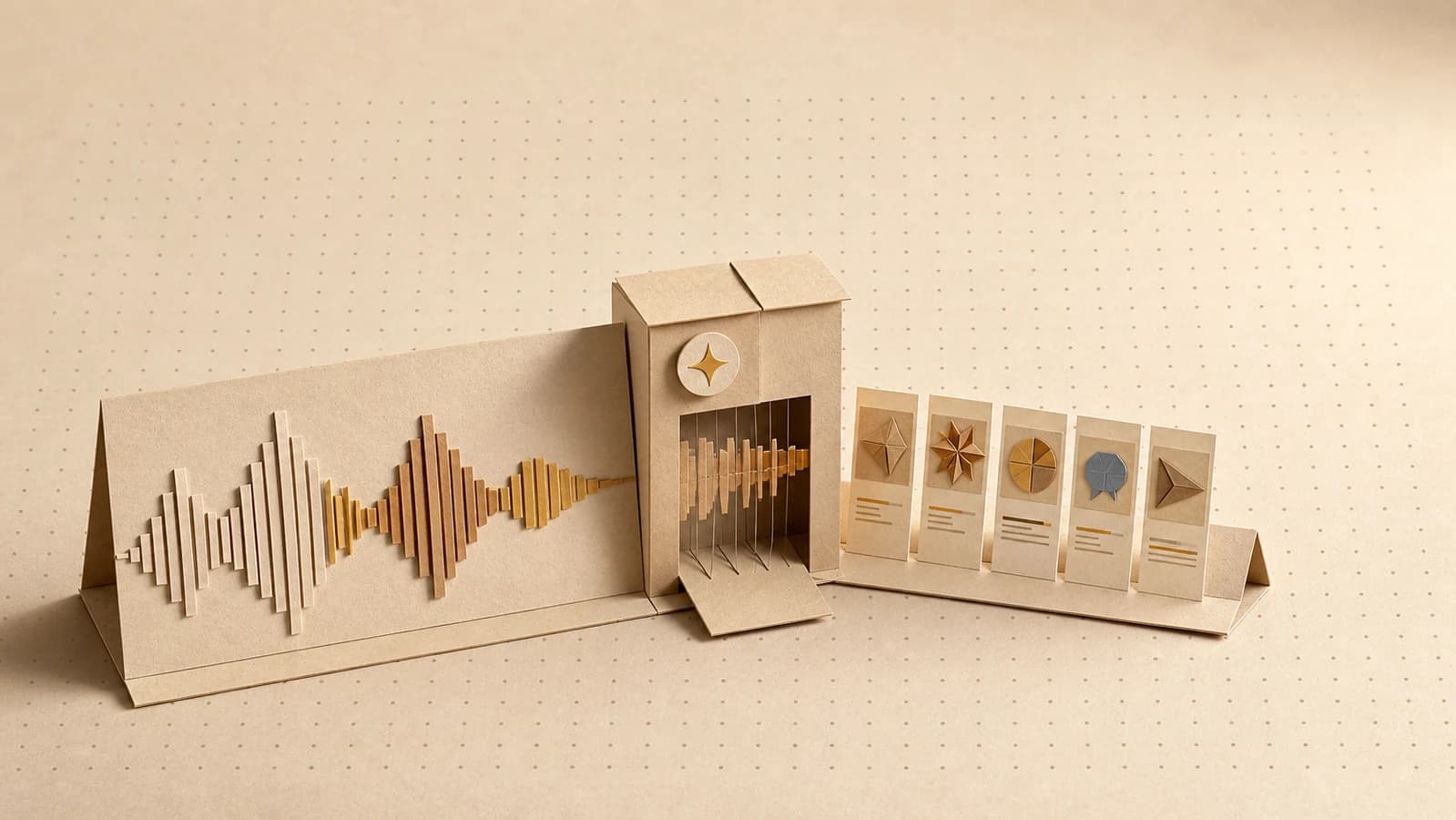
AI creative for agencies: keep every client on-brand
Agencies juggle many brands at once, and AI that drifts off-brand is a client-trust problem. A playbook for per-client brand kits and one reusable pipeline.
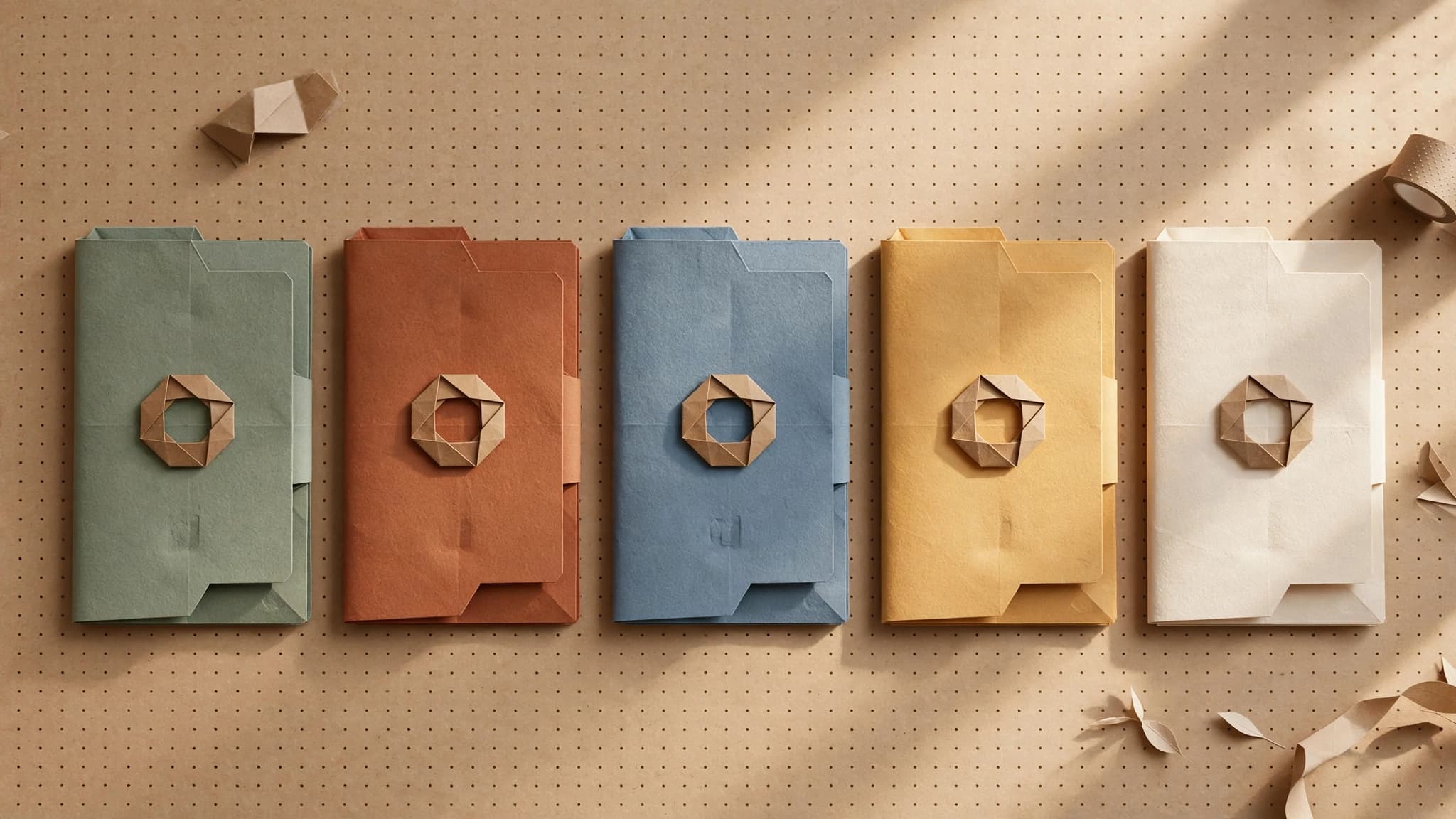
Agencies keep AI creative on-brand by giving every client their own brand kit, building the production pipeline once as a shared template, and swapping the kit when they switch clients. Add a review gate before anything ships, and output scales across the client roster without new headcount, and without gambling the trust that pays the retainer.
Why is AI creative harder for agencies than for in-house teams?
An in-house team has one brand to protect. An agency has ten, or thirty, each with its own palette, fonts, voice, and a client who knows their brand far better than any tool does.
The math is the real problem. Take your client count, multiply by the channels each one needs, multiply again by revision rounds. Every new client multiplies the whole surface. Hiring your way through that multiplication is how agency margins die. AI generation is the obvious answer to the volume, but most AI tools were built for one user with one brand, so agencies end up with a prompt doc per client, hex codes pasted into chat windows, and hope. This isn't a niche bet, either: according to a Forrester survey run with the 4A's, 91% of US ad agencies were already using or exploring generative AI by mid-2024. The volume answer is settled; the multi-brand tooling isn't.
And the stakes are different. When an in-house team's AI output drifts off-brand, that's a quality problem: regenerate and move on. When an agency ships a deck where the client's blue is slightly wrong and the voice sounds like everyone else's, that's a trust problem. The client doesn't think "the model drifted." They think "they put our account on autopilot." Clients pay retainers for judgment; off-brand output reads as the absence of it. Audiences are watching too: Kantar's US Media Reactions 2025 study found that while over 70% of marketers have embraced generative AI for advertising creativity, more than half of consumers still feel uneasy and distrustful of AI-generated ads. That gap is exactly what an agency's judgment is hired to close.
So the agency question isn't "can AI make this asset?" It can. The question is whether you can make it for client A, then client B, then client C, with each one unmistakably itself.
What you'll have at the end
By the end of this playbook, you'll have a system, not a pile of one-offs:
- A brand kit per client, extracted from each client's own website
- One pipeline template per deliverable type, shared across every client
- A review gate inside the workflow, so nothing reaches a client unapproved
- A rerun habit: new month, new campaign, new client, same pipeline, different kit
Prerequisites are light: each client's website live and reasonably representative of their current brand, your most-repeated deliverable identified (be honest, it's probably the monthly social pack or the ad-variant batch), and a Orisu account. The free tier is enough to build and test the first workflow.
The agency playbook: one pipeline, many brands
Step 1: Build a brand kit per client
Paste a client's website URL into Orisu and it extracts a brand kit (colors, fonts, voice, logo, and guidelines) that then gets applied to every generation. Do this once per client, when you onboard them.
Then review it with the account lead before you generate anything. Extraction gets you most of the way, but the account lead knows things the website doesn't say. Correct the kit now, while it's cheap. In our experience the kit works best when you treat it like a contract between your agency and the model: everything you want enforced goes in it, and everything in it gets enforced on every output. The discipline pays: in Marq's brand consistency survey of more than 400 brand managers, respondents estimated the revenue increase from consistently presenting a brand at 10 to 20%.
I've watched agencies try to carry this same information in a "brand guidelines" PDF that lives in a drive folder and gets pasted into prompts when someone remembers. The kit is the same knowledge made executable. That's the entire difference.
Step 2: Build the pipeline once, as a template
Pick that most-repeated deliverable and build it on the canvas: every step is a visible node (a text step that drafts copy, image steps that generate visuals, resize and variant steps for each channel) connected in the order the work actually flows. Image, video, text, and audio all live on the same canvas, so a deliverable that mixes formats is still one workflow, not four tools stitched together with downloads.
Then save it as a template. This is the step agencies skip, and it's the one that makes the economics work. A workflow built for one client is a nicer way to do one client's work. A template is an asset your whole roster runs on.
The deeper benefit is legibility. When a client asks "how was this made?", you can show them the workflow: every step, in order, with their brand kit feeding it. That's a much better answer than a screenshot of a prompt.
Step 3: Swap the kit, rerun the pipeline
New client, same deliverable: open the template, attach their brand kit, run. The structure of the work doesn't change; the brand flowing through it does.
Reruns recompute only the steps that changed, so swapping a kit doesn't redo the whole graph from scratch; only the steps that depend on brand context regenerate. The same applies to revisions: when a client wants the headline changed, you rerun and only the affected steps recompute. Revision rounds stop costing as much as the original production.
One subscription covers 100+ models (Nano Banana, Seedream, and Flux families for image; Veo and Kling families for video), so when one client's product photography wants one model and another's illustration style wants a different one, that's a setting inside the shared workflow, not a separate tool with a separate invoice.
Step 4: Put a review gate before anything ships
Add a human review step inside the workflow, positioned before assets move to final delivery. The account lead, the person who actually knows the client, approves or rejects right there, and rejected assets never continue downstream.
This is the step that protects the relationship. The promise to your client isn't "a human made every pixel." It's "a human who knows you approved every asset." A review gate inside the pipeline makes that promise structural instead of aspirational. It can't be skipped on a busy Friday, because the workflow won't proceed without it.
Step 5: Hand teammates the workflow, not the prompt doc
Once a pipeline is proven, App Mode turns it into a simple app: an account manager pastes the campaign brief, picks the client, and runs. No canvas, no nodes, no prompt knowledge required. The senior person who built the workflow stops being the bottleneck for running it.
For agencies with an ops bent, the public API and MCP support let you trigger the same pipelines from your project-management stack: a new campaign brief can kick off asset production without anyone opening a tool.
What can AI creative still not do for agency work?
An honest list, because overselling this is how agencies get burned:
- It can't sit in the strategy meeting. Positioning, the campaign idea, reading what the client meant rather than what they said: that's the judgment the retainer buys, and no pipeline produces it.
- It won't catch every brand subtlety. A kit captures colors, fonts, and voice. It doesn't know about last year's rebrand drama or the founder's feelings about exclamation points. That's what the review gate is for, and it's why the gate is a step, not a suggestion.
- Regulated clients still need claims review. Finance, health, anything with legal exposure: AI drafts, but compliance signs. Build that into the gate.
- It can't create a brand from nothing. Extraction needs an existing brand to extract. Net-new identity work for a startup client is still studio work; the pipeline takes over after the brand exists.
- It doesn't replace the relationship. Clients hire agencies for accountability. The pipeline makes you faster at keeping promises; it doesn't make the promises.
The honest framing: AI creative compresses production, not judgment. Agencies that win with it spend the recovered hours on the judgment work clients can't get anywhere else.
What mistakes do agencies make with AI creative?
- Skipping the kit review at onboarding. Ten minutes with the account lead at setup, or apologizing to the client later. The extraction is the start of the kit, not the end.
- Building per-client workflows. Thirty bespoke graphs is thirty things to maintain. Keep deliverable structure in shared templates; keep brand in the kits.
- Putting review at the end instead of inside. "We'll check everything before it goes out" works until a deadline compresses. A gate inside the workflow doesn't depend on discipline.
- Quoting work without knowing output costs. Credits priced as concrete outputs mean a deliverable has a knowable production cost. Use it: quote with real margins instead of vibes.
- Treating templates as static. When a workflow improves for one client, every client should inherit it. That compounding is the actual moat.
Where to see the runnable version
The agencies use-case page walks through this setup with the workflows laid out: per-client kits, shared templates, review gates, App Mode handoff.
For the foundations under this playbook, the hub guide on keeping AI content on-brand covers brand kits and drift in depth. And when you're ready to scale the most common agency deliverable, the ad variants playbook turns one approved concept into a tested batch, per client, on their kit, from the same template.
This playbook is a pipeline.
Build it once on the canvas, wire in your brand kit, and rerun it every time the brief changes. Free to start, no card.
Common questions.
How do agencies keep AI-generated content on-brand for multiple clients?
Give each client their own brand kit (colors, fonts, voice, logo, and guidelines extracted from their website) and apply it to every generation. Build the production pipeline once as a template, then swap the kit when you switch clients. A human review gate before delivery catches anything the kit can't.
Can I reuse the same AI workflow for different clients?
Yes, and you should. The structure of a deliverable (say, a launch pack or a monthly social set) rarely changes between clients. What changes is the brand. Keep the pipeline as a shared template, attach a different brand kit per client, and rerun. You maintain one workflow instead of thirty.
Do clients still need to review AI-generated creative?
Yes. A brand kit keeps colors, fonts, and voice consistent, but it doesn't know a client's unwritten rules: the phrase the CEO hates, the competitor they never mention. Put a review step inside the workflow so an account lead approves each asset before it moves downstream, not after it ships.
How much does AI creative cost for an agency?
It depends on volume, but the pricing model matters more than the number. Orisu prices credits as concrete outputs (a number of images, seconds of video) under one subscription covering 100+ models. That makes the cost of a deliverable predictable, which means you can quote client work with known margins. There's a free tier to test your first client workflow.