From massing to mood, on one canvas.
Feed the pipeline a sketch, massing screenshot or site photo and get styled renders back: every view of the project in the same light, the same palette, the same hand.





One language per project
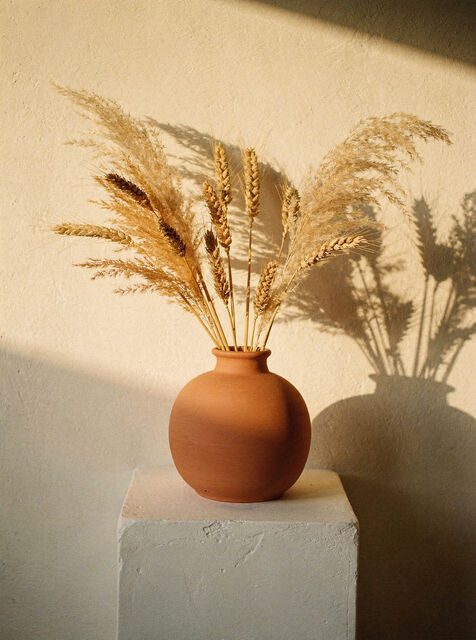
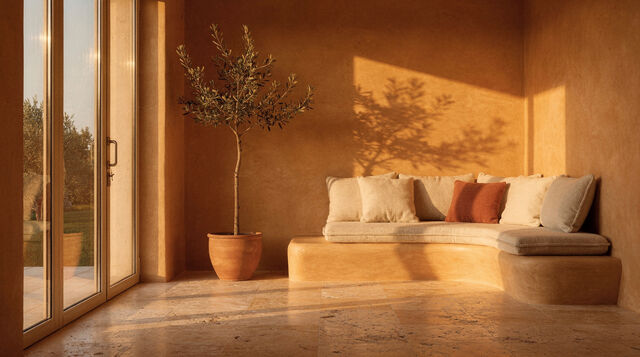
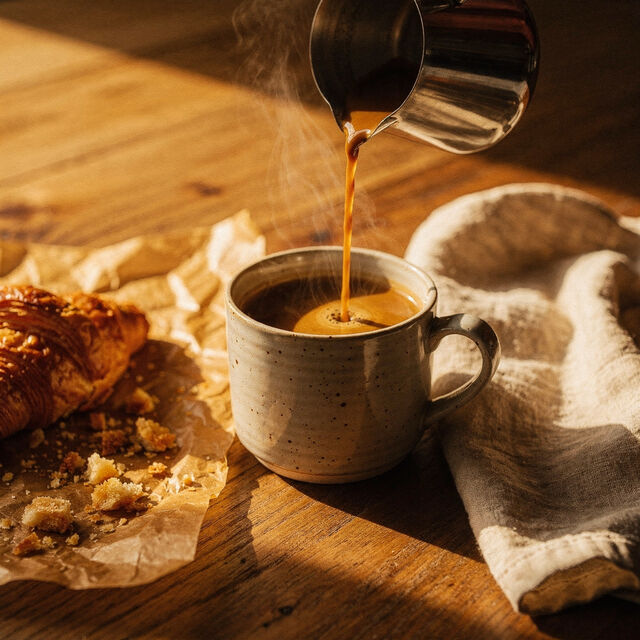
A project style (materials, light, mood) is a node. Every view inherits it, so the street view and the courtyard read as one scheme.
materials · light · mood · one node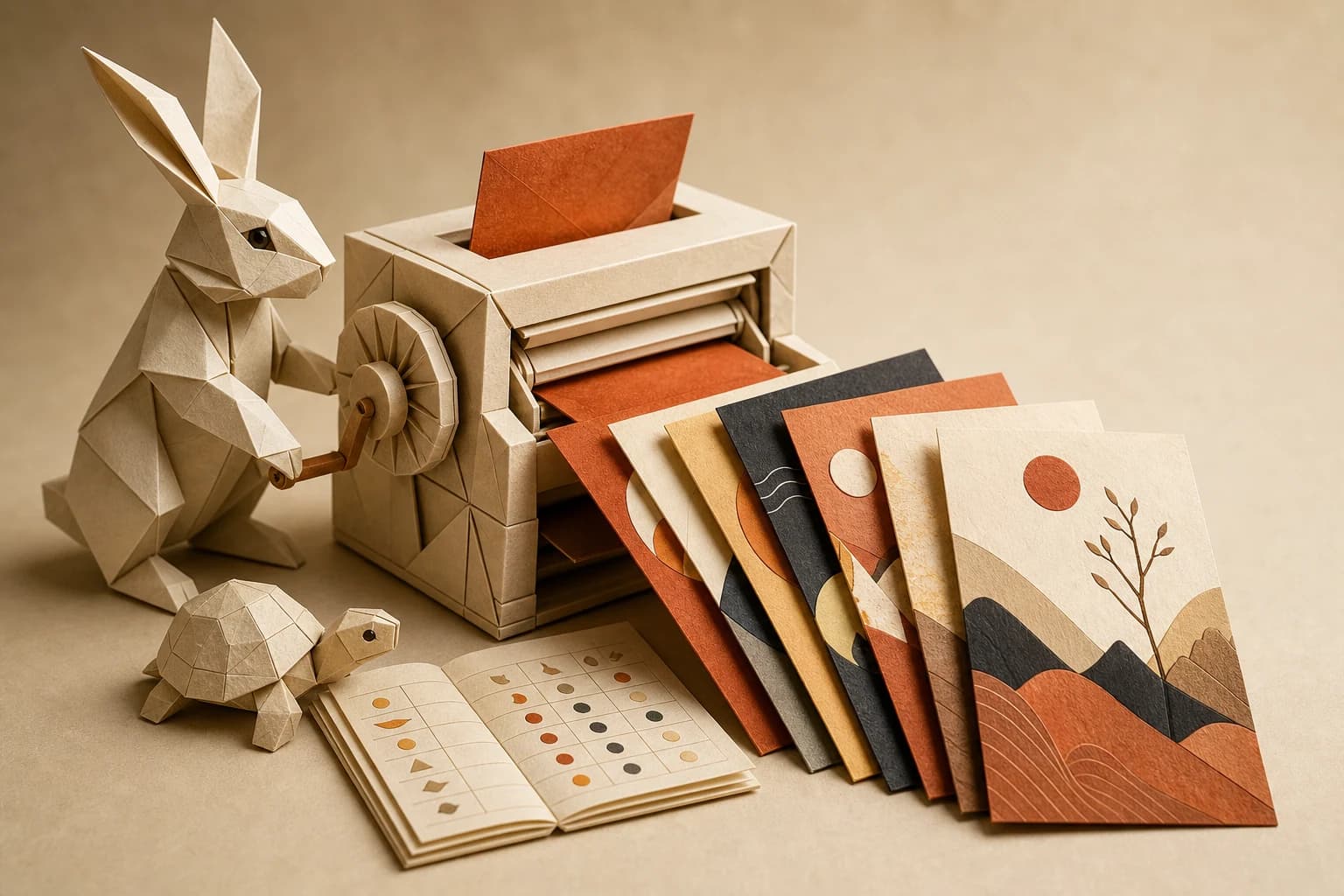
Options without overtime
Three façade studies are a rerun, not three render-farm nights. Only the changed steps recompute.
façade studies are reruns
One subscription, every renderer
Image-to-image, upscaling and text models behind the same ports. Swap models per study without new licenses.
img2img · upscale · one billBuilt once. Run forever.
Start from what you already drew.
A sketch, a clay massing, a SketchUp screenshot. Image-to-image nodes keep your geometry and bring the atmosphere.
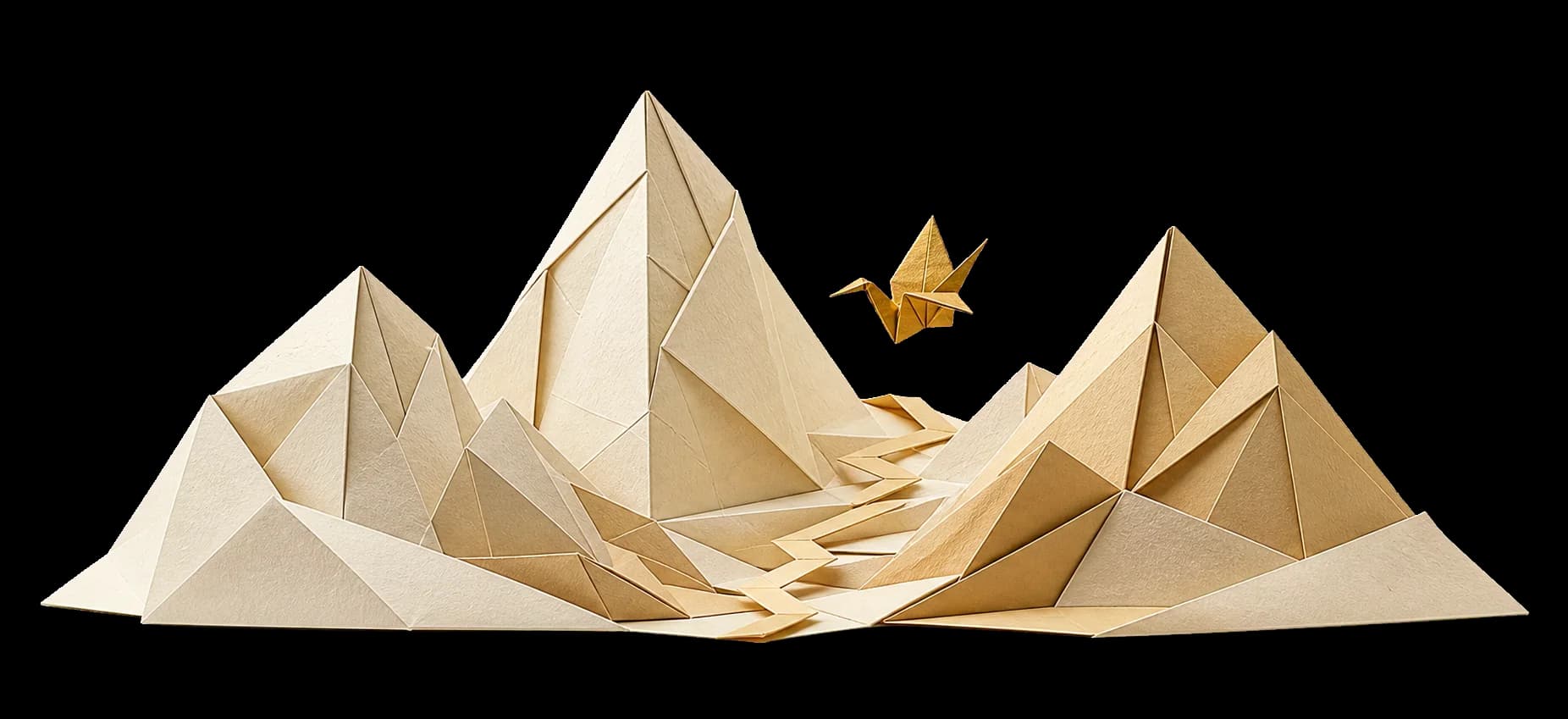
Set the mood once, hold it everywhere.
Define the project's visual language (materials, season, light) as a style node wired into every render.
Client wants warmer? Change the style node; every view updates on the next run.
Every view, ready for the review.
Batch the views (street, courtyard, interior) and the pipeline renders, upscales and names them for the presentation board.
Share the read-only canvas with the client: the process is part of the story.
Massing in. Scheme out.
One massing model becomes a consistent visual scheme across every view.
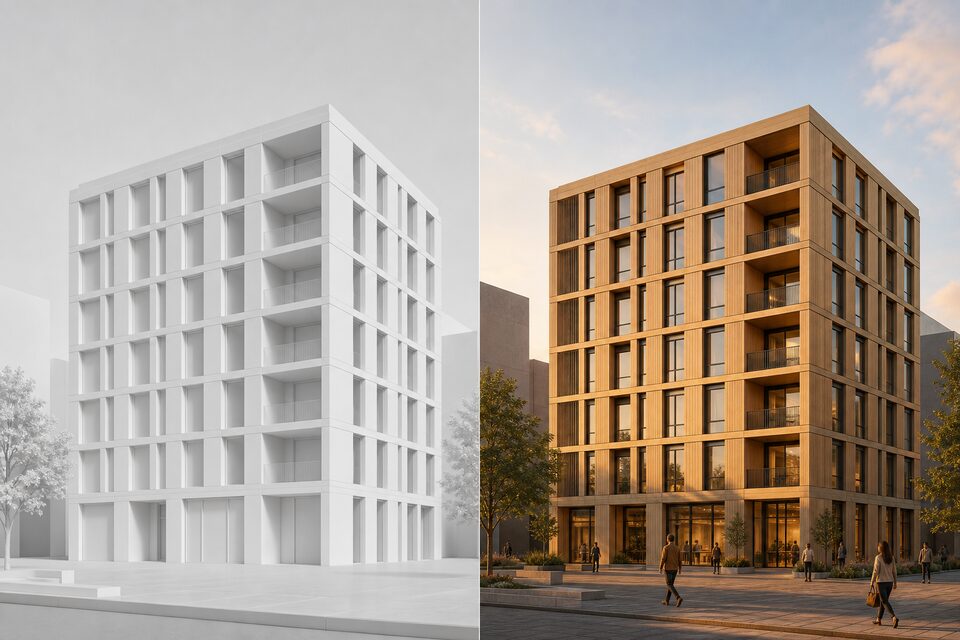
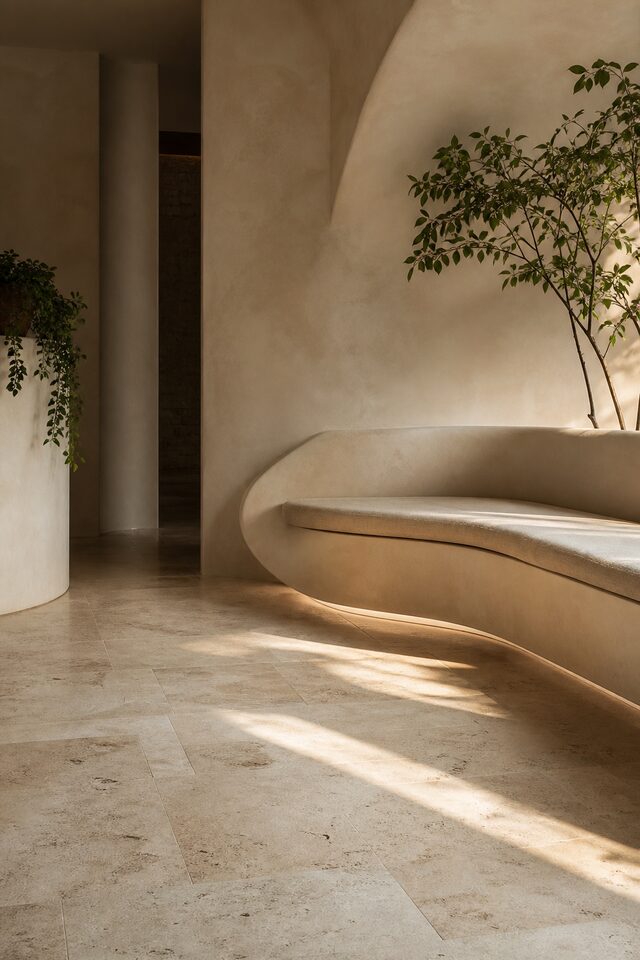
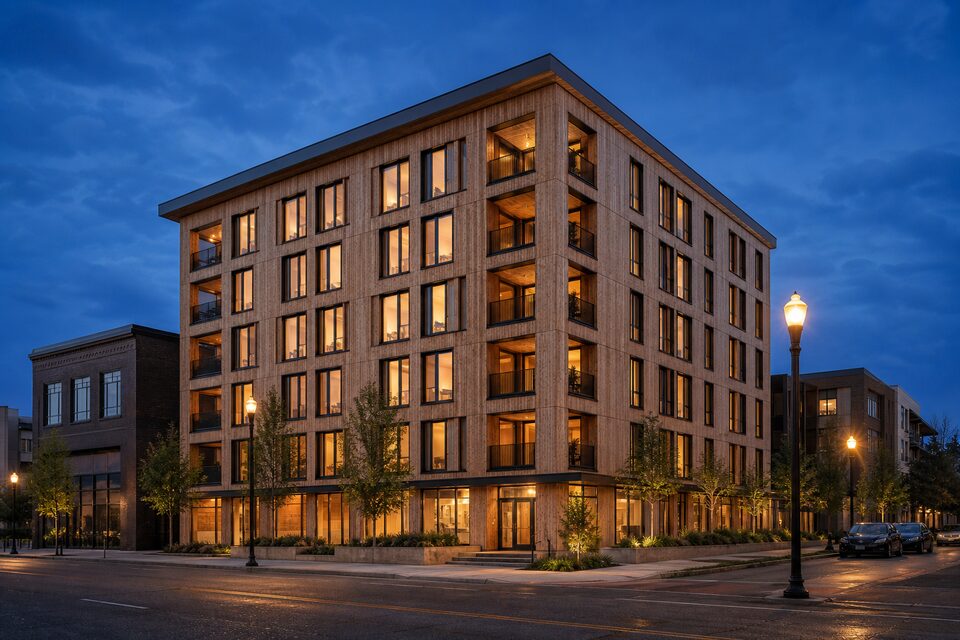
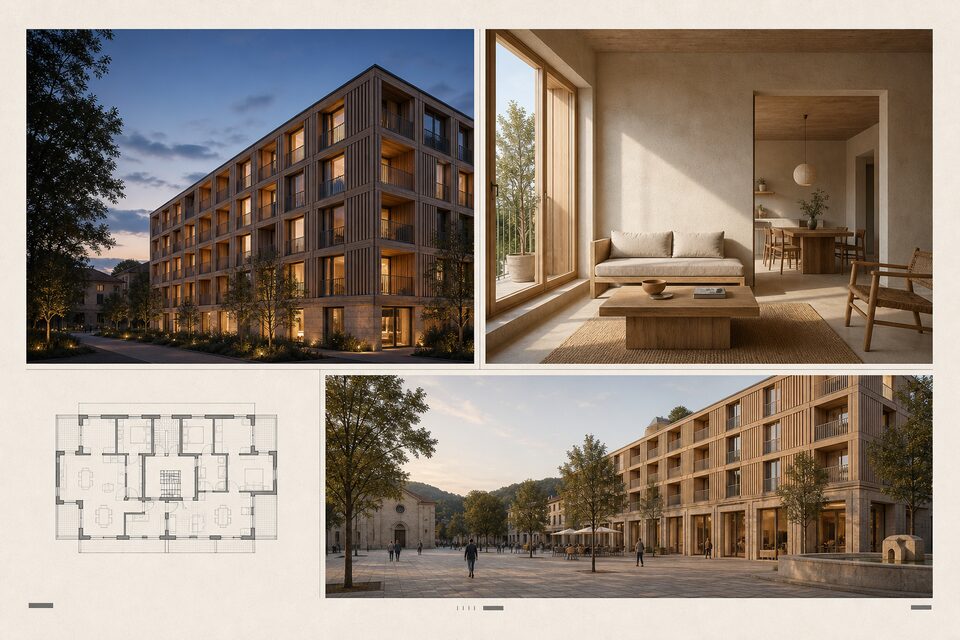
Set the style once, render every view.
Drop in a massing screenshot on the free tier, define the project style, and let the pipeline carry it across the board, with costs visible before each run.
How this works in practice.
Does this replace my 3D renderer?
It complements it. Orisu is strongest at early-stage mood, option studies and consistent presentation boards from the geometry you already have. Your construction-document renders can keep coming from wherever they do today.
Will it keep my geometry?
Image-to-image nodes use your sketch or massing as the underlay and bring atmosphere on top. You control per node how closely the render holds the input.
Can the client see how the renders were made?
Yes. Share the canvas read-only. The client sees the underlay, the style node and every view derived from them, which makes the consistency part of the story.
Do I have to build this pipeline myself?
No. Start from a template, or describe what you want and Orisu drafts the pipeline: nodes, wires and all. You can also build it step by step if you prefer.
What does it cost to run?
Every node shows its estimated credit cost on the canvas, and a run shows its total before you press it. The free tier needs no credit card.
Can my team use it without learning the canvas?
Yes. App Mode turns the pipeline into a simple form: inputs on top, a run button, outputs below. No canvas knowledge needed.
Can I change models later?
Yes. Models sit behind the same ports, so you can swap one without rewiring the workflow.
Render the scheme, not one view.
Start free with a sketch or massing screenshot. Set the style once and let the pipeline carry it.