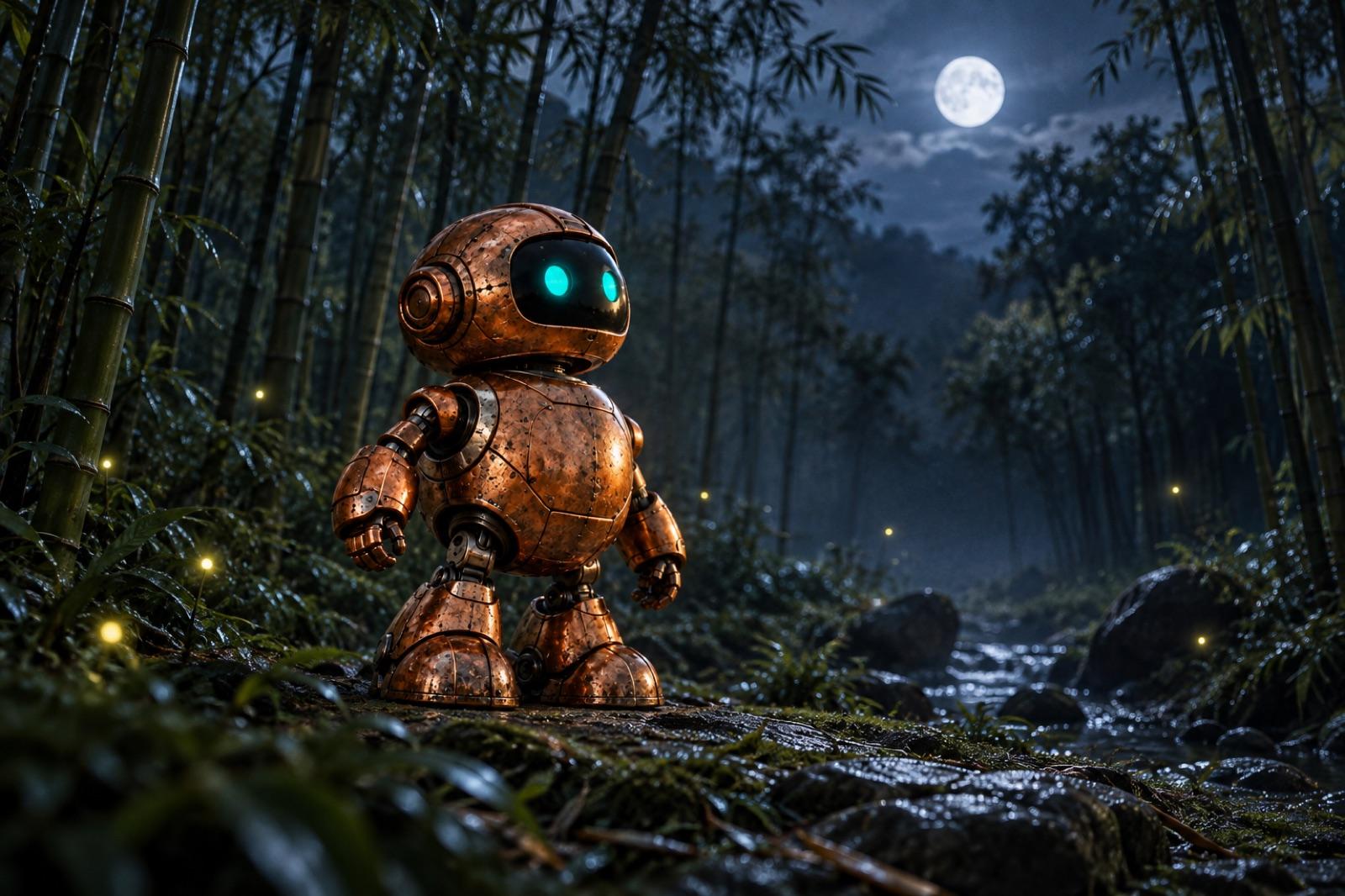
Your hero, in every spot.
Mobile game ad creatives at scale: character-driven scenes, gameplay-style motion and UGC-style formats from one canvas. A reusable Element keeps your hero consistent across every spot, and a new hook is a rerun, not a rebuild.
One hero. Every spot.
The character is saved once and reused everywhere, so the hero in spot ten matches spot one.
- Character element
- Brand kit
- Scenes
- Gameplay-style motion
- VO
- Captions
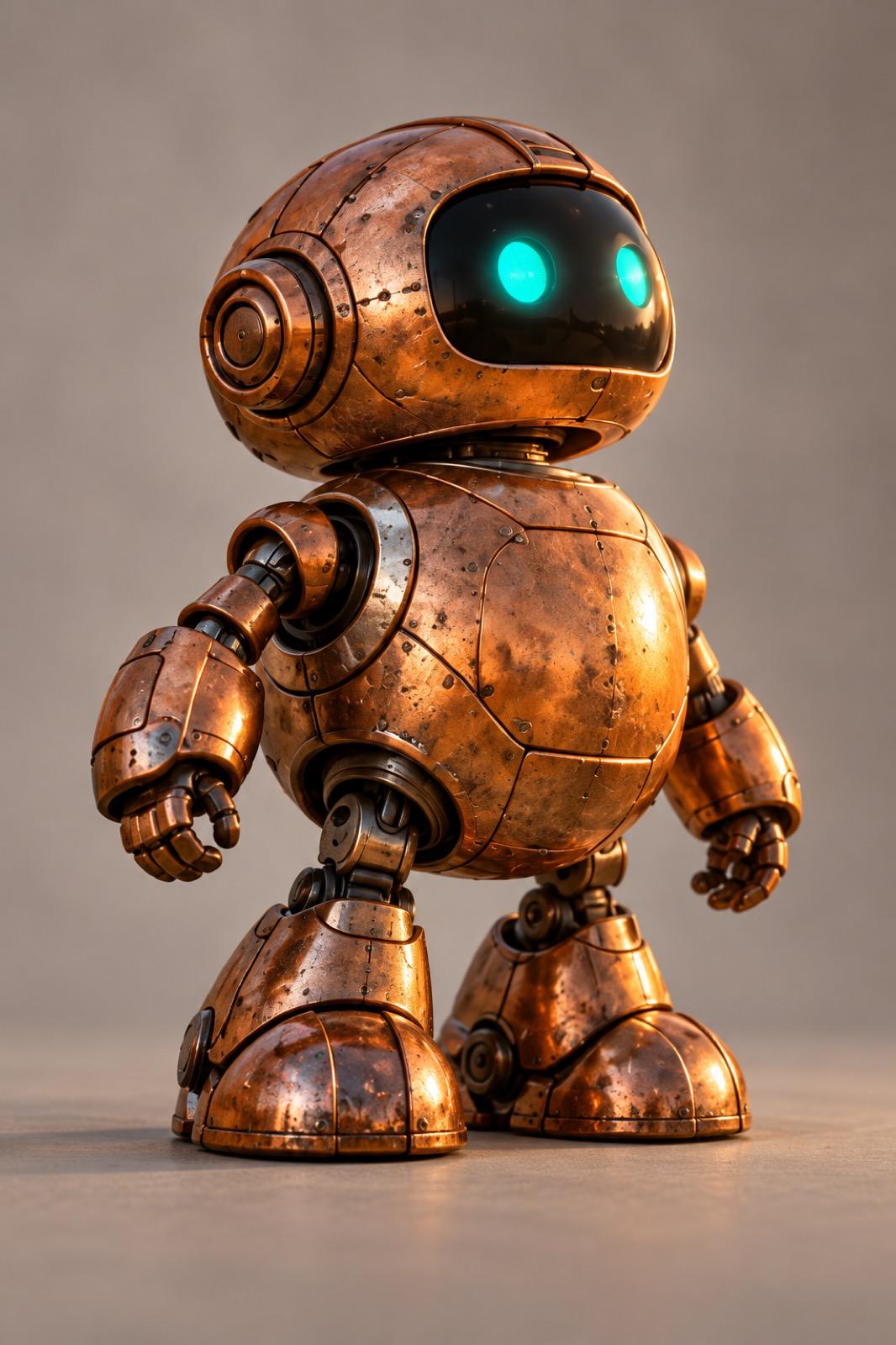
 Story · 9:16
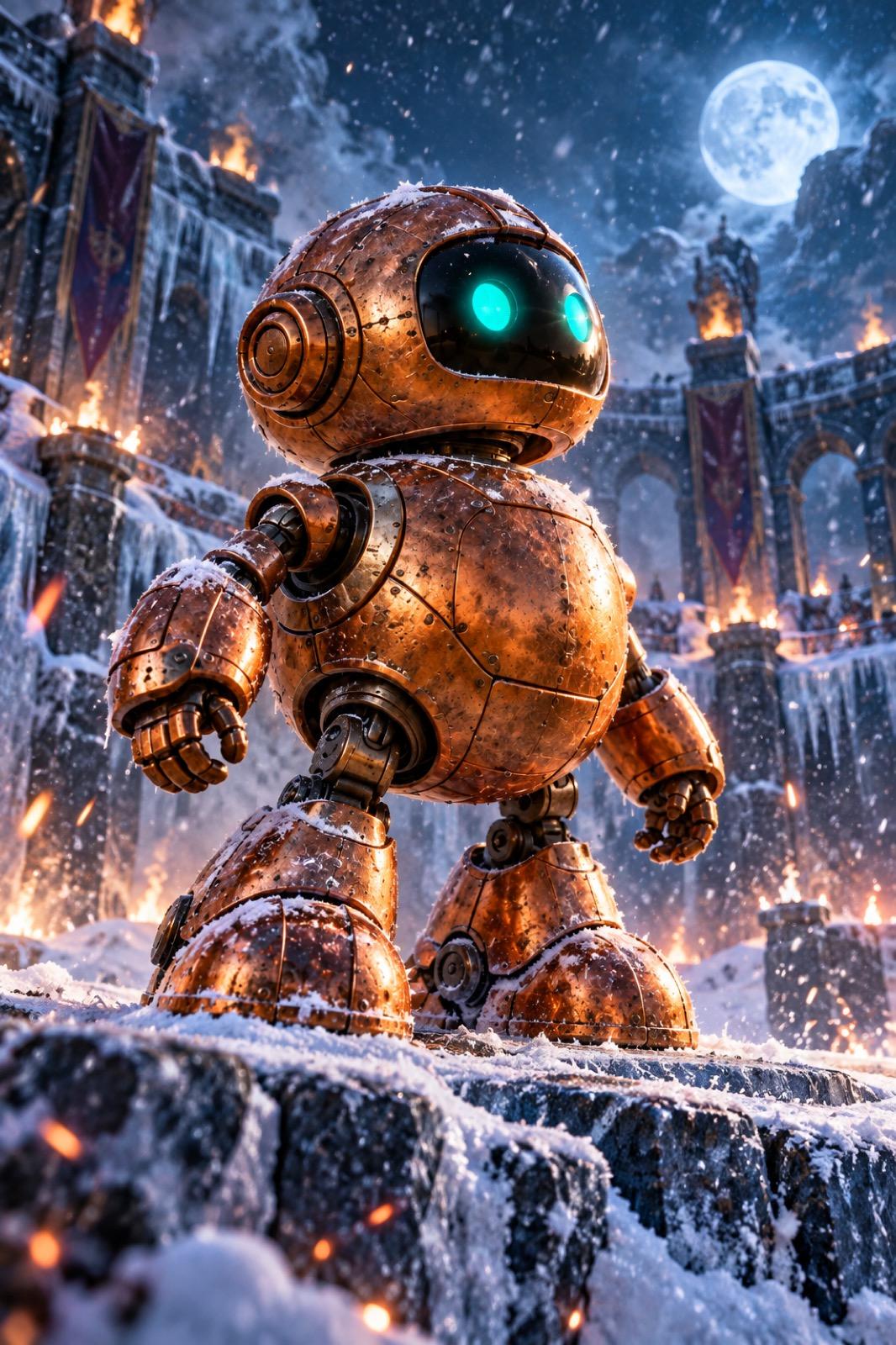 Post · 4:5
 Banner · 16:9
Done. Change the input and run it again.
Why it holds up
The same hero, every time
Save your character as an Element once and reference it across generations. Twenty spots later, the hero still looks like the hero.
Ten hooks are ten reruns
Loop the pipeline over a list of hooks or themes for UA testing. Only the changed steps recompute, so an angle costs a rerun, not a rebuild.
One subscription, whole stack
Key art, gameplay cuts and voiceover run in one place, and your character Element stays consistent through every model you point it at.
Build it once. Run it again.
The workflow behind this page, step by step. Every step is a node you can open, change and rerun.
- 1Character
Save the hero once.
Upload your character art and save it as a reusable Element. Every image node downstream references it, so the hero holds its look from scene to scene.
Paste your website URL and the brand kit builds itself (colors, fonts, voice, logo), so titles and end cards stay unmistakably your game.
- Element
- hero-character · saved once
- Kit
- your-game.kit, from your URL
- Used in
- 12 scenes across 4 spots
- 2Motion + voice
Scenes, then gameplay-style motion.
Image models stage the hero in scenes; video models generate gameplay-style motion: generated footage in the look of play, never passed off as screen capture. A voice model reads the hook; captions land on screen.
Everything stays reviewable per node. Re-take the VO without regenerating the video, or pause for human review before a spot ships.
FlowScenes → kling-3 → eleven-v3 → captions
- 3Scale
A hook per audience, every week.
Feed the pipeline a list of hooks or themes and rerun. Each variant lands sized for every network, with per-step caching keeping the bill honest.
Ship it to the UA team as an app: they type this week's hook, press run, and get creatives with the same hero, without opening the canvas.
This week's hook“The boss fight nobody beats first try”
Run
What you can make.
Starting points for game ads. Each one is a workflow you can open, change and run again.
- 01
Character spots
Your hero in new scenes, kept consistent by a reusable Element.
- 02
Gameplay-style scenes
Motion scenes built from your art and screenshots.
- 03
UGC-style reactions
An AI creator reacting to the game, cut for TikTok and Reels.
- 04
Event and season launches
A spot for each live event, from the event's key art.
- 05
Store art and screenshots
Key art variants and framed store screenshots.
- 06
Hook variants
A list of opening lines, each turned into its own version of the spot.
One hero in, twenty spots out.
Open the game-ads template, save your character as an Element, and run the whole pipeline on the free tier. The canvas shows the cost before you press run.
With the rest of Orisu.
The workflow is one part. These are the other parts teams use with it.
 Brain →
Brain keeps your character names, lore terms and the words a ratings board won't like.
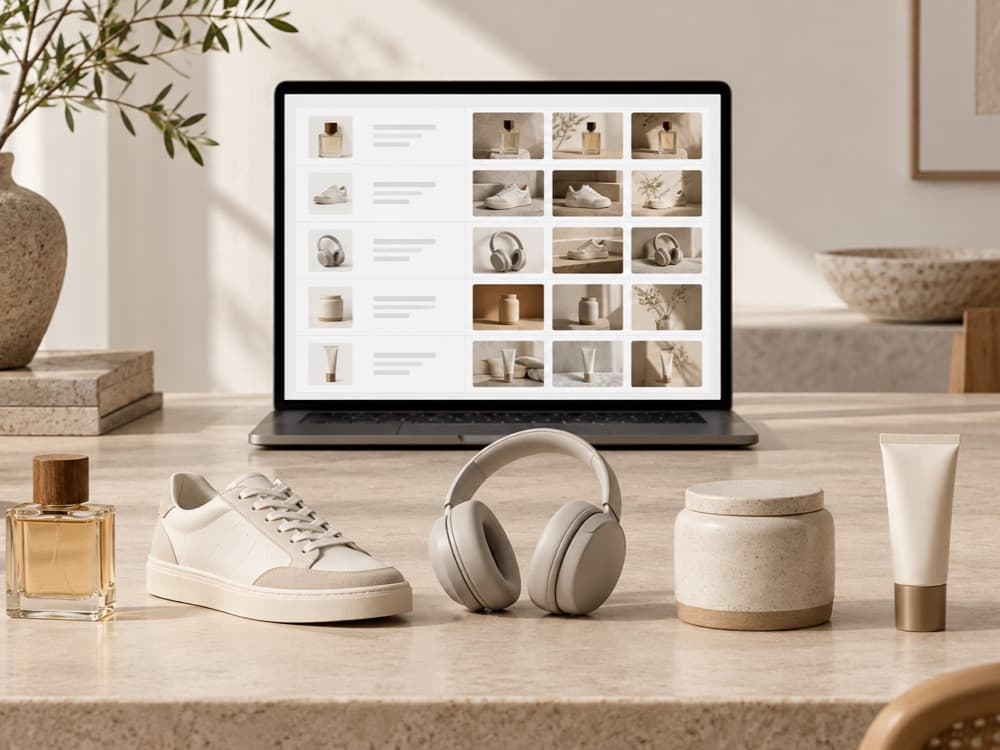 Feed →
Run one spot per character, event or hook as rows in a grid.
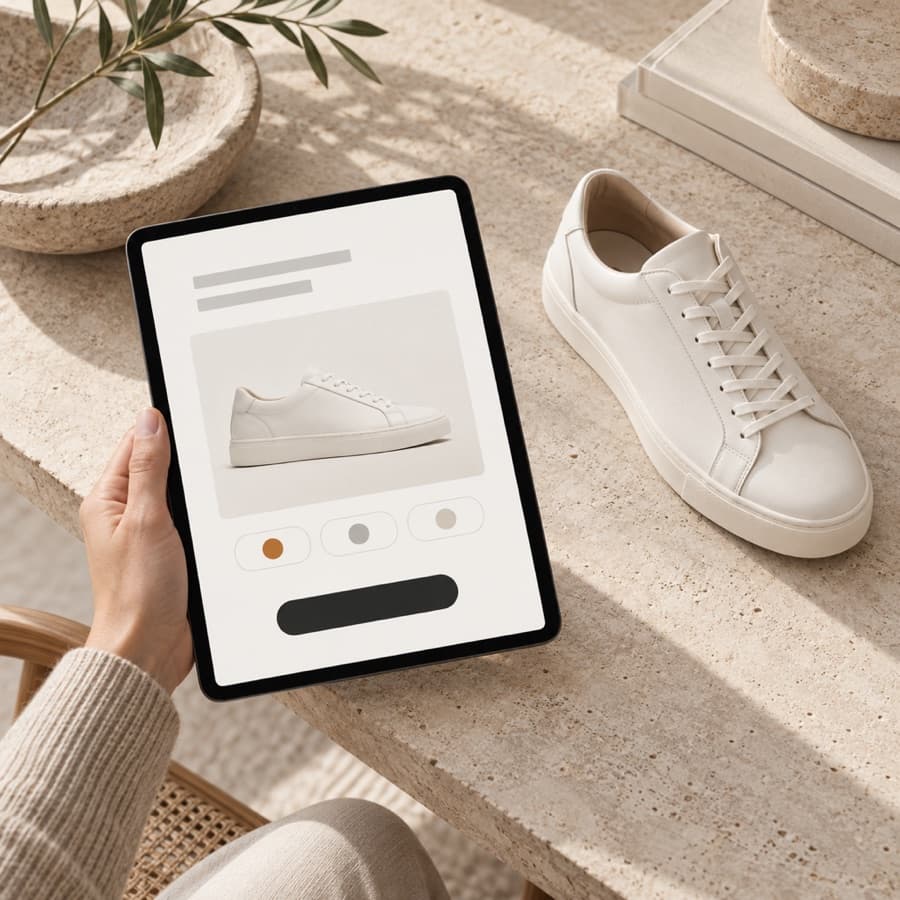 App Mode →
Give marketing a form to make the next variant without opening the canvas.
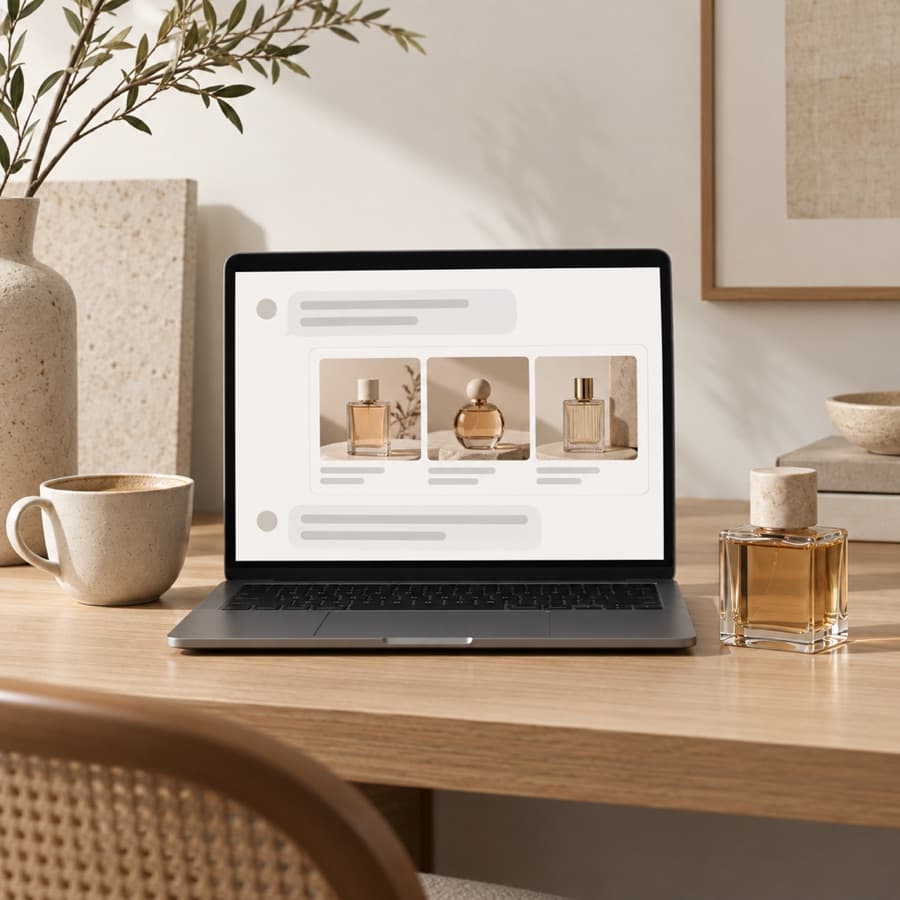 API and MCP →
Trigger the same workflow from your own code, or from Claude and ChatGPT, and get the files back.
Good to know.
Will my character stay consistent?
A reusable Element holds the character and every scene references it. Review each output and rerun any that drift.
Can it make real gameplay footage?
No. It makes gameplay-style scenes from your art and screenshots. Use your own captures where an ad needs real footage.
Can I add a voiceover?
Yes. Add an ElevenLabs voice to read the script, with captions built from the same text.
What are gameplay-style game ads?
UA creatives that show your game in motion using generated footage in the visual style of play (characters, worlds, action) rather than recorded screen capture. Orisu builds them from a scene-to-video pipeline: image models stage your hero, video models add gameplay-style motion, and VO and captions finish the spot.
How do I keep my game character consistent across ad creatives?
Save the character as a reusable Element once and reference it across generations. Every scene the pipeline produces pulls from the same Element, so the hero holds its look across formats, hooks and reruns instead of drifting spot to spot.
Can I test different hooks or themes without rebuilding the ad?
Yes. The hook is just an input. Loop the pipeline over a list of hooks or themes and rerun; only the steps after a change recompute, so UA testing ten angles costs ten reruns of the changed steps, not ten rebuilds.
Do I have to build this workflow myself?
No. Start from a template, or describe what you want and Orisu drafts the workflow for you. You can also build it step by step.
What does it cost to run?
Every node shows its credit cost on the canvas, and a run shows its total before you press it. The free plan gives you 100 credits a month with no credit card.
Can my team use it without learning the canvas?
Yes. App Mode turns the workflow into a simple form: inputs on top, a run button, results below.
Can I change models later?
Yes. Models sit behind the same ports, so you can swap one without rewiring anything. All of them are on one subscription.
Ship your hero's first spot.
Start free: save your character as an Element, paste your URL for the brand kit, and have a game-ad pipeline running today.