Product shots that ship the set.
One product photo in, a finished ad set out: AI-generated scenes that stay on brand, every channel size, captions included. Rerun it for the next SKU tomorrow.
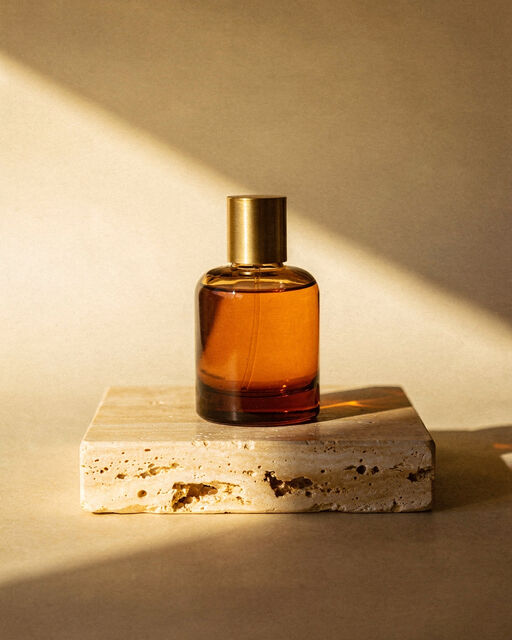
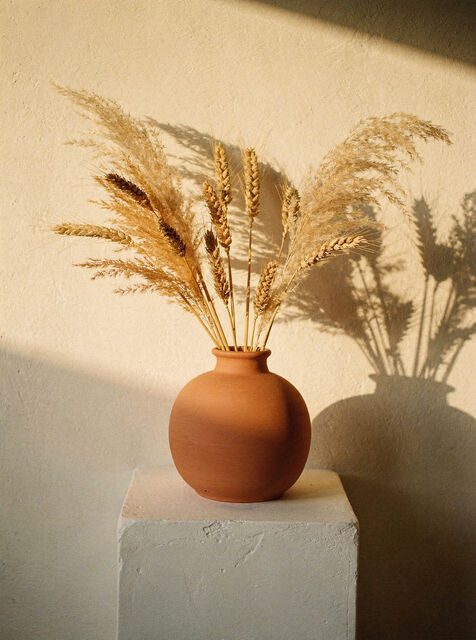
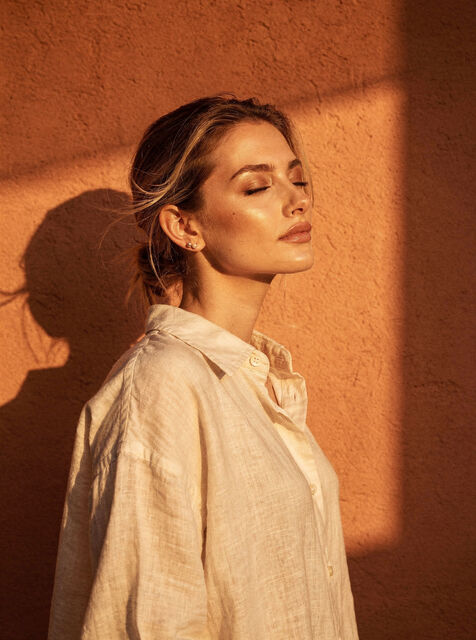
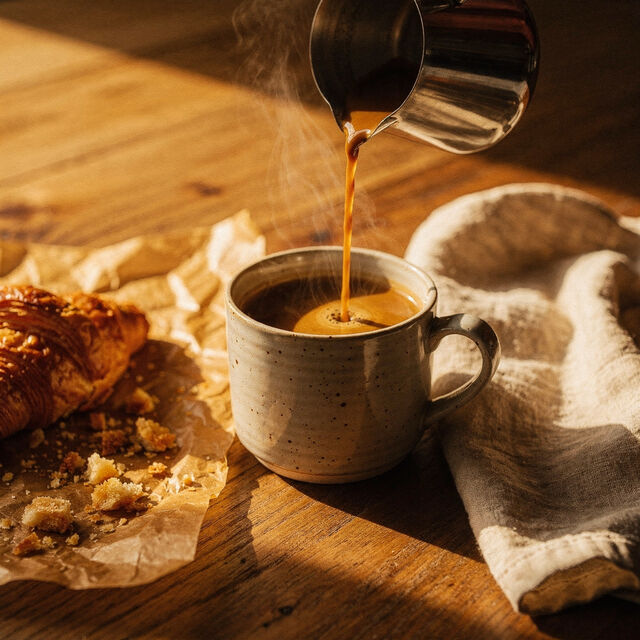
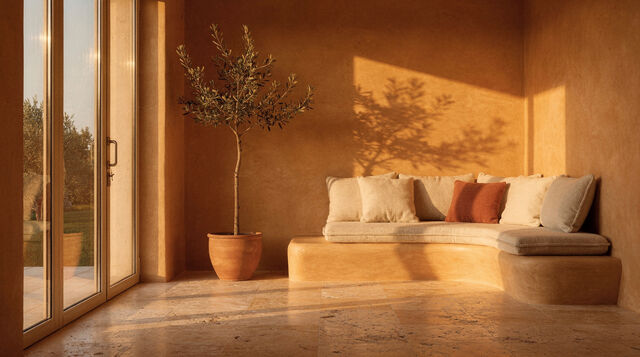
Your palette in every scene
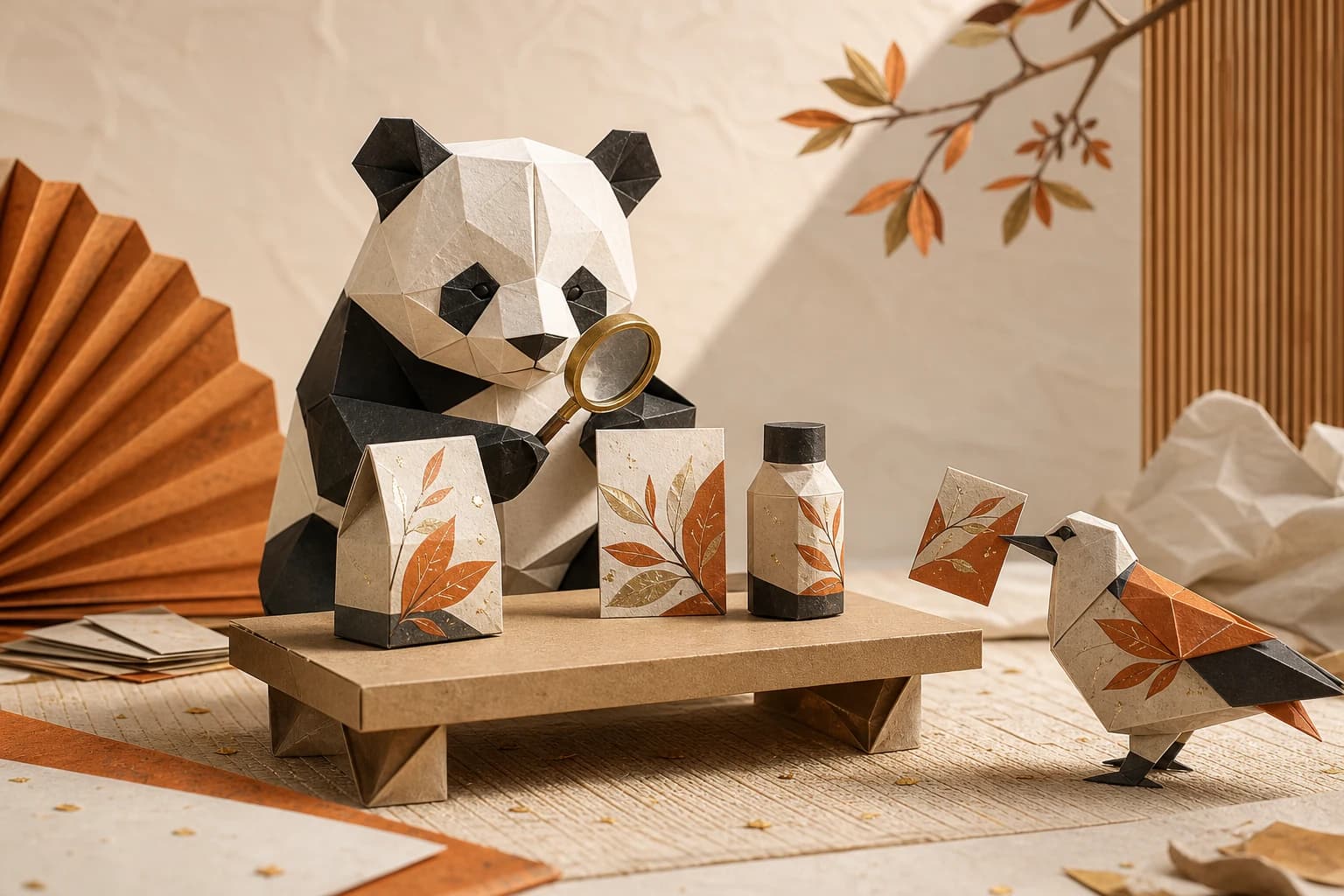
The brand kit drives backgrounds, props and tone, so the summer drop and the winter drop still look like the same store.
palette · props · tone · one kit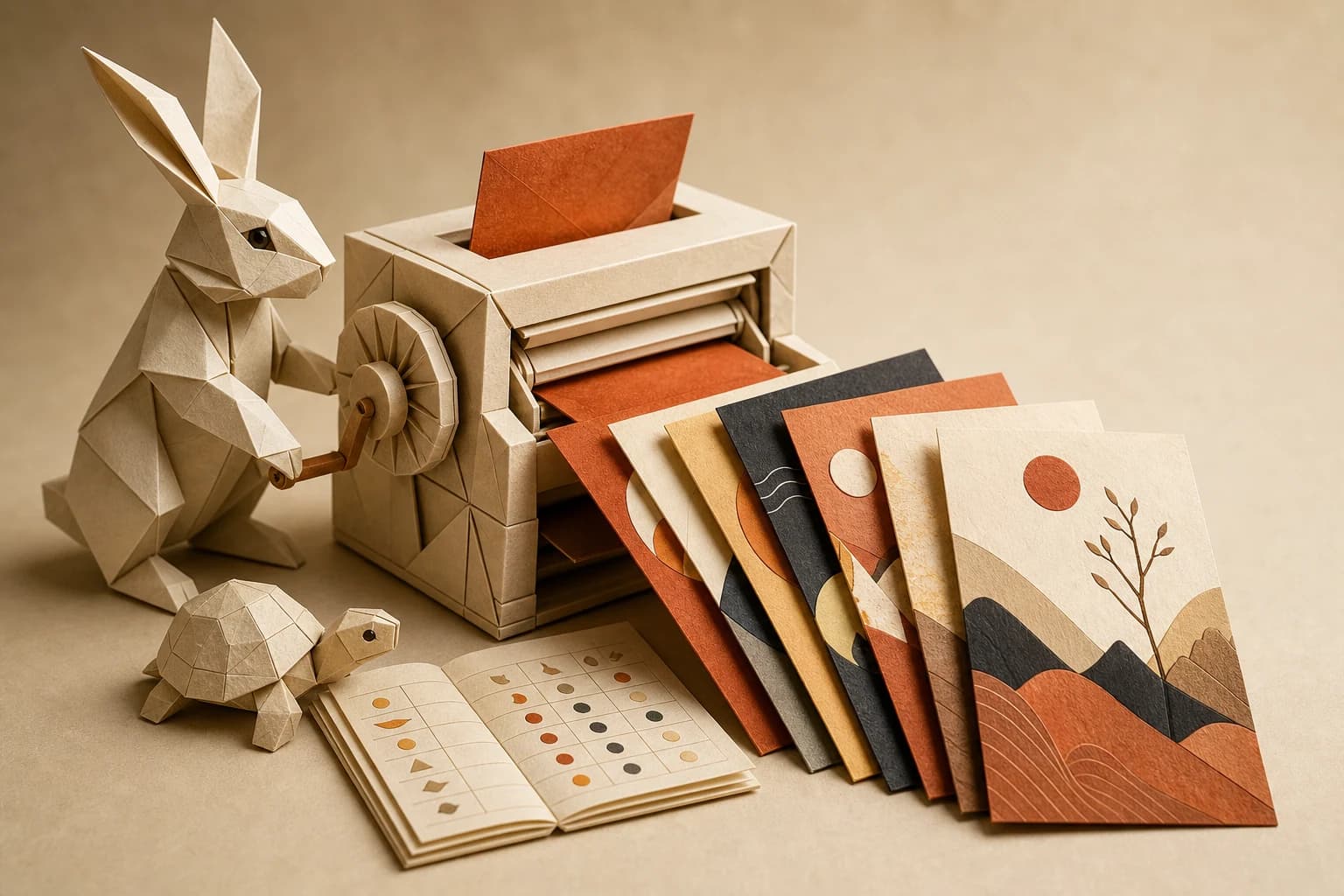
Every channel, one run
Square, story, banner: the pipeline resizes and renames per channel, so a campaign lands as a set, not a folder of crops to make.
square · story · banner · one run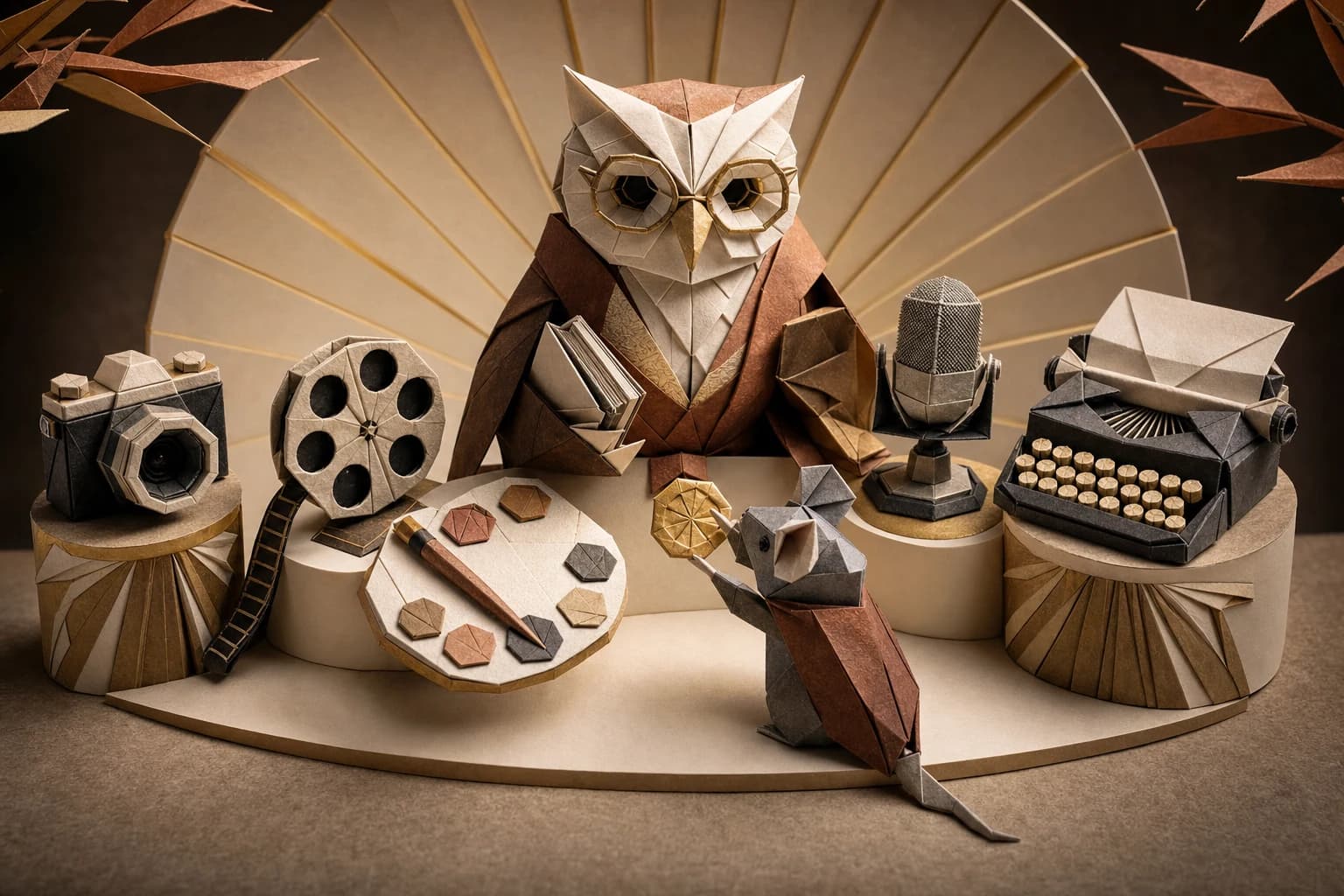
One subscription, all models
Swap image models per scene, photoreal here, illustrated there, without buying another tool. Costs show before you run.
every image model · one billBuilt once. Run forever.
Start from the photo you already have.
Upload a product shot. The pipeline lifts it into generated scenes without losing the product.
No studio day, no white-cyc rental, no waiting on reshoots for a colorway.
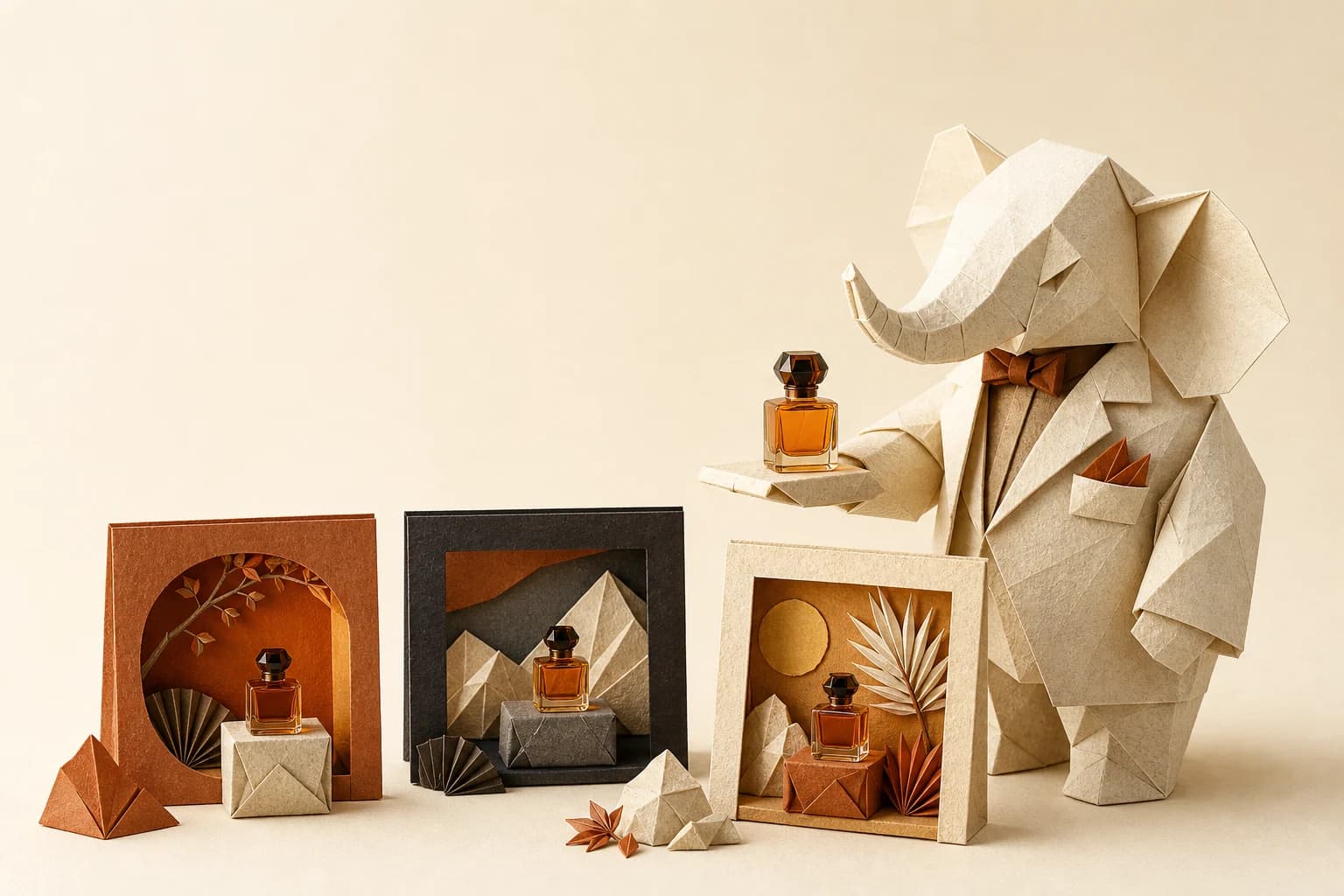
Generate the scenes your brand would shoot.
Image nodes compose the product into scenes steered by your kit: palette, mood, propping.
Compare three models side by side on the canvas and keep the best; the wiring doesn't change.
Sized, captioned, named, done.
Every output lands cut for the channel with copy in your voice, a campaign ready to post.
Next SKU? Swap the photo and rerun. Only the changed steps recompute.
One photo in. This set out.
A single product shot becomes the whole placement set, sized per channel.
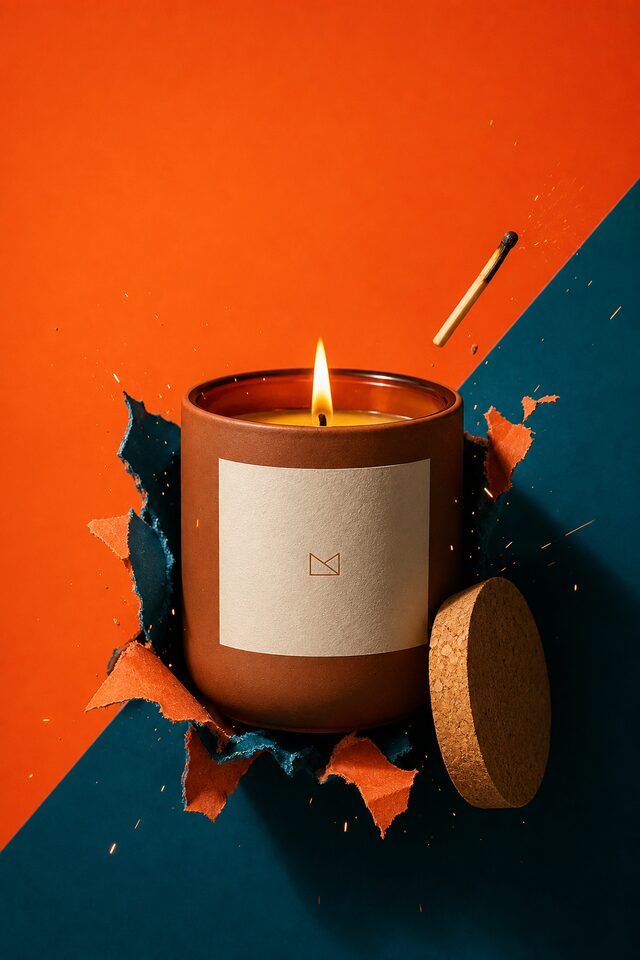

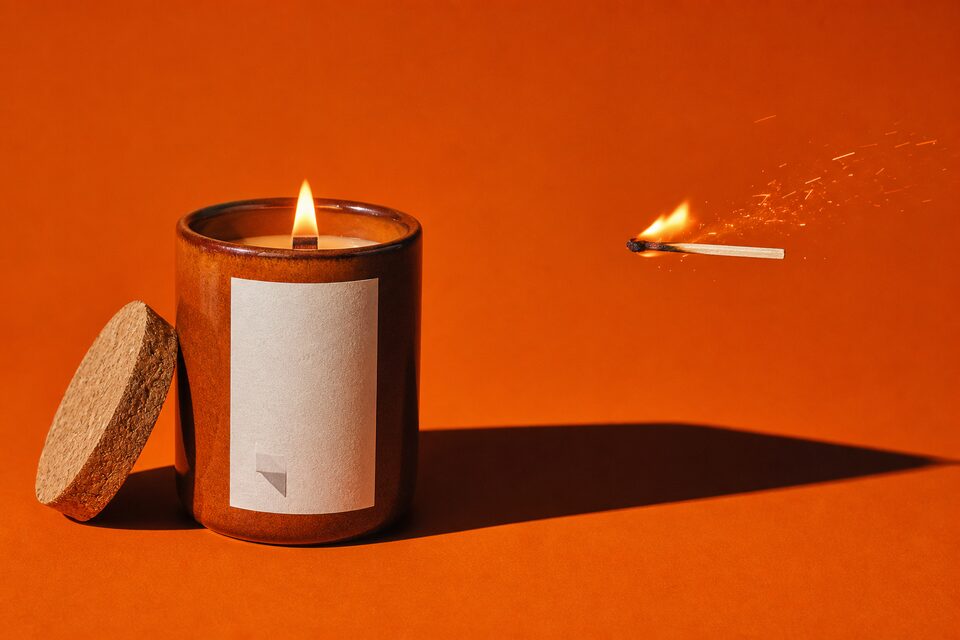

The next SKU is a rerun.
Upload one product photo, wire it to your brand kit, and watch the set land sized and captioned, on the free tier, with the cost visible before each run.
How this works in practice.
Do I need new photography for every campaign?
No. One decent product shot is enough. The pipeline composes it into new scenes, seasons and moods; the photo is the anchor, the scenes are generated around it.
Will the product stay accurate in generated scenes?
The scenes are built around your real product photo, and every node's output is reviewable on the canvas before anything ships. You approve the set, not a surprise.
Can it produce every ad size my channels need?
Yes. Resize nodes cut the set per channel (square, story, banner) and name the files per format, so a campaign exports as a ready-to-post set instead of a to-do list of crops.
Do I have to build this pipeline myself?
No. Start from a template, or describe what you want and Orisu drafts the pipeline: nodes, wires and all. You can also build it step by step if you prefer.
What does it cost to run?
Every node shows its estimated credit cost on the canvas, and a run shows its total before you press it. The free tier needs no credit card.
Can my team use it without learning the canvas?
Yes. App Mode turns the pipeline into a simple form: inputs on top, a run button, outputs below. No canvas knowledge needed.
Can I change models later?
Yes. Models sit behind the same ports, so you can swap one without rewiring the workflow.
Every SKU, one run.
Start free with your own product photo. The brand kit and the pipeline take it from there.