Paste your site.Get your brand back.
Orisu reads your colors, fonts, voice and logo, and every image, video and word it makes after that is already on-brand.
Free, no account needed. Takes about ten seconds.
Calm, warm and quietly confident. Short sentences.
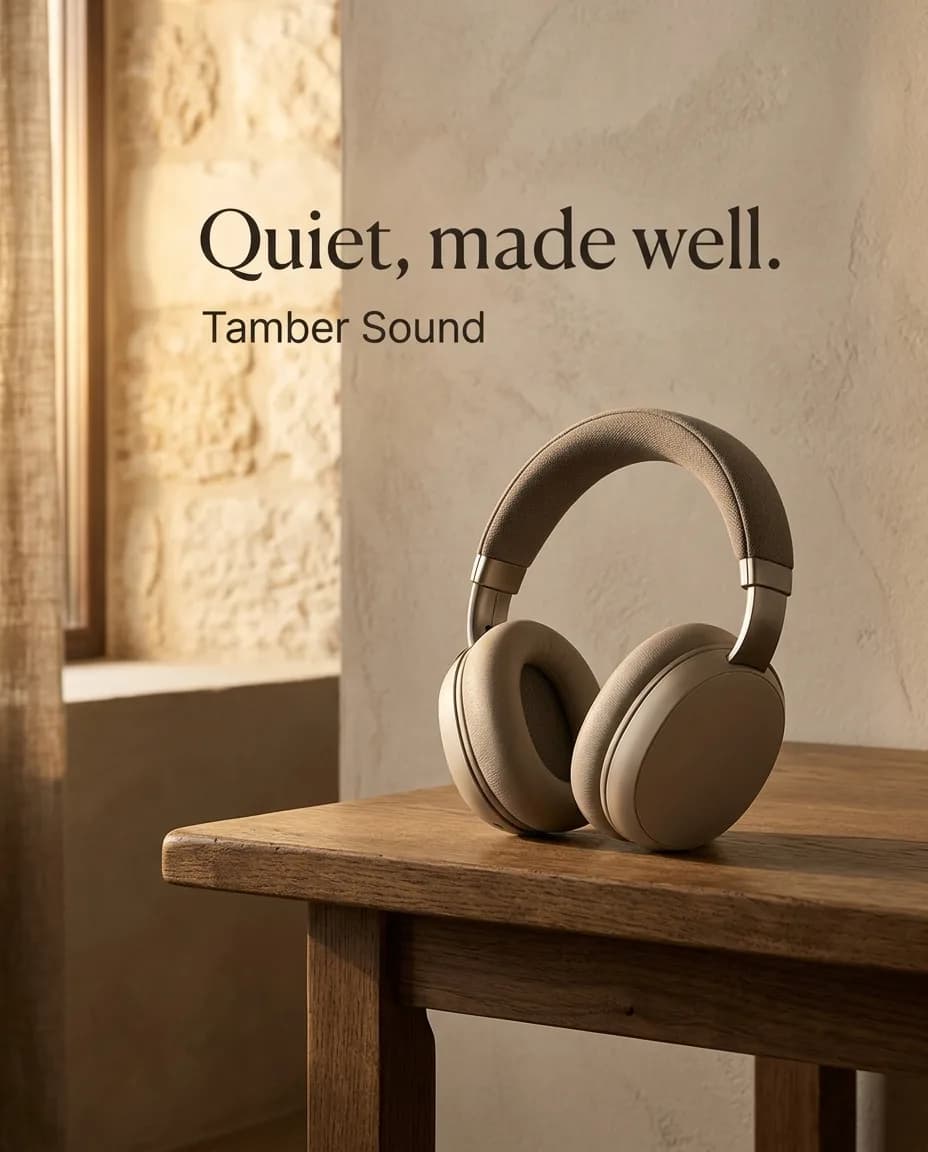
Swap the kit. Same pipeline.
Agencies run one workflow per deliverable, not one per client. Wire a different kit in and the same ads come out in a different brand.

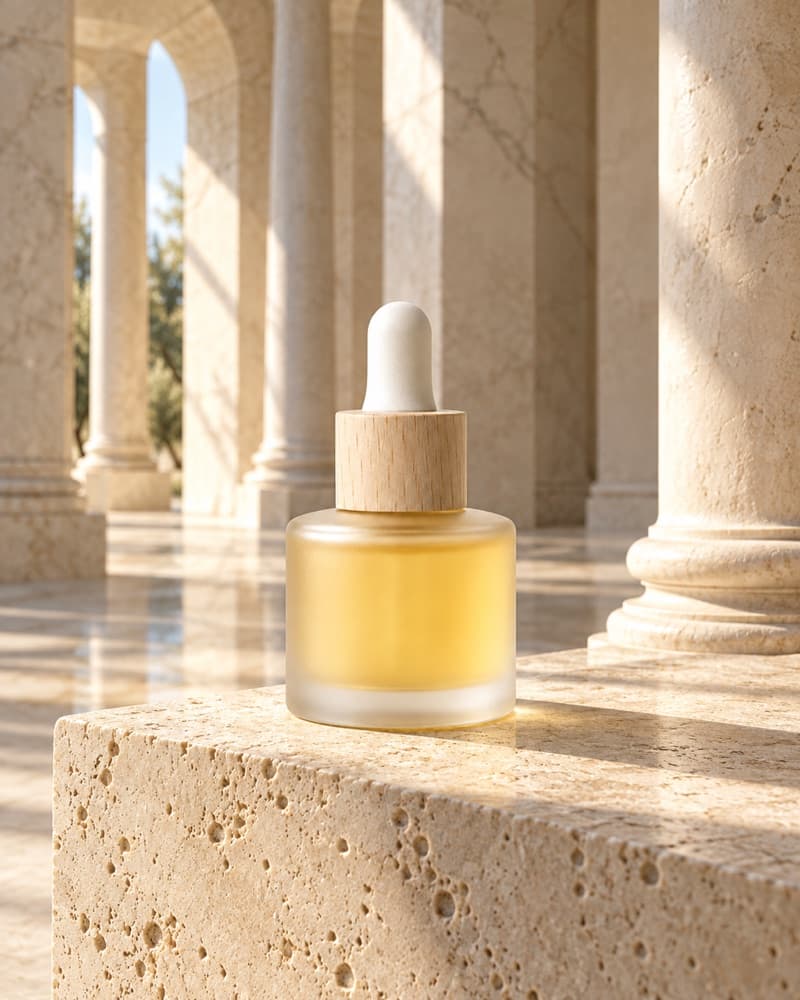
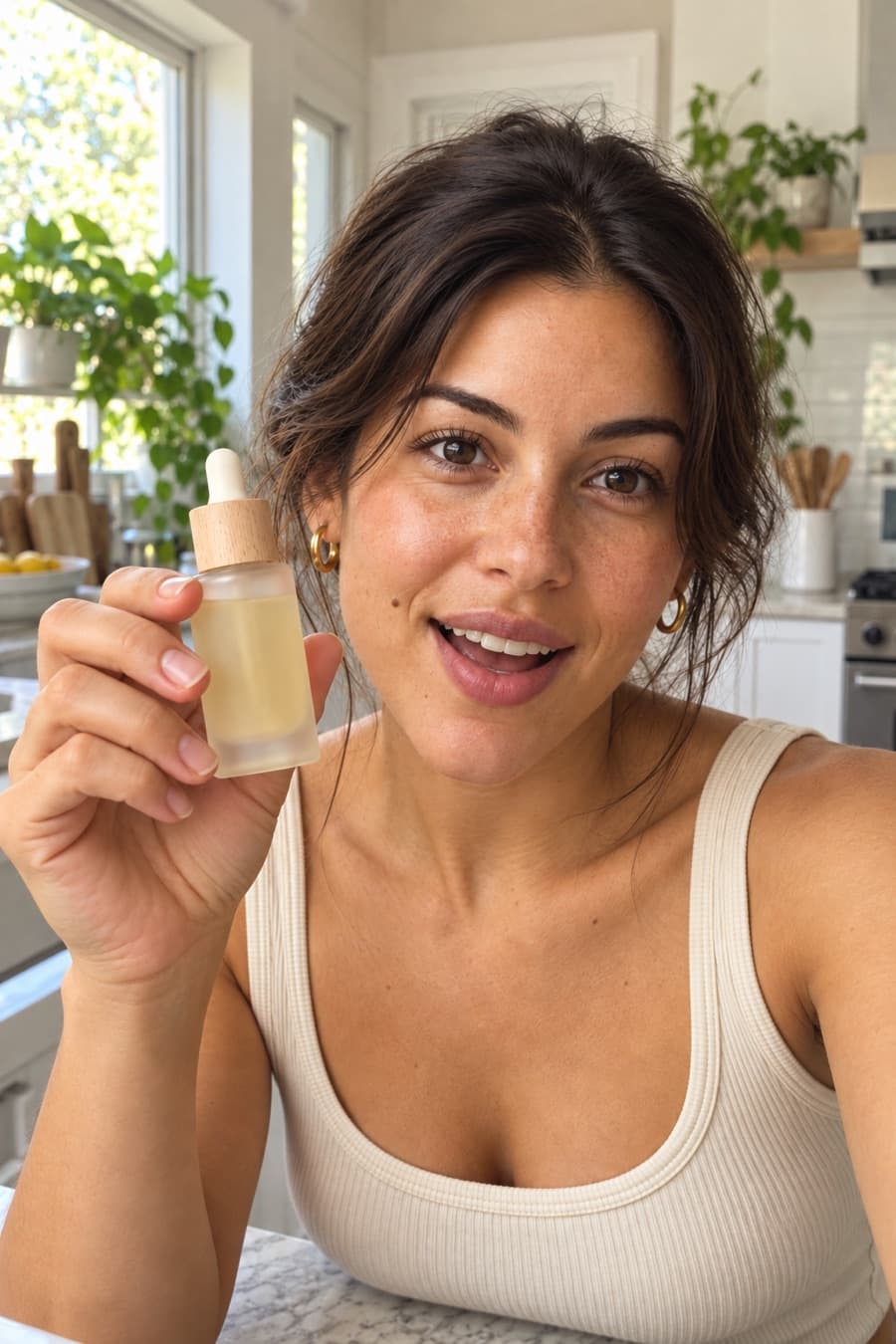
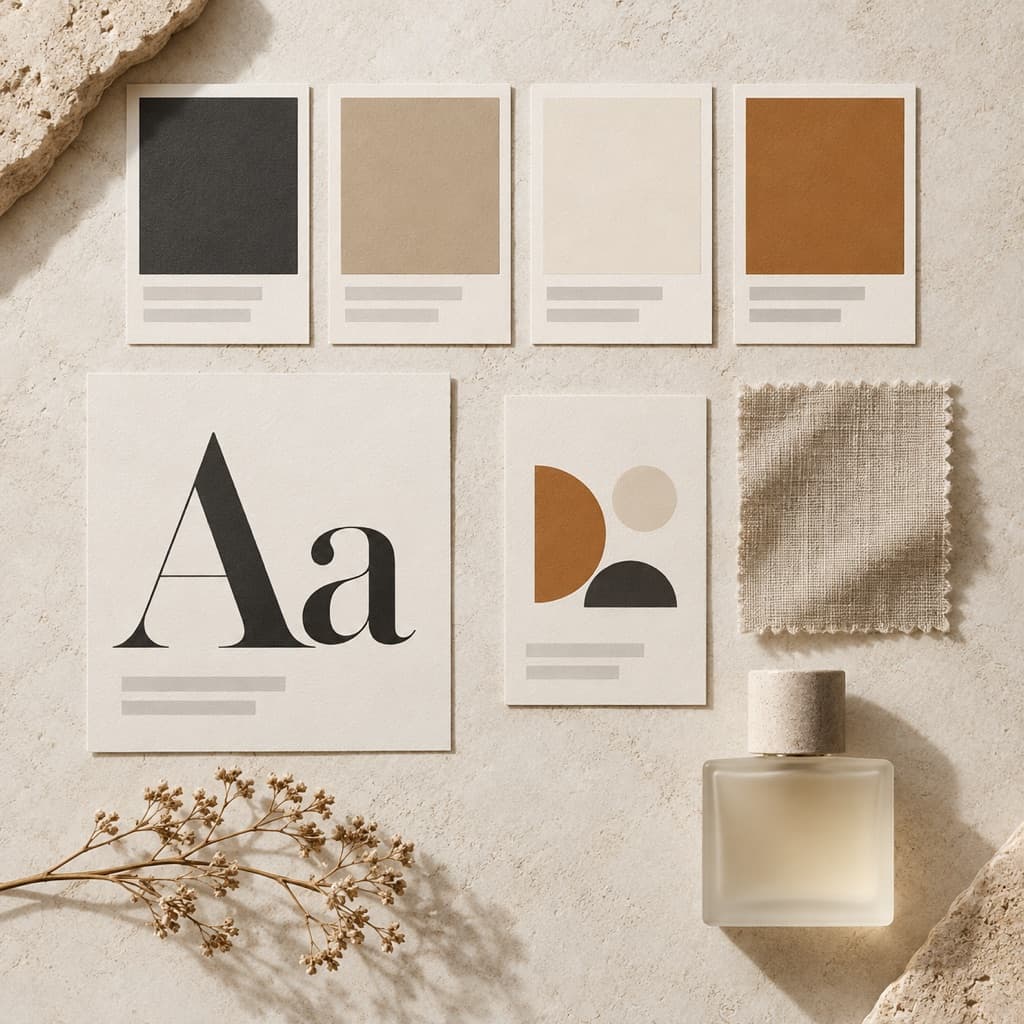
Everything the kit carries.
- ColorsPrimary, secondary and accent, pulled from your real pages.
- FontsThe faces your site actually uses, carried into layouts and captions.
- VoiceHow you sound, so every generated word reads like you wrote it.
- LogoLifted from your site and kept at hand for composites and layouts.
What each model receives.
The kit isn’t a PDF on a shared drive. Each field goes to the models that can use it. Point at or tap one to see where it goes.
- Brand nameSo copy names you correctly.
- DescriptionWhat you make, in a sentence or two.
- Market & positioningWho it's for and how you stand apart.
- Voice & toneHow every generated line should sound.
- GuidelinesYour do's and don'ts, written once.
- ColorsThe hex palette, named in every brief.
- FontsTypeface names for layouts and captions.
- LogoPassed to the model as a reference image.
- Reference imagesYour look, shown to every image and video model.
Kept in sync. Link a node to a saved brand and edits made in the panel save back to that brand, so every workflow using it stays current.
One part at a time.
The kit carries everything at once. These four brand nodes carry one part each, for workflows that only need the voice or a set of rules.
- Brand context
Core company context (who you are, what you sell, who buys it) for any AI step that needs it.
- Brand voice
Just how you sound, for workflows that only write copy.
- Brand guidelines
Free-form rules in your own words: what to always do, what never to do.
- Brand docs
Attach a brand book or product sheet as PDF, CSV, JSON or TXT for long-context steps.
Every brand you run, kept.
Saved brands live in your workspace, ready for any workflow, the copilot or an agent you connect.
- Saved brands
Keep a kit per client or sub-brand. Load one into any node, add a new one, or remove an old one.
- One edit, every node
Edit a linked node and the change saves back to the brand, so every workflow using it stays in step.
- The copilot asks which
With several brands in a workspace, the copilot asks which one you mean and wires that kit in for you.
- From your own assistant
Agents connected over MCP can create and update brand kits, so a new client's kit can start from a chat.
Before you ask.
Where does the kit come from?
Orisu reads your homepage for colors, fonts, voice and logo. You review what it found and change anything before it's used.
Do I have to upload a style guide?
No. Paste your website. You can add documents later through the Brain if you want more detail.
How does the kit reach my outputs?
The kit is a node on the canvas. Wire it in once and every generator after it works inside your brand.
I run several brands. Can I keep a kit for each?
Yes. Keep one per client or sub-brand and swap the kit to run the same workflow for a different brand.
What if it reads my site wrong?
Fix it in the panel. Every field stays editable, and if a node is linked to a saved brand, your edit is saved back to that brand so every other node using it picks it up too.
What can I attach besides the website?
A Brand docs node takes PDF, CSV, JSON or TXT files, so a brand book or a product sheet can feed long-context steps alongside the kit.
Does the copilot use my kit?
Yes. It can wire a Brand Kit node into a workflow, and if your workspace has several brands it asks which one you mean.
Can an agent in Claude or ChatGPT make a kit?
Yes. Over MCP, a connected agent can create and update brand kits, and you can review them in Orisu.
Can I start without a website?
Yes. Create a blank kit and fill in the fields yourself: name, voice, colors, fonts, logo and a few reference images are enough to start.