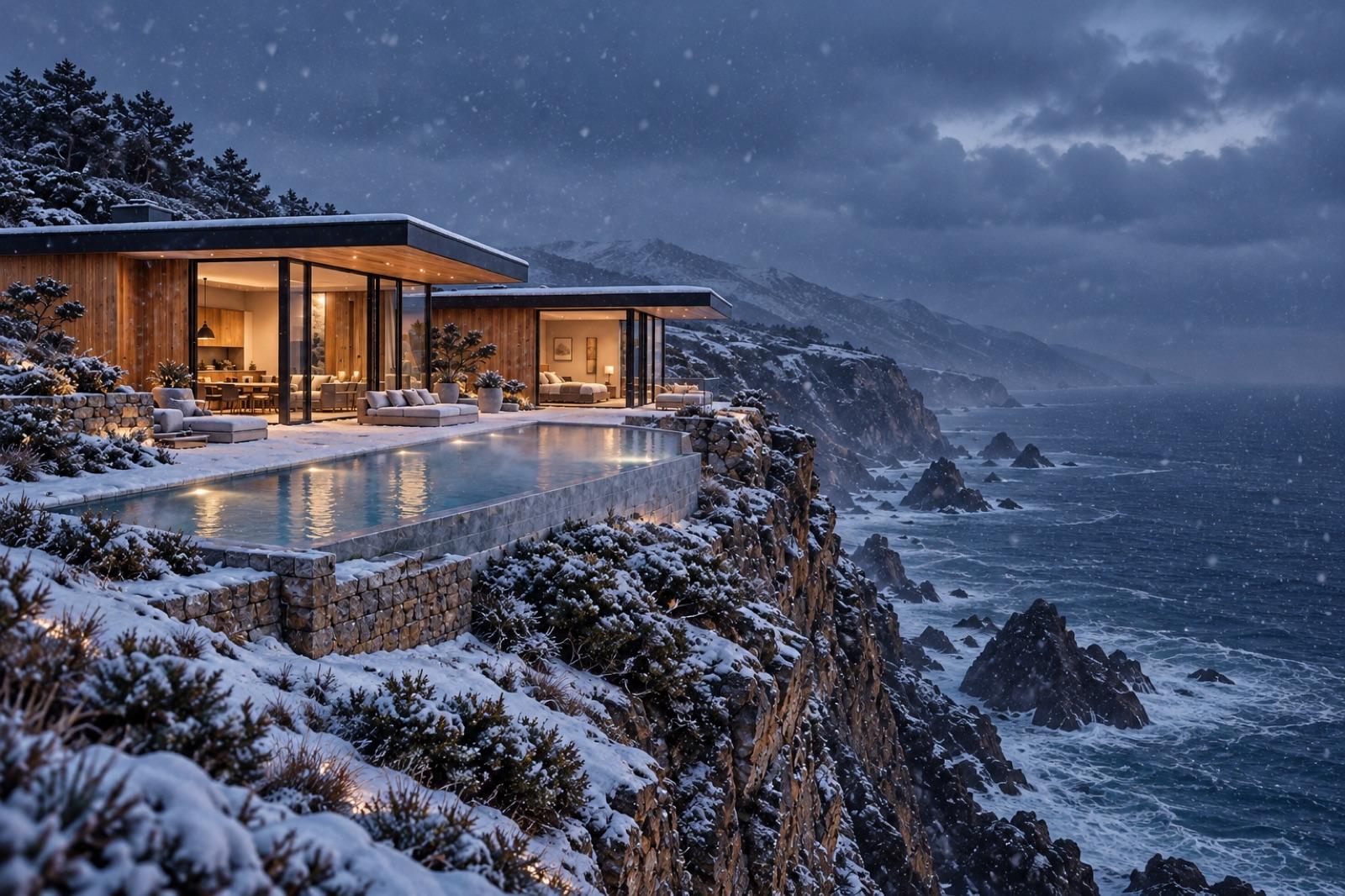
Every listing gets a film.
The photos you already have become a finished listing video the day the property hits the market: motion over the stills, your agency's look from the brand kit, a voiceover reading the listing copy, captions, and story, feed and wide sizes.
One listing. A whole film.
Start from the photos you have. The workflow turns them into a twilight hero, a walkthrough and channel cuts.
- Listing photos
- Brand kit
- Motion
- Voiceover
- Captions
- Sizes
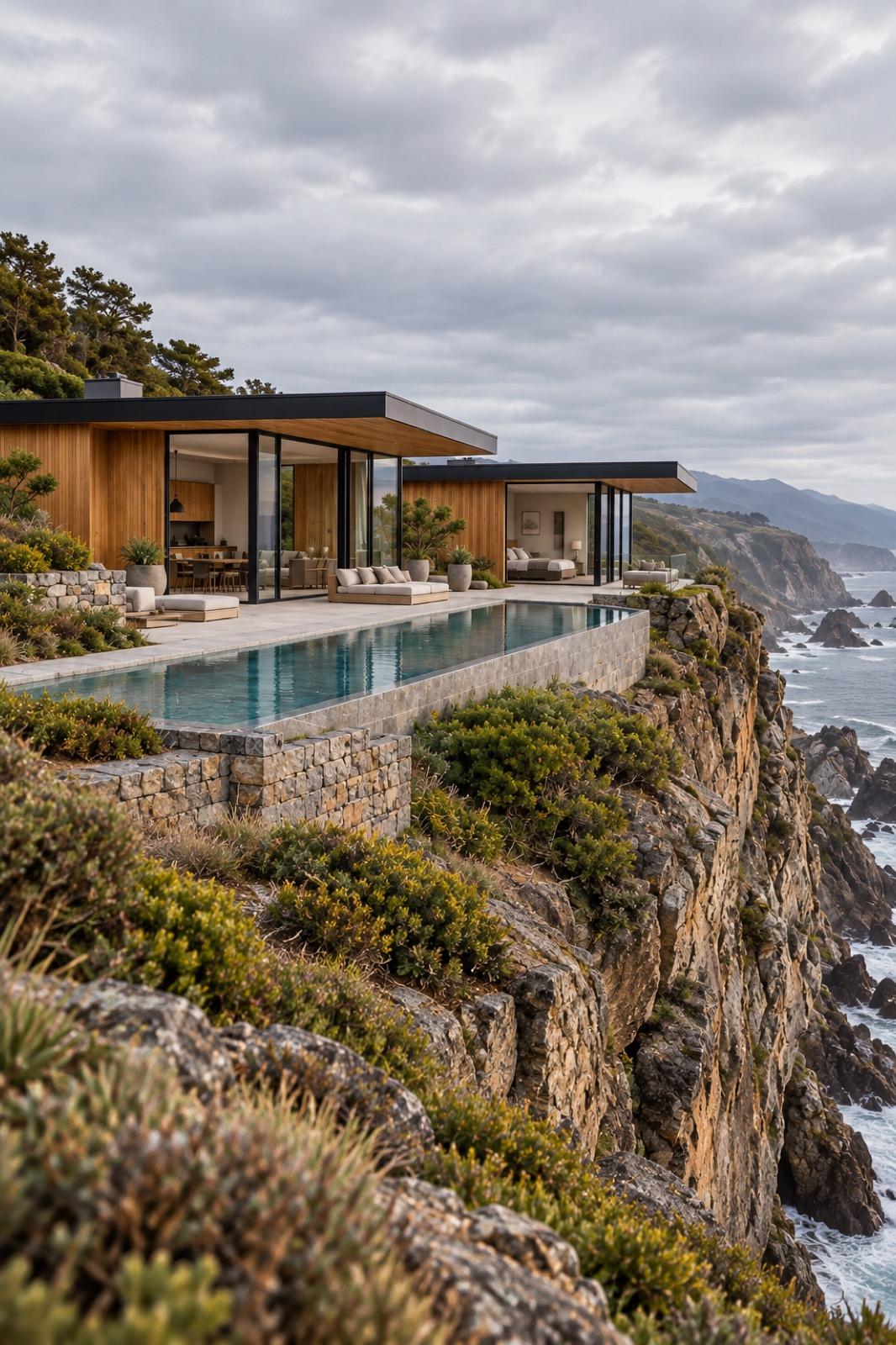
 Story · 9:16
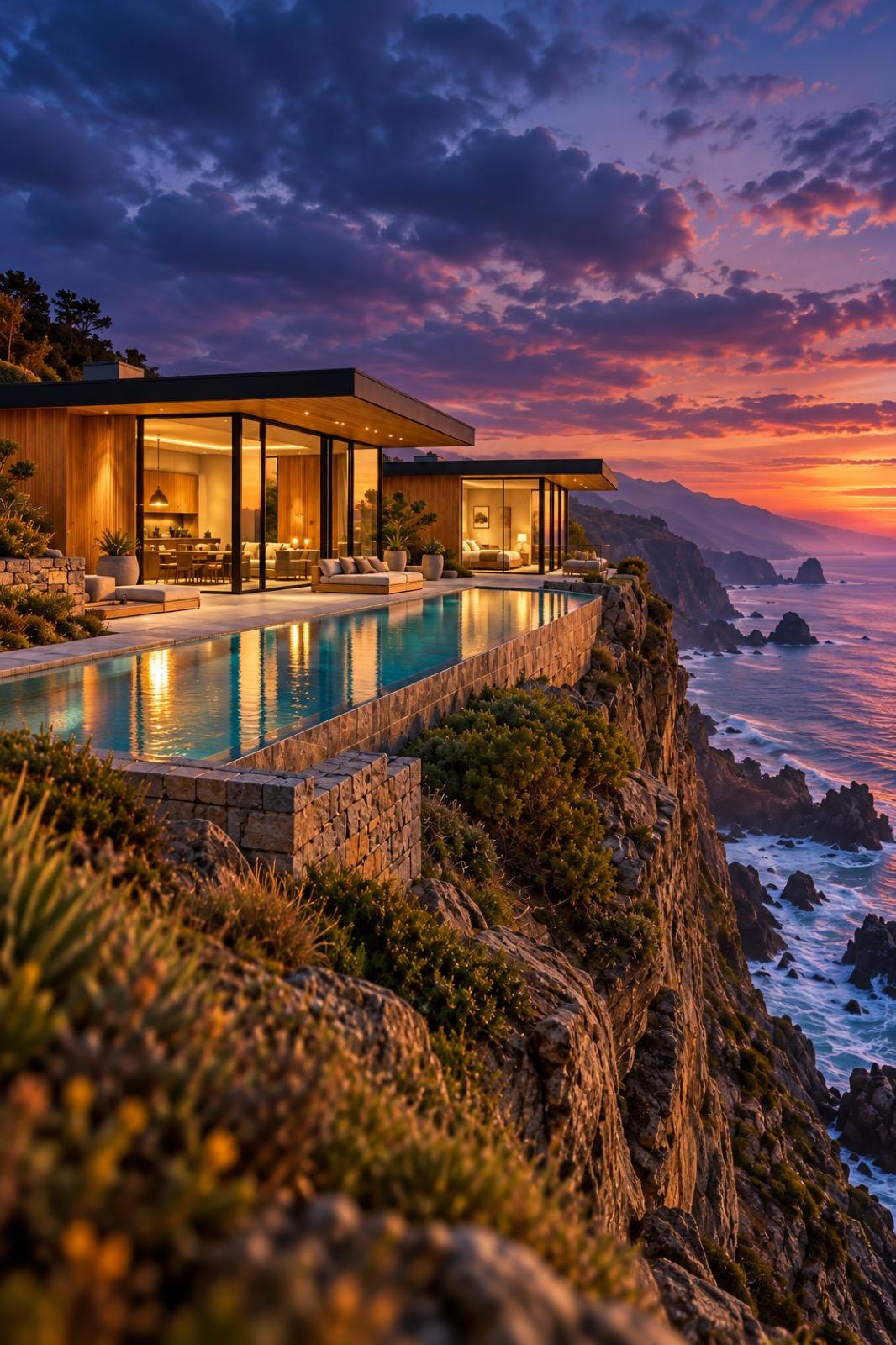
 Post · 4:5
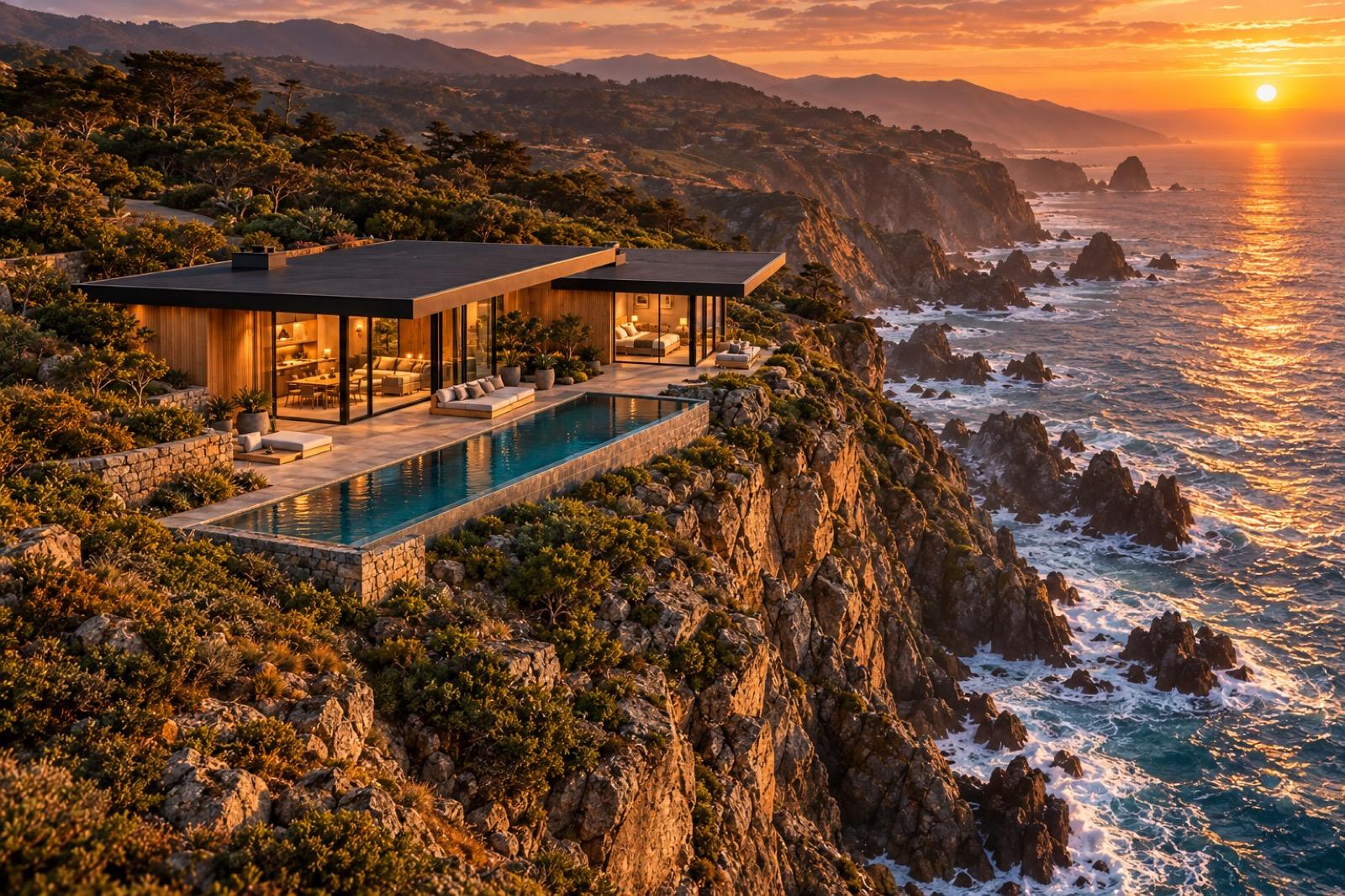 Banner · 16:9
Done. Change the input and run it again.
Why it holds up
Starts with the photos you have
Image-to-video models put slow, deliberate motion over the listing stills, so a photo shoot becomes a video ad without a second visit to the property.
The agency look holds
Paste your website URL and the brand kit is built for you: colors, fonts, voice, logo. Every listing film carries them without anyone checking a style guide.
The next listing is a rerun
New photos, new address, same pipeline. Only the changed steps recompute, so listing number forty costs a rerun, not a production cycle.
Build it once. Run it again.
The workflow behind this page, step by step. Every step is a node you can open, change and rerun.
- 1Photos
Drop in the shoot, point at the kit.
The listing photos and the listing copy are the only inputs. The brand kit supplies the rest: your agency's colors, fonts and tone, built once from your website URL.
No re-shooting, no template hunting. The pipeline treats the photos you already paid for as the raw footage.
- Photos
- 12 stills from the shoot
- Address
- “14 Birchwood Lane”
- Look
- from your-agency.kit
- 2Motion + voice
The stills start moving, the copy starts talking.
An image-to-video node animates each photo: a slow push through the sun room, a drift across the kitchen. A voice node reads the listing copy over it, and captions land on top for sound-off feeds.
Every step stays reviewable per node. Re-take the voiceover without regenerating the motion.
FlowStills → kling-3 motion → eleven-v3 voiceover → captions
- 3Ship
Story, feed and wide, then hand it to the agents.
A sizing step cuts the same film to 9:16 for stories, feed formats and 16:9 for wide, so one run covers every placement.
Publish the pipeline as an app: an agent uploads the photos, types the address, presses run, and gets the listing video back without ever seeing the canvas.
New listing“14 Birchwood Lane · 12 photos”
Run
What you can make.
Starting points for real estate ads. Each one is a workflow you can open, change and run again.
- 01
Listing videos
Motion over the listing photos, a voiceover reading the copy, and captions.
- 02
Open house invites
A short clip with the date and address, sized for stories.
- 03
Just listed and just sold posts
Feed posts in your agency's look for every status change.
- 04
Price update clips
A quick update when the price changes, made from the same photos.
- 05
Neighborhood spotlights
Short local guides from your photos of the area.
- 06
Agency templates
Your agency's look on every post, from the brand kit.
The next listing is a rerun.
Open the listing-video template, paste your agency's URL for the brand kit, and run it on the free tier. The credit cost shows on the canvas before you press run.
With the rest of Orisu.
The workflow is one part. These are the other parts teams use with it.
 Brain →
Brain keeps your agency's tone and the phrases your compliance team has ruled out.
 Feed →
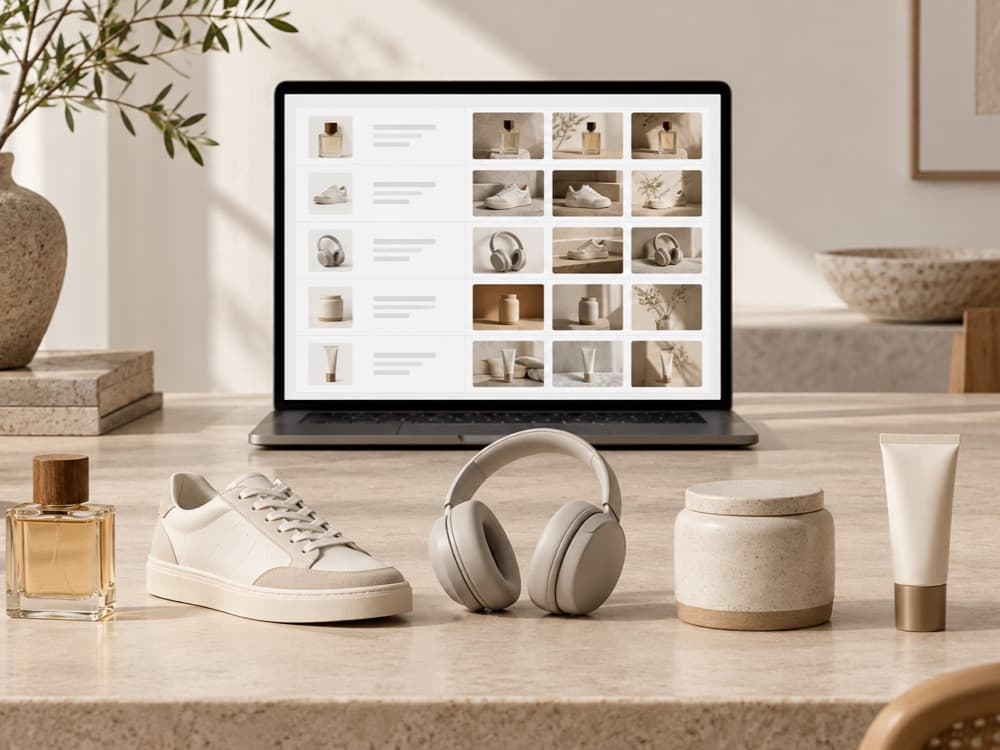
List every property as a row and make a video for each new listing.
 App Mode →
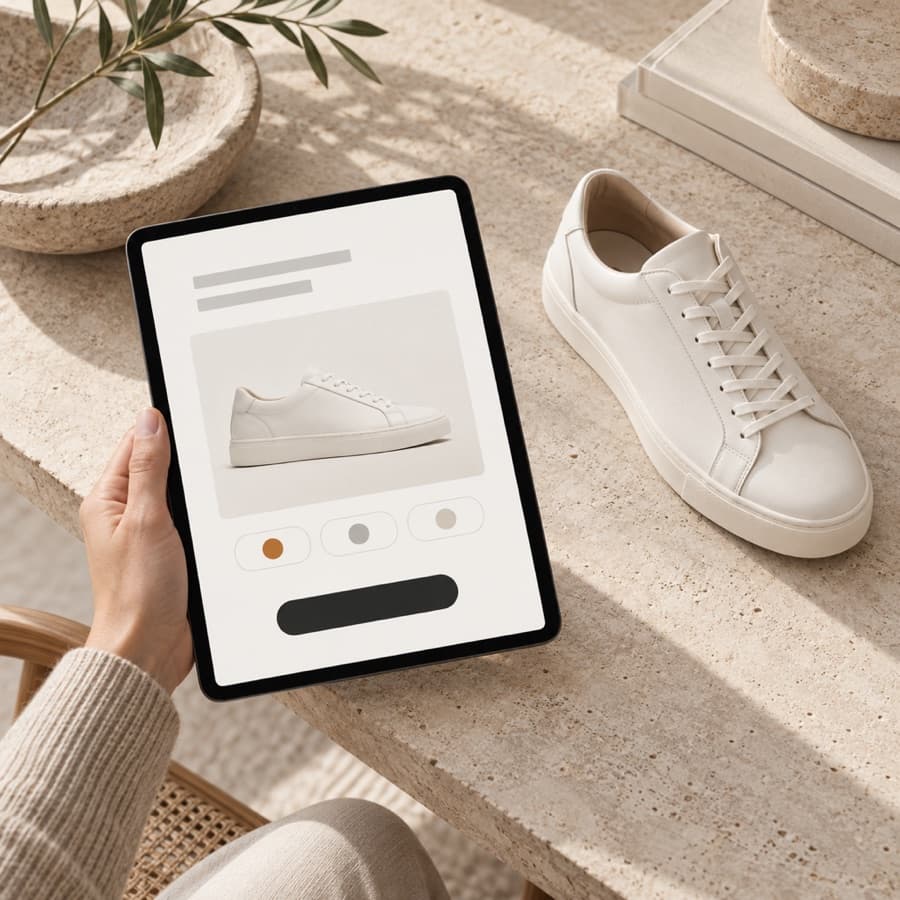
Agents fill a form with photos and listing copy and get the video back.
 API and MCP →
Trigger the same workflow from your own code, or from Claude and ChatGPT, and get the files back.
Good to know.
Can I show AI changes to a property?
Be careful. Motion over real photos is fine, but changing what a property looks like can mislead buyers. Label any generated edits clearly and check your local rules.
Can every agent use it without training?
Yes. Publish it in App Mode and agents use a simple form, no canvas.
Can it read the listing copy aloud?
Yes. An ElevenLabs voice reads the copy, and the captions come from the same text.
What is a real estate listing video?
A short video ad for a property, built to run on social feeds and listing pages: moving shots of the rooms, a voiceover describing the home, and captions for sound-off viewing. Orisu builds one from the listing photos alone, animating the stills with image-to-video models and reading the listing copy as the voiceover.
Can I make a listing video from photos, without filming?
Yes. Image-to-video models like Kling or Veo animate the still photos: slow pushes, drifts and reveals that read like camera moves. The photo shoot you already commissioned becomes the footage, with no return visit to the property.
What sizes do real estate video ads need?
Vertical 9:16 for stories and reels, square or 4:5 for feeds, and 16:9 for listing pages and wide placements. The pipeline's sizing step produces all of them from the same run, so every placement is covered without re-editing.
Do I have to build this workflow myself?
No. Start from a template, or describe what you want and Orisu drafts the workflow for you. You can also build it step by step.
What does it cost to run?
Every node shows its credit cost on the canvas, and a run shows its total before you press it. The free plan gives you 100 credits a month with no credit card.
Can my team use it without learning the canvas?
Yes. App Mode turns the workflow into a simple form: inputs on top, a run button, results below.
Can I change models later?
Yes. Models sit behind the same ports, so you can swap one without rewiring anything. All of them are on one subscription.
Film your next listing.
Start free: paste your URL for the brand kit, drop in the listing photos, and have a listing-video pipeline running today.