See the workflow, not just the output.
Most AI tools hand you an ad and hide the recipe. Orisu puts the whole pipeline on paper: the actor, the hook, the dub, every step is a node you can see, rewire and run again.
 The recipe travels with the result




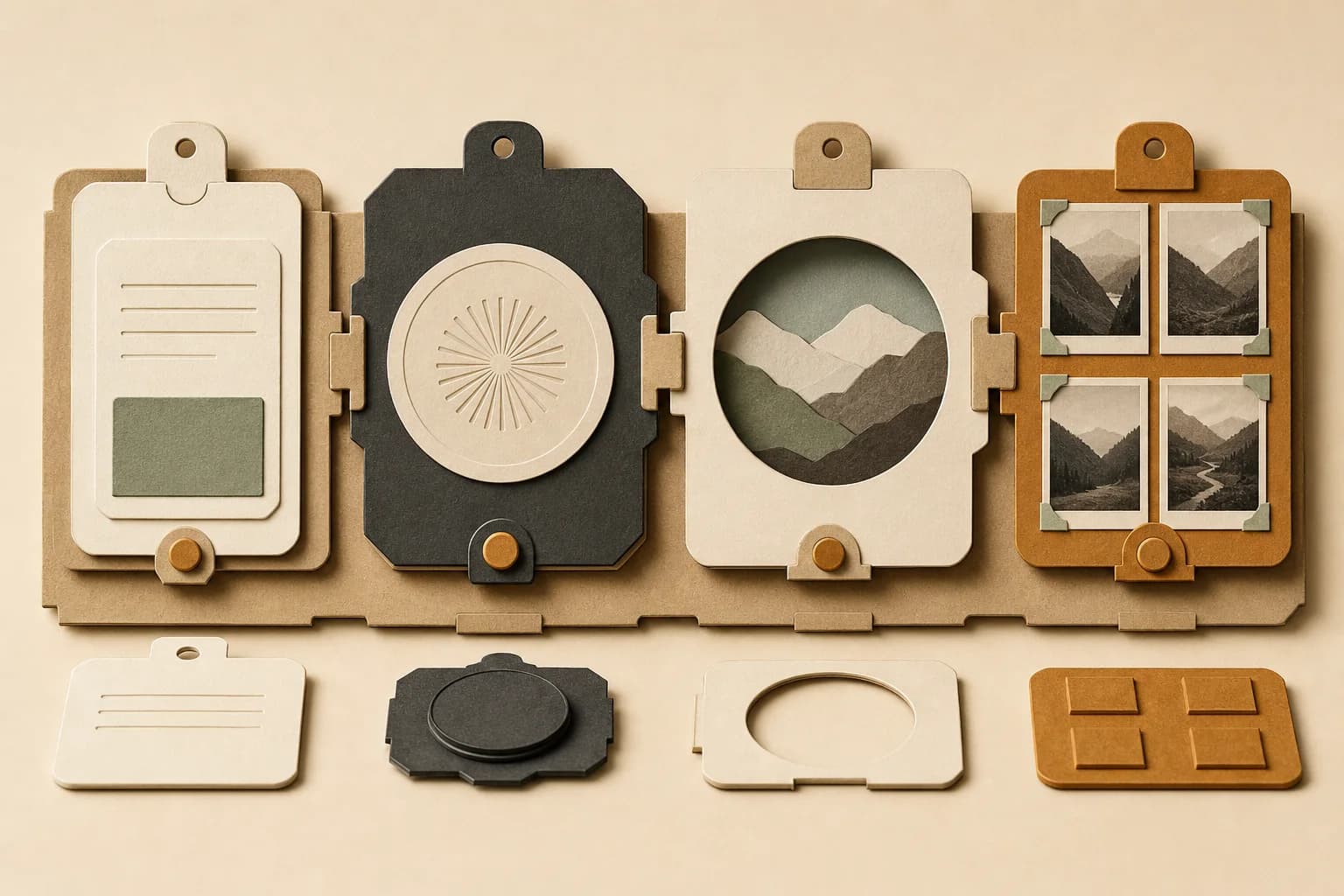
Every step is a node.
A prompt, a brand kit, an image model, a video edit: each is a card on the canvas with visible inputs and outputs. 100+ models sit behind the same ports, so swapping a model never means rebuilding the workflow.
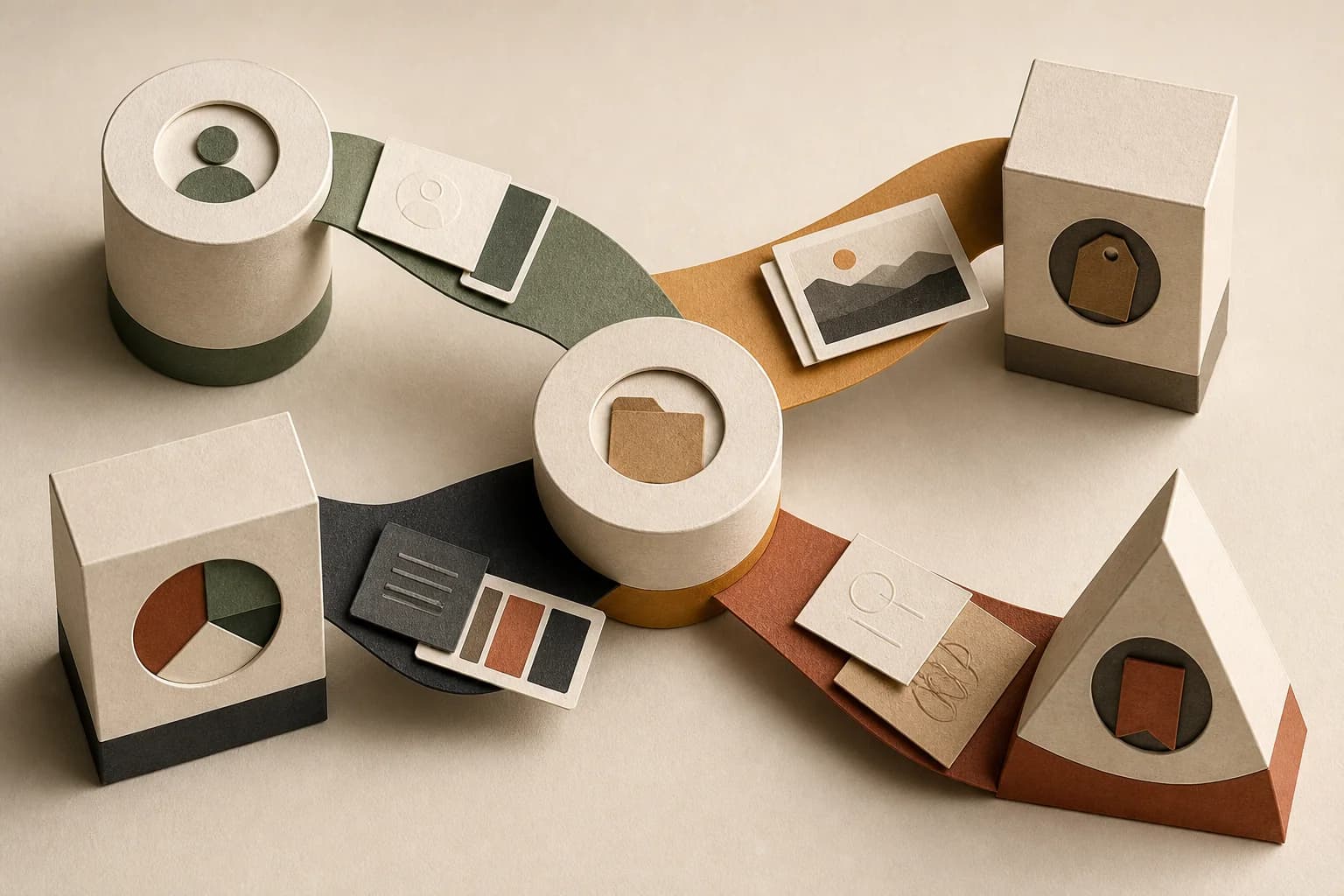
Wires carry context, not just files.
Connect a brand kit once and everything downstream inherits it. Connect a prompt to three generators and compare results side by side. The graph is the source of truth, clear to your whole team.
When something’s off, you fix the node, not the final file in Photoshop.
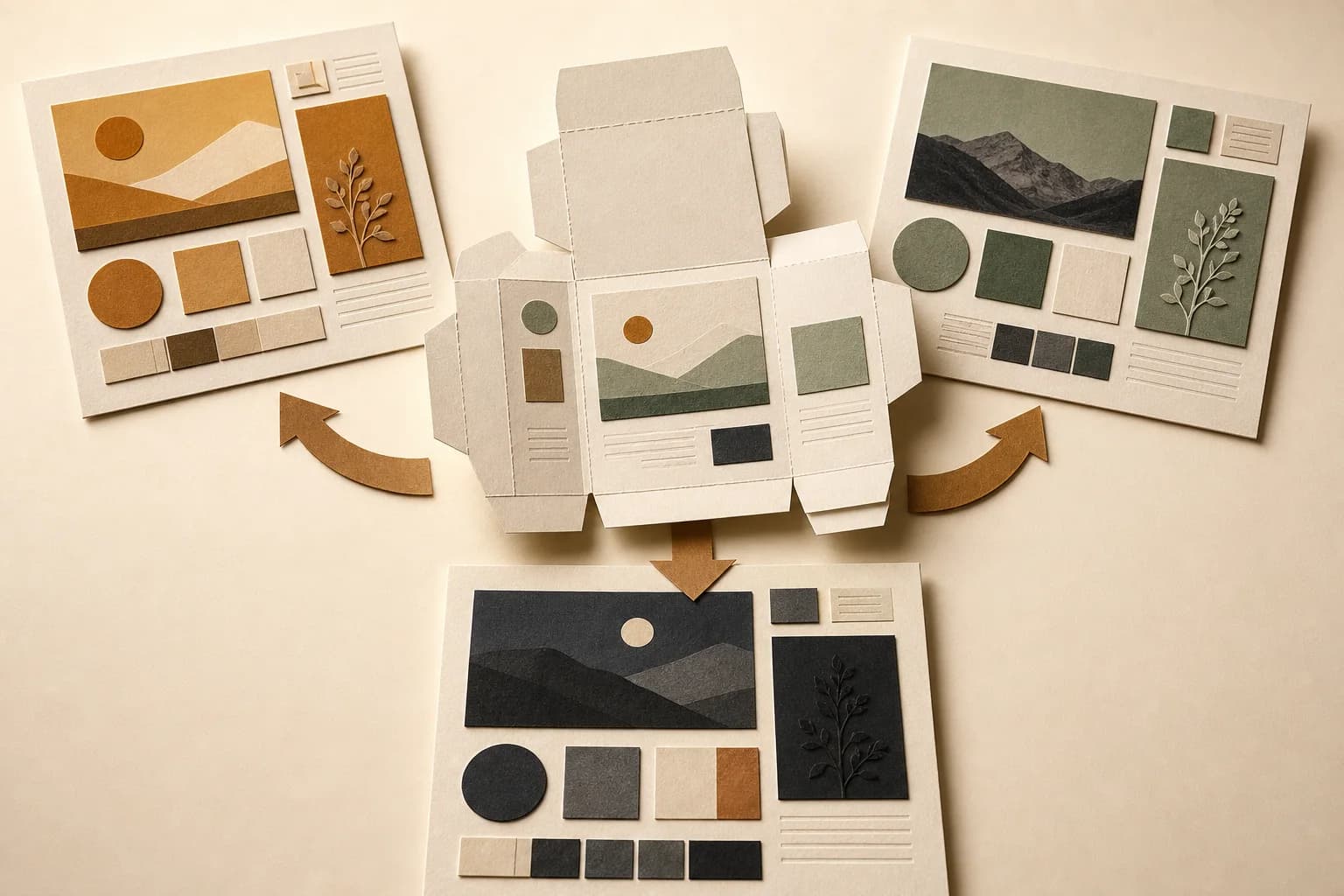
Built once, run forever.
A finished graph is a reusable template. Rerun it with a new brief, a new product, a new client’s brand kit. Only the changed steps recompute, so iteration is fast and cheap.
Share a read-only view of any workflow with a link: the recipe travels with the result.
Fold a workflow into an app.
Not everyone on the team needs to see the wiring. App Mode turns any graph into a simple form (inputs on top, button in the middle, outputs below), so teammates run it without touching a node.
You build it. They run it.
Deploy a pinned version of your workflow as an app. The canvas stays yours to iterate on; the team gets a stable tool that always produces on-brand work.
See a real workflow first.
Every template is a real share page: the actual node graph, read-only. Look at one before you make an account.
Canvas questions, answered.
Do I need to know what a node is?
No. Start from a runnable template, or describe what you want and Orisu drafts the pipeline. The canvas is there when you want to look under the hood.
Can I see a workflow before signing up?
Yes. Templates are real share pages. Open one and you're looking at the actual graph, read-only.
What happens when a better model comes out?
You swap the model on the node. Ports stay the same, so the wiring, and your brand, don't change.
How does the rest of my team use it?
App Mode wraps any graph in a simple form: inputs, a run button, outputs. Teammates run the pipeline without touching a node.
Work in progress, always visible.
promptamber flacon on travertine, raking golden-hour sun, cream seamlessPut your workflow on paper.
Start from a template or a blank sheet. Either way, you can see every fold.