
Product photos in. Video ads out.
Drop in the product photos from your Shopify, Amazon or Etsy listings, paste your site URL for the brand kit, and one pipeline turns them into finished video ads: scenes, motion, captions and every channel size.
One photo. Every placement.
The product photo you already have becomes scenes, motion and cuts for every ad slot.
- Product photos
- Brand kit
- Scenes
- Video
- Captions
- Sizes
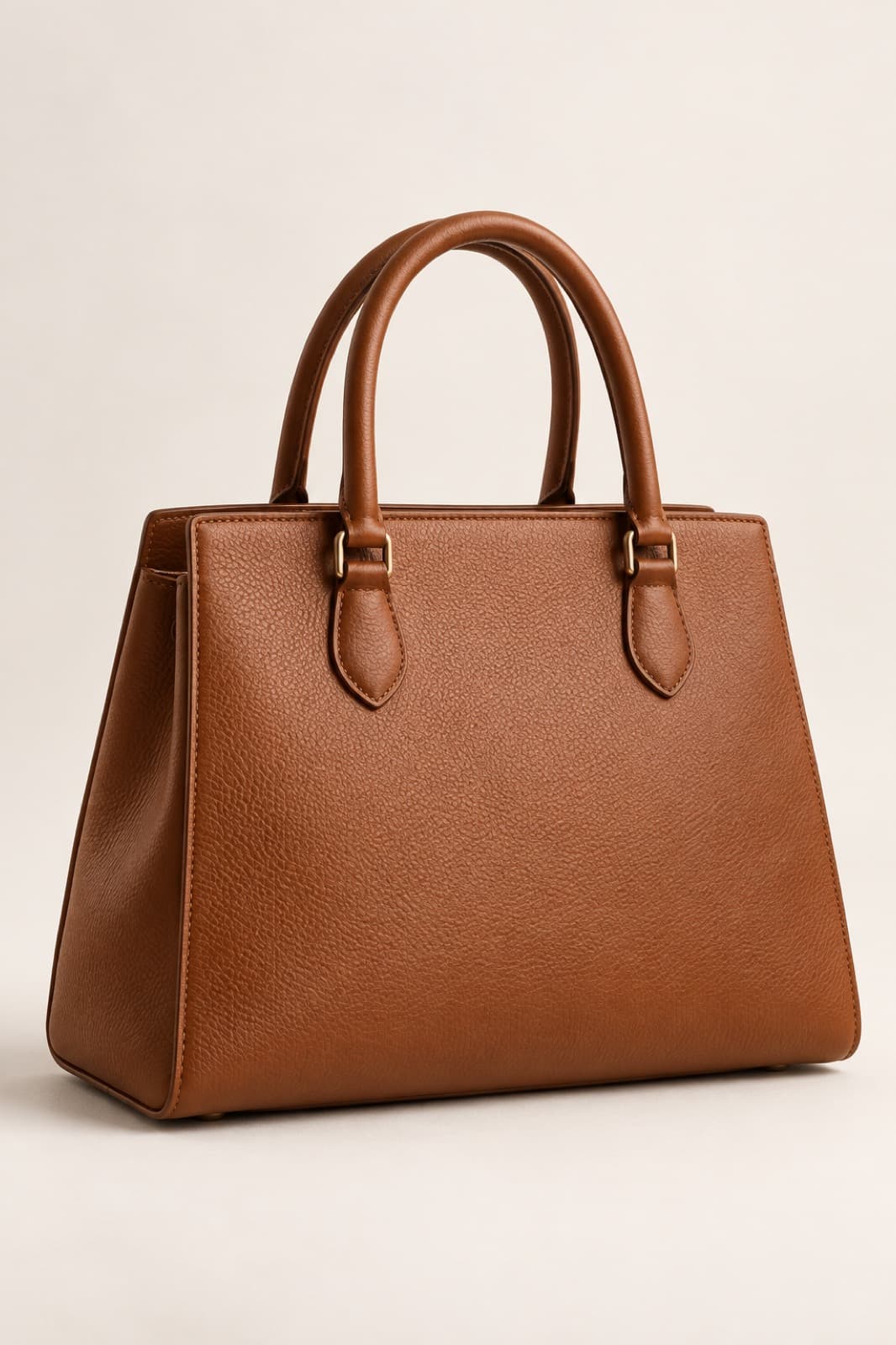
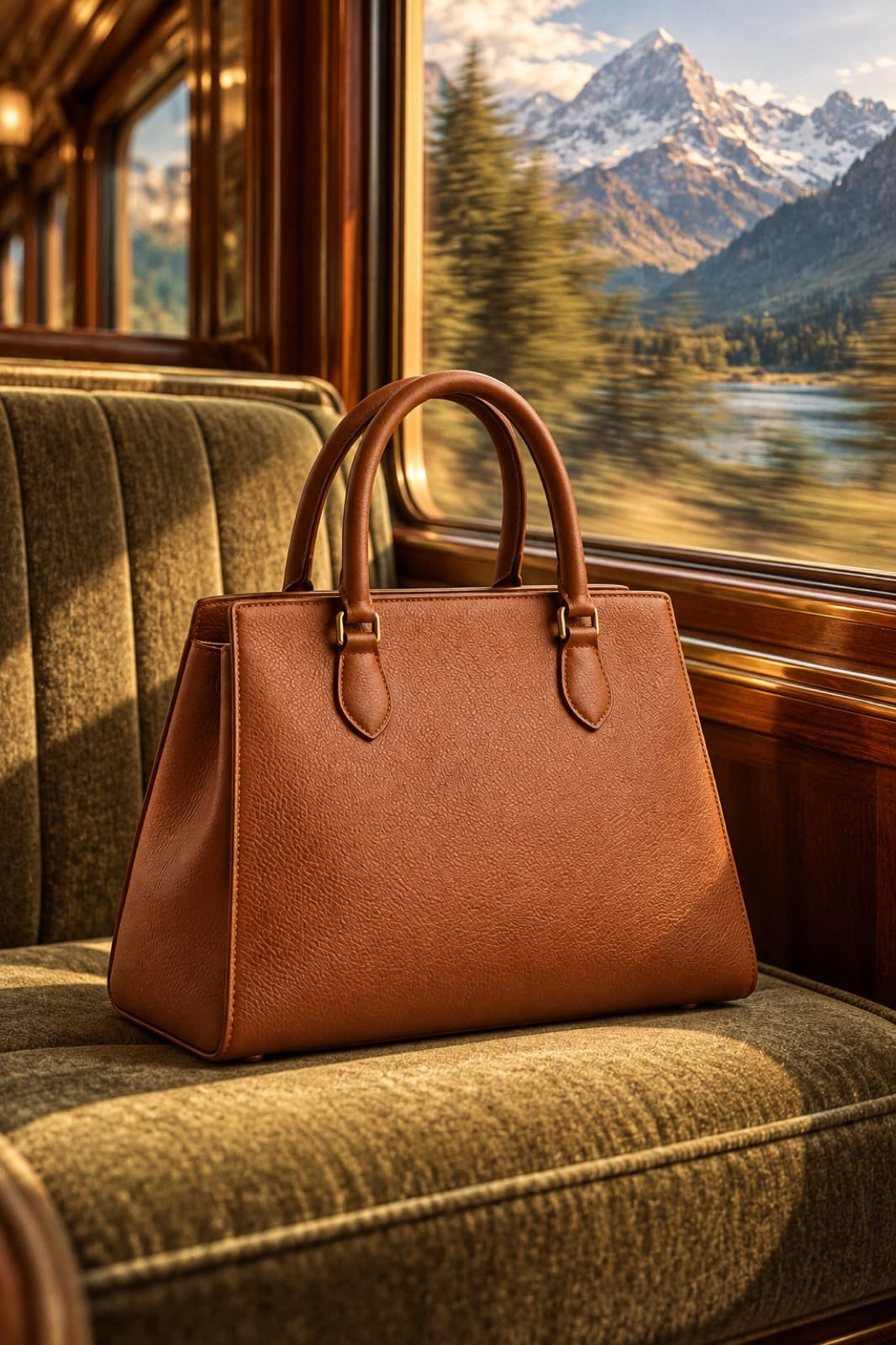 Story · 9:16
 Post · 4:5
 Banner · 16:9
Done. Change the input and run it again.
Why it holds up
Starts with photos you have
No reshoot, no studio. The product photos already sitting in your listings are the input; the pipeline builds scenes and motion around them.
On brand from a URL
Paste your site URL and the brand kit reads your colors, fonts, voice and logo, then steers every scene and caption downstream.
The catalog is a rerun
Swap in the next product's photos and rerun. Only the changed steps recompute, so ad number forty costs a rerun, not a production cycle.
Build it once. Run it again.
The workflow behind this page, step by step. Every step is a node you can open, change and rerun.
- 1Inputs
Drop in the photos. Paste the URL.
Upload the product shots you already use on your listings; an input node holds them for the whole pipeline.
One paste of your site URL builds the brand kit: the colors, fonts, voice and logo that every downstream node obeys.
- Photos
- 4 listing shots · ceramic pour-over
- Voice
- warm, direct, no hype
- Logo
- detected · light + dark
- 2Scenes + motion
From flat photos to moving scenes.
Image models set your product into lifestyle scenes; video models bring those scenes to life with motion. Swap either model without rewiring the graph.
Every step stays reviewable per node, and you can pause the run for human review before anything ships.
FlowPhotos → flux-2-pro scenes → kling-3 motion → captions
- 3Sizes + scale
Captioned and sized for every channel.
Caption and resize steps cut the finished ad for each placement: vertical, square and wide from the same run.
Hand the pipeline to the team as an app, or hit the public API to run the whole catalog as a batch.
Next productCeramic pour-over set · 4 photos
Run
What you can make.
Starting points for ecommerce video ads. Each one is a workflow you can open, change and run again.
- 01
Product page loops
Short videos for Shopify product pages, made from your listing photos.
- 02
Collection films
Several products in one clip for a gift guide or a collection drop.
- 03
Sale and holiday cuts
The same product in a seasonal scene with a dated offer line.
- 04
Marketplace video
Clips for Amazon and Etsy listings from the photos you already have.
- 05
Shoppable social
Story and feed sizes for Meta and TikTok, with captions.
- 06
Catalog video at scale
One video per product, run from a spreadsheet of your whole store.
One catalog, one pipeline.
Open a product-ad template, drop in a listing's photos, and run it on the free tier. The canvas shows the credit cost before you press run.
With the rest of Orisu.
The workflow is one part. These are the other parts teams use with it.
 Brain →
Brain keeps your product facts and claims, so a caption never invents a feature.
 Feed →
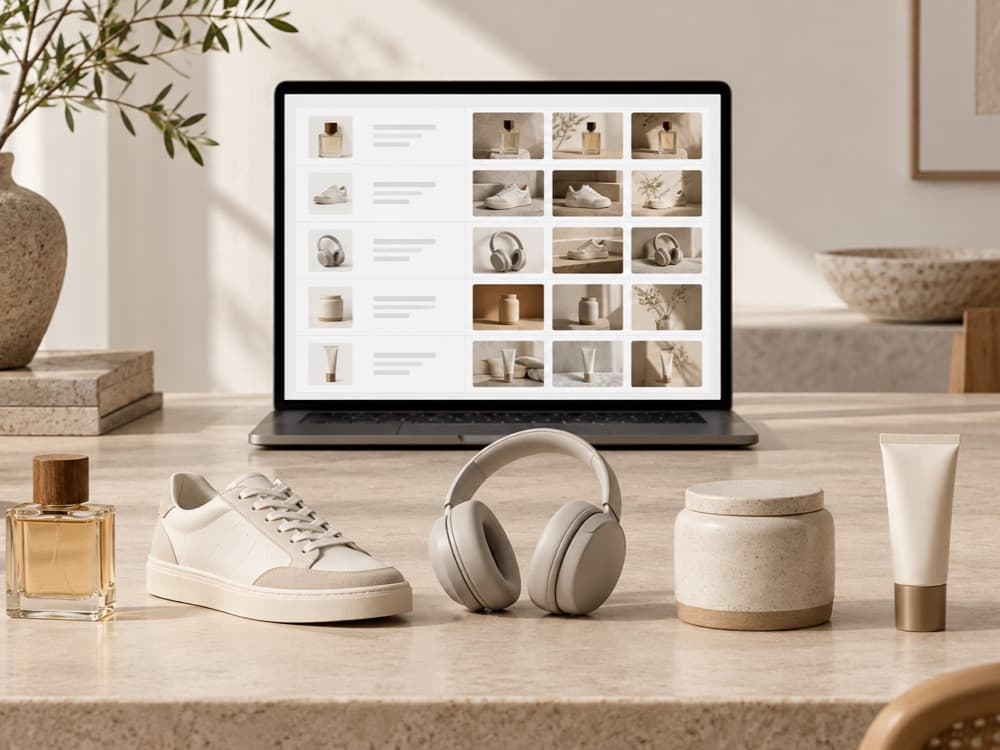
Make a video for every product in your store, then export a catalog feed that Meta and TikTok pull.
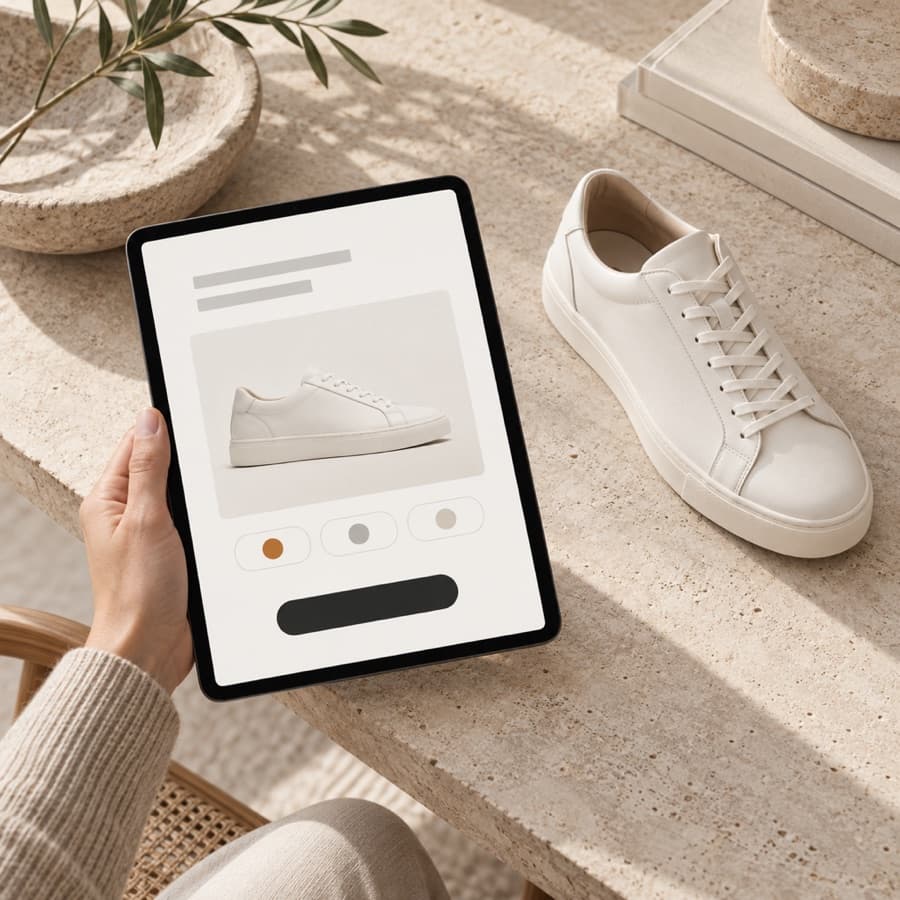 App Mode →
Let the store team turn a new listing into a video from a form.
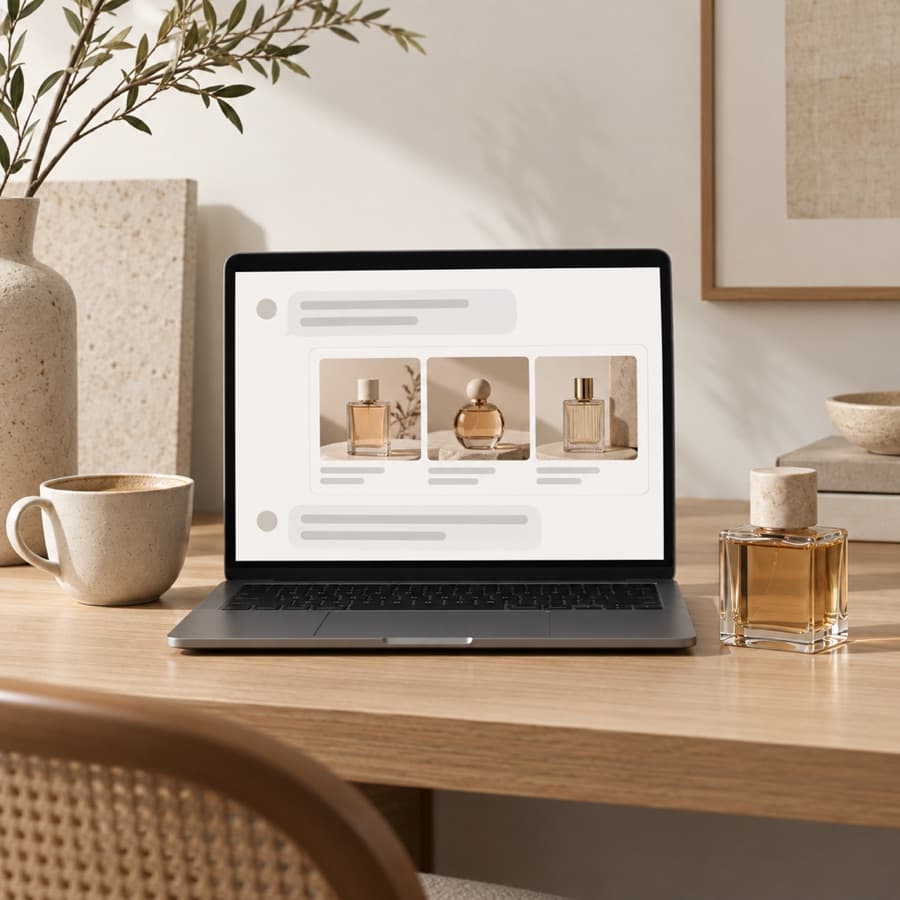 API and MCP →
Trigger the same workflow from your own code, or from Claude and ChatGPT, and get the files back.
Good to know.
Do I need a video shoot?
No. The pipeline works from the product photos you already have.
Which video models can I use?
Pick one per node, for example Kling, Hailuo, Runway or Seedance, and swap it without rewiring.
Can I add a voiceover?
Yes. Add a voice step with an ElevenLabs voice and your script. Captions come from the same text.
What is a product video ad generator?
A tool that turns product images into finished video ads: scenes, motion and captions instead of a static shot. Orisu builds it as a pipeline on a canvas, so the same workflow reruns for every product in your catalog instead of starting from scratch each time.
Can I make video ads from my Shopify product photos?
Yes. Drop the photos you already use on your Shopify, Amazon or Etsy listings into the pipeline's input node. There is no reshoot: image and video models build scenes and motion around the shots you have, and the brand kit keeps the result recognizably yours.
How do I get every ad size for different channels?
A resize step at the end of the pipeline cuts the finished ad to each aspect ratio: vertical for Reels and TikTok, square for feed, wide for YouTube. One run produces the full set, so you never re-edit per channel.
Do I have to build this workflow myself?
No. Start from a template, or describe what you want and Orisu drafts the workflow for you. You can also build it step by step.
What does it cost to run?
Every node shows its credit cost on the canvas, and a run shows its total before you press it. The free plan gives you 100 credits a month with no credit card.
Can my team use it without learning the canvas?
Yes. App Mode turns the workflow into a simple form: inputs on top, a run button, results below.
Can I change models later?
Yes. Models sit behind the same ports, so you can swap one without rewiring anything. All of them are on one subscription.
Turn the catalog into campaigns.
Start free: paste your URL for the brand kit, drop in a product's photos, and have your first video ad pipeline running today.