One person builds. The whole team ships.
App Mode wraps any workflow in a simple form: a teammate sets the product, hits Run, and gets the ad set. The canvas stays with the builder; the results go to everyone.
 Complexity stays with the builder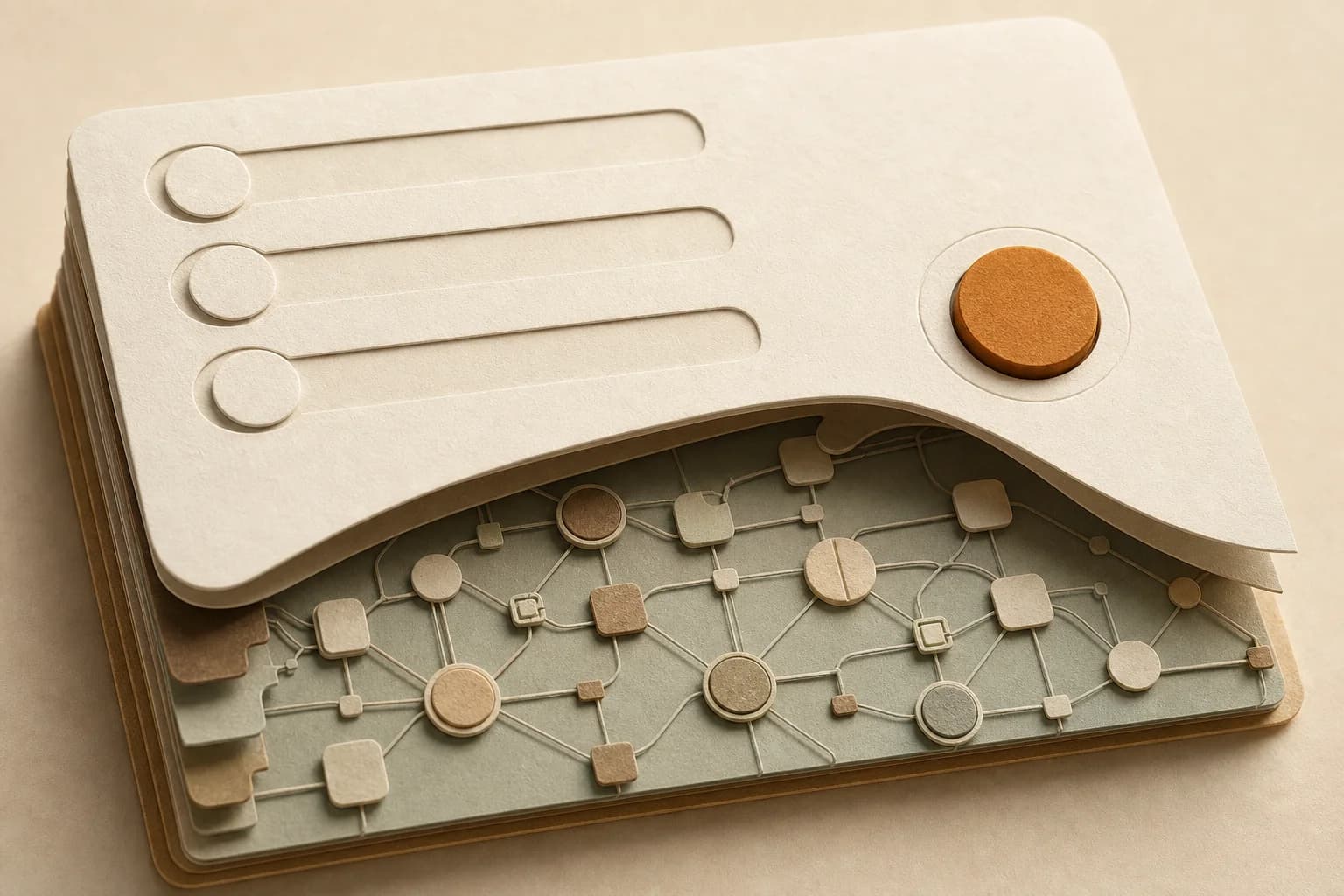
A form, not a canvas
Teammates see inputs and a Run button — never a node. The workflow works the same underneath.

Builders build, runners run
Owners and admins shape the canvas; members produce through the app. Everyone stays in their lane.

The approved version runs
Publishing pins a version. Edit the canvas freely — the team keeps running what you signed off.

Review before it ships
Add a human-review node and every run pauses for approval before anything leaves the pipeline.
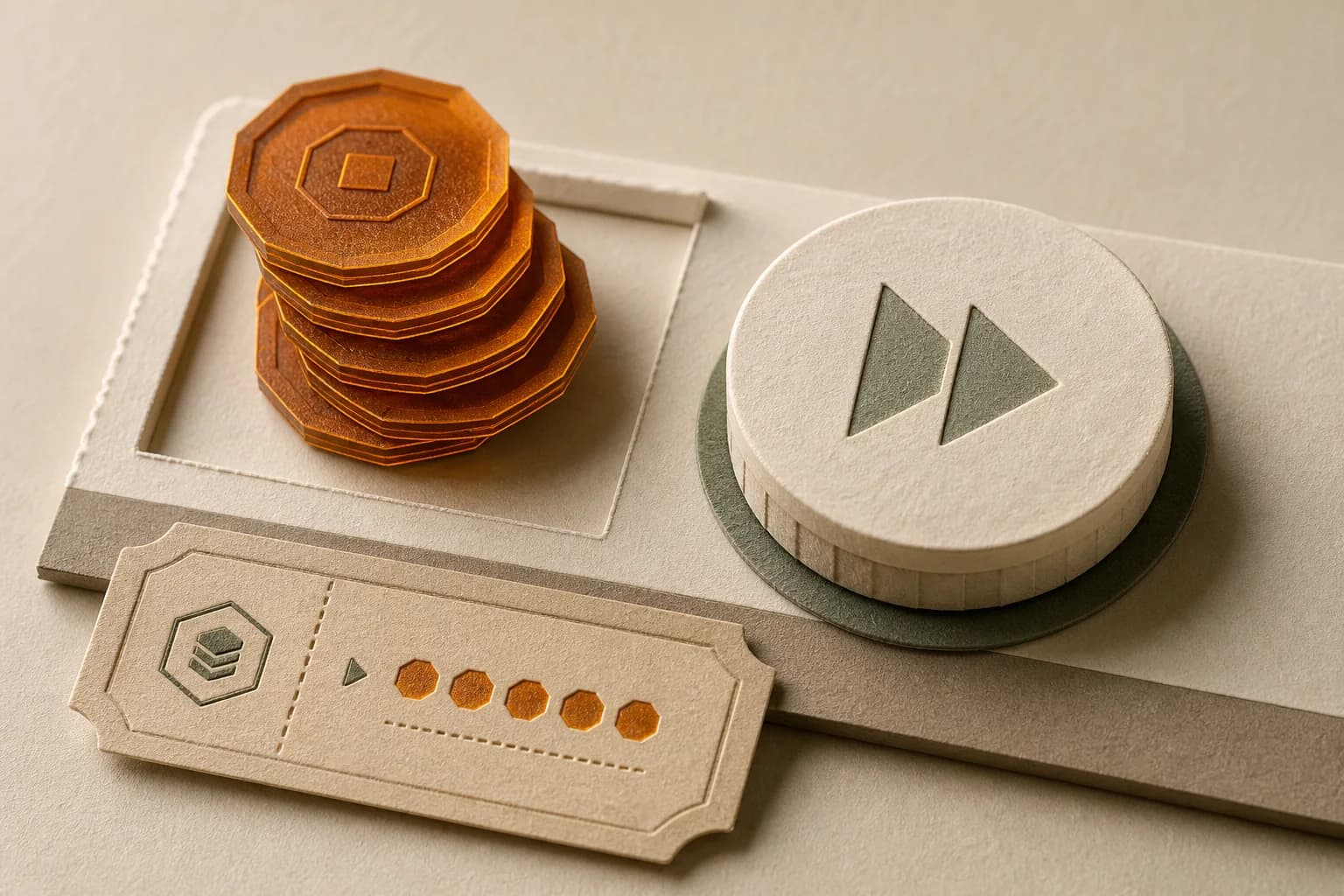
Cost shows first
Every run is estimated in credits before it starts, so nobody burns the budget by accident.
The form builds itself.
Every input node on the canvas becomes a field in the app: a text prompt becomes a text box, an upload node becomes a file picker. The workflow’s needs define the form — nothing is configured twice.
Change the inputs on the canvas and the app’s form follows on the next deploy.
Edits don’t leak. Deploys do.
Publishing an app pins the version your team runs. Keep reworking the canvas as much as you like — runners stay on the version you approved until you deploy the next one.
No more “who changed the pipeline” on launch day.

Approval and budget, built into the pipeline.
Wire a human-review node into the workflow and every app run pauses there: the reviewer approves, rejects or edits before anything ships. The run’s credit cost shows before the Run button is pressed.
Guardrails live in the graph, so they apply to every teammate, every run, automatically.
Build it once. Hand it over.
Wire the workflow on the canvas, publish it as an app, and the whole team produces on-brand work without touching a node.
App Mode questions, answered.
Do teammates need to learn the canvas?
No. An app is a form: inputs, a Run button, outputs. The canvas stays with whoever built the workflow — teammates never see a node unless they want to.
What happens to the app when I edit the workflow?
Nothing, until you deploy. The app runs the version you published; canvas edits stay in the studio as a draft until you sign the next version off.
Can I approve work before it goes out?
Yes — add a human-review node to the workflow. Every app run pauses there, and nothing ships until the reviewer approves, rejects or edits the work.
What does a run cost the team?
The credit estimate shows on the Run button before it's pressed, and every run settles against the workspace's shared credit pool.
One builder. Everyone ships.
Start free, wire your first workflow, and hand the team an app by the end of the day.