Store assets in. UA creatives out.
Turn the screenshots and store assets you already have into user-acquisition video ads: feature walkthrough scenes, motion, voiceover and captions, in every network's aspect ratio, without scheduling a screen-recording session.







Every network, one run
Each spot lands in every aspect ratio your networks want — vertical, square, landscape — sized and captioned from a single pipeline.
9:16 · 1:1 · 16:9 from one run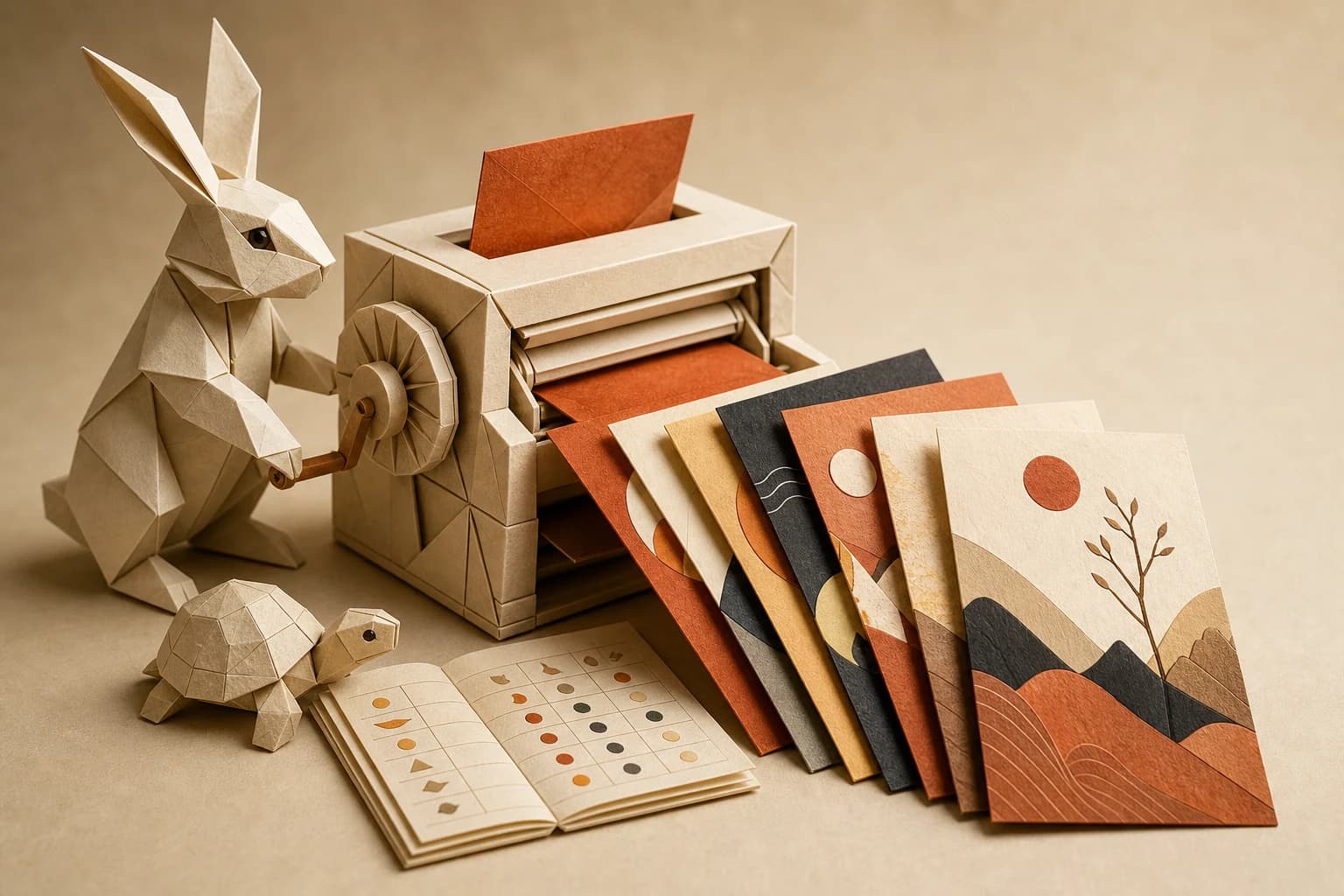
A variant per feature is a rerun
New feature, new audience, same pipeline. Only the changed steps recompute, so a fresh UA angle costs a rerun, not a production cycle.
changed steps recompute · rest is cached
One subscription, whole stack
Store screenshots, feature spots and voiceovers run in the same workflow, so a new app version means a rerun, not a week in three different tools.
image · video · voice · one billBuilt once. Run forever.
Your screenshots become scenes.
Upload the screenshots and store assets you already have. Paste your website URL and the brand kit builds itself — colors, fonts, voice, logo — so every scene stays yours.
Image models turn each screenshot into a feature walkthrough scene: framed on a device, set against your palette, headline in your type.

Static shots start moving and talking.
Image-to-video models add motion to each scene; a voice model reads the benefit line over it; captions land on screen. Swap any model without rewiring the graph.
Everything stays reviewable per node. Re-take the voiceover without regenerating the video, or pause for human review before anything ships.
A spot per feature, per audience.
Feed the pipeline a list of features or audiences and rerun. Each variant lands sized for every network, with per-step caching keeping the bill honest.
Ship it to the UA team as an app: they pick a feature, press run, and get channel-ready creatives without opening the canvas.
Store-ready, generated.
Creatives for the store page and the feed, from screenshots you already have.
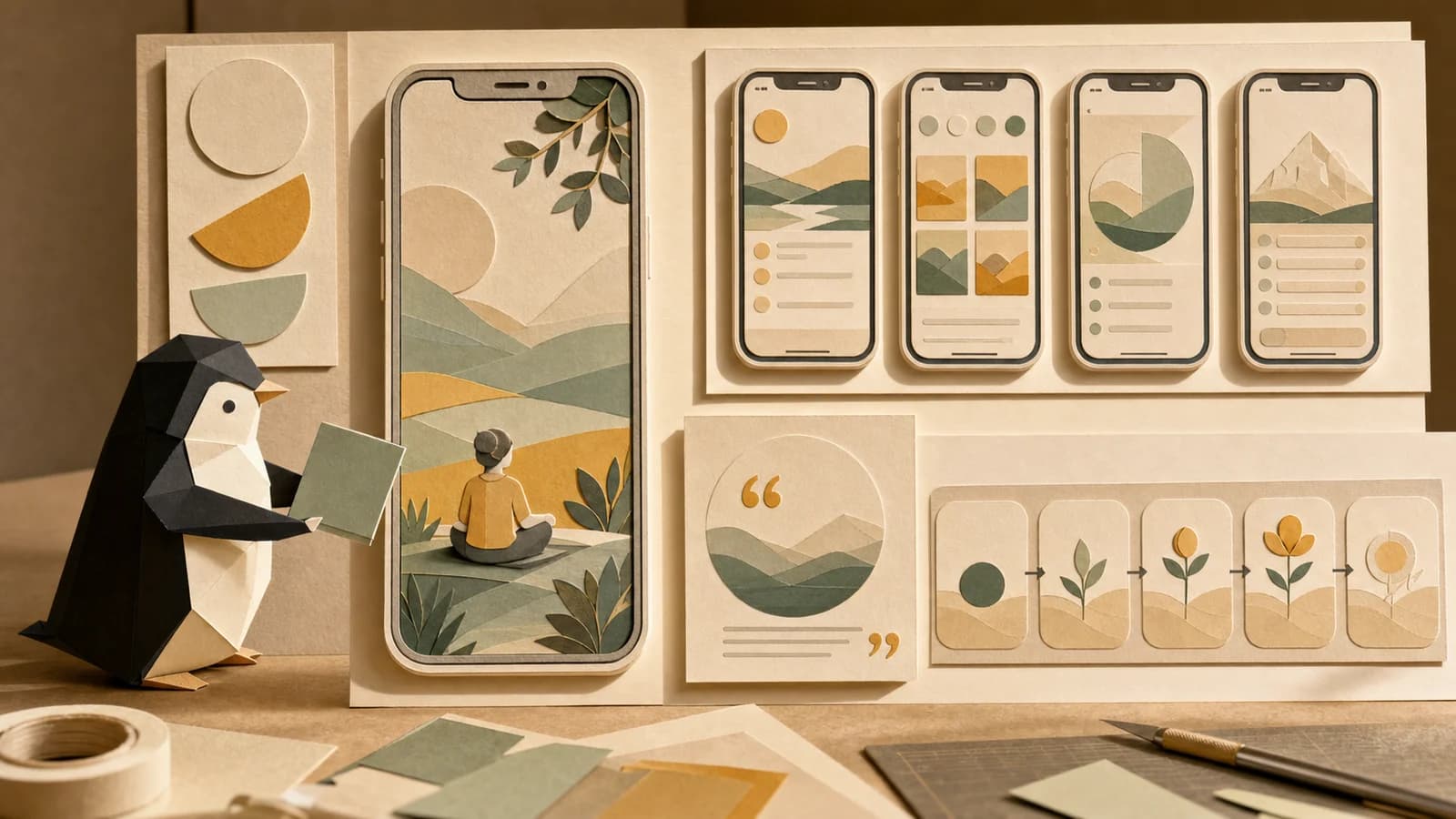
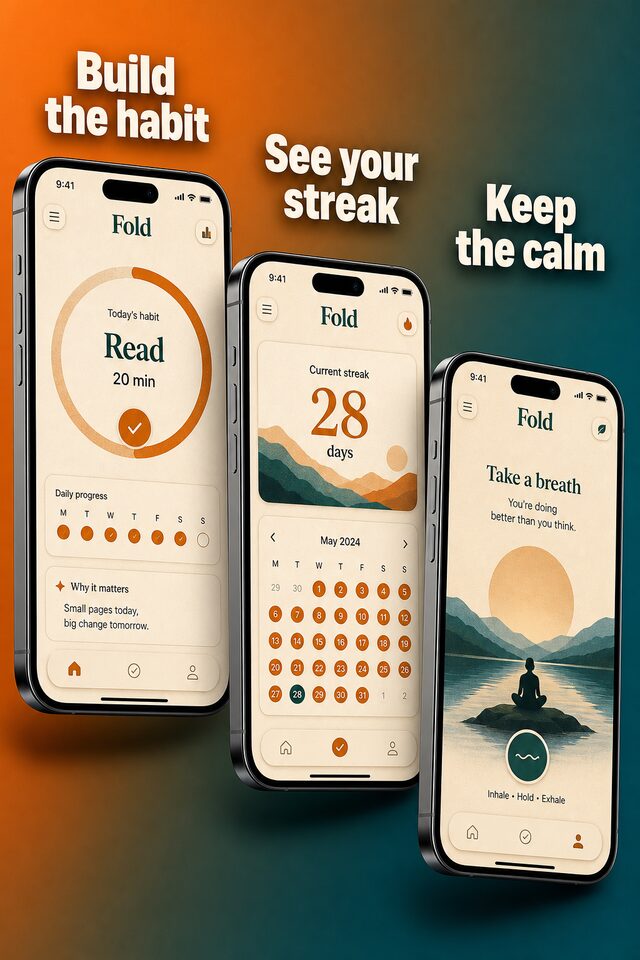

One feature in, every network out.
Open the app-ads template, paste your URL for the brand kit, and run the whole pipeline on the free tier. The canvas shows the cost before you press run.
How this works in practice.
What are app install ads?
Short video or image ads whose only job is to get someone to install your app, usually run on social and ad networks with a store link as the destination. Orisu builds them from the screenshots and store assets you already have: image models frame each feature as a scene, video models add motion, and voiceover and captions finish the spot.
Do I need to record my screen to make app store video ads?
No. Upload the screenshots and assets you already have and the pipeline generates feature walkthrough scenes from them — device framing, motion, voiceover, captions — without scheduling a screen-recording session or re-capturing after every UI change.
How do I make UA creative variants for different features or audiences?
Feed the pipeline a list — features, audiences, hooks — and rerun. Only the steps after a change recompute, so ten variants cost ten reruns of the changed steps, not ten rebuilds. Each one lands in every aspect ratio your networks want.
Do I have to build this pipeline myself?
No. Start from a template, or describe what you want and Orisu drafts the pipeline: nodes, wires and all. You can also build it step by step if you prefer.
What does it cost to run?
Every node shows its estimated credit cost on the canvas, and a run shows its total before you press it. The free tier needs no credit card.
Can my team use it without learning the canvas?
Yes. App Mode turns the pipeline into a simple form: inputs on top, a run button, outputs below. No canvas knowledge needed.
Can I change models later?
Yes. Models sit behind the same ports, so you can swap one without rewiring the workflow.
Ship your first UA spot.
Start free: paste your URL for the brand kit, upload the screenshots you already have, and turn them into channel-ready install ads today.