Turn one blog post into a week of social content with AI
Stop letting posts die on publish day. A step-by-step AI workflow that turns one blog post into schedule-ready LinkedIn, X, and Instagram content: copy and visuals in your brand voice.
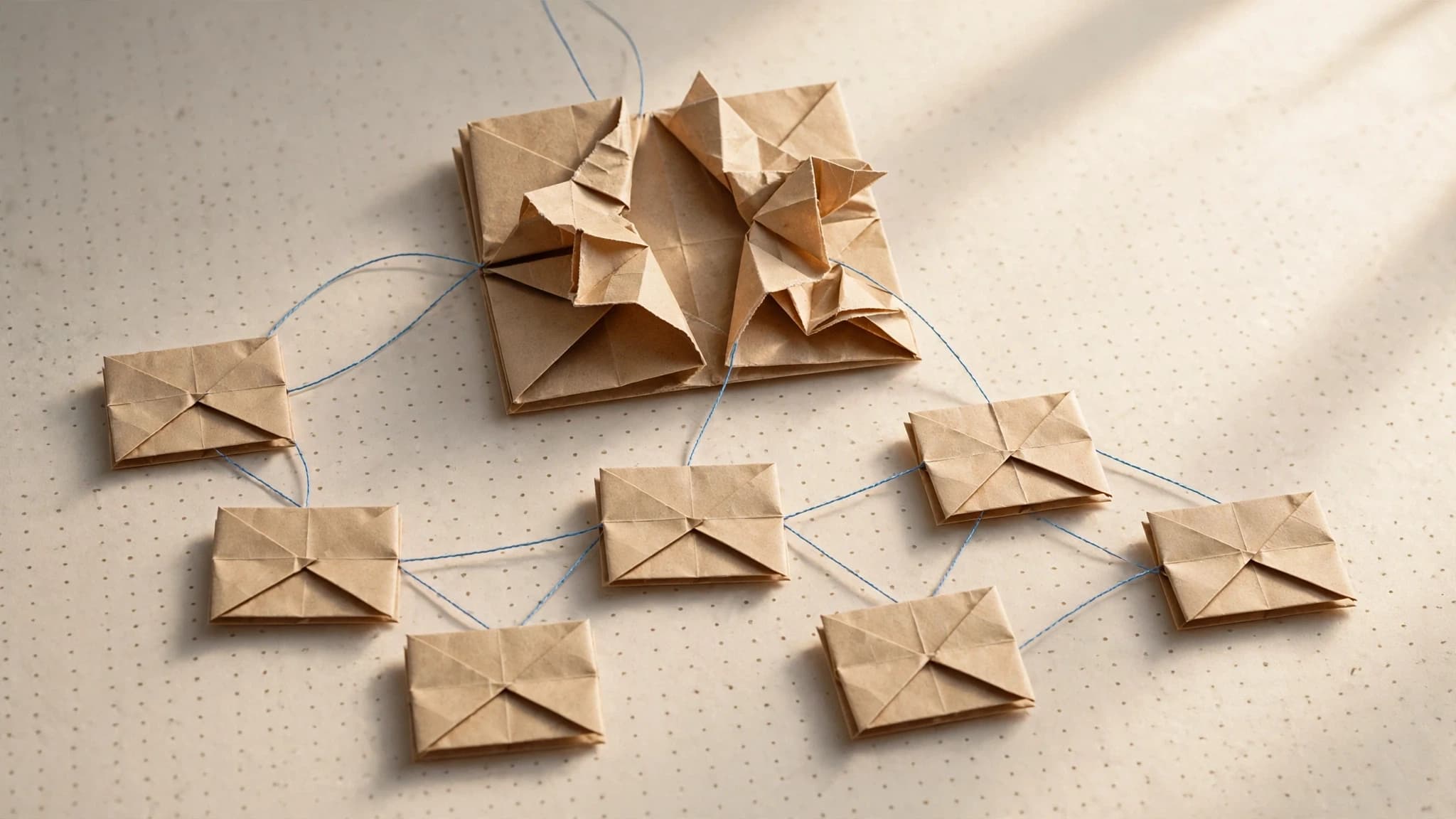
A good blog post already contains a week of social content; the claims, hooks, and examples are written. What's left is extraction and translation: pull out the strongest claims, rewrite each one for LinkedIn, X, and Instagram in your brand voice, generate matching visuals, and package it ready to schedule. Built as a workflow, that takes one run.
By the end you'll have a schedule-ready content pack (channel-native copy plus matching on-brand visuals for each day) and a reusable pipeline that produces the same pack for every post you publish from now on.
What do you need before you start?
- A published blog post with real substance. Extraction can't pull claims that aren't there, so pick a post that argues something.
- Your brand kit. In Orisu, paste your website URL and it's extracted automatically: colors, fonts, voice, logo, and guidelines. This single kit drives both the copy and the visuals, which is what holds the whole pack together.
- A channel list. This playbook uses LinkedIn, X, and Instagram; the structure extends to others.
If the canvas itself is new to you, the hub guide to building an AI content workflow covers the basics (nodes, connections, and runs) in ten minutes.
How do you turn one blog post into a week of social content?
Step 1: Paste the post
Drop the full post into a text node on the canvas: the whole thing, not a summary. Summaries flatten exactly the parts worth repurposing: the specific claims, the concrete examples, the lines with an edge. The workflow does its own condensing, per channel, later.
Step 2: Extract the claims and hooks
A text generation step reads the post and pulls out the raw material: the standalone claims, the quotable lines, the surprising points, the concrete examples. Aim the step at producing a list, not prose: eight to twelve items that each make sense without the post around them.
This list is the backbone of the entire pack. Every social post downstream is one of these items, translated for a channel. If the list is weak, fix it here, because editing two extracted claims beats editing fifteen finished posts.
Step 3: Rewrite per channel, in your brand voice
Three parallel text steps, one per channel, each fed two things: the claims list and your brand kit's voice guidelines.
- LinkedIn wants one idea developed properly: a claim opened up with context and a takeaway, formatted in short paragraphs. The week-long cadence this pack produces is exactly what the platform rewards: LinkedIn's own Pages best practices note that companies posting weekly see a 2x lift in engagement.
- X wants compression: the sharpest version of each claim, or a thread that walks the post's argument in single beats.
- Instagram wants caption energy: the claim as a hook, written to sit under a visual rather than stand alone.
The channels differ; the voice doesn't. Because every rewrite step reads the same voice guidelines, you get one brand speaking three channel dialects, not three different brands that happen to share a logo. This is the part manual repurposing gets wrong most often, because by Friday whoever is writing the captions has drifted from whoever wrote Monday's LinkedIn post.
Step 4: Generate matching on-brand visuals
Image steps generate the visual for each piece: quote cards for the strongest lines, simple claim graphics for LinkedIn, visual-first images for Instagram. The visuals aren't decoration: the same LinkedIn guidance notes that images typically result in a 2x higher comment rate. The same brand kit feeds these steps too, so the colors, fonts, and logo treatment match the copy they sit next to, and the pack reads as one campaign rather than a grab bag.
Since image, video, and text steps live on one canvas, the extracted claims flow straight into the visual steps, with no exporting copy to a design tool and re-typing it onto a template. If your visuals tend to wander stylistically between generations, the guide to keeping AI images and video on-brand covers how to lock that down.
Step 5: Assemble the schedule-ready pack
The final outputs group naturally by channel and day: each item is copy plus its matching visual, named so your scheduler can take them in order: mon_linkedin, tue_x_thread, wed_instagram. Load the pack into whatever scheduling tool you already use. Nothing in this playbook replaces your scheduler; it replaces the week of production before the scheduler.
How do you reuse this workflow for every future post?
This is where the playbook stops being a trick and becomes an operation. The pipeline you just built is not specific to one post; the post is just the input.
Next week, swap the text in the input node and run again. Reruns recompute only what changed: a new post in means new extraction, new rewrites, and new visuals out, while the structure, the channel logic, and the brand constraints stay exactly as you built them. Publish on Tuesday, run the workflow, schedule by Wednesday.
Two ways to make the reuse stick:
- Save it as a template. The workflow becomes a runnable, shareable artifact your whole team can use, and refine in one place when a channel's norms shift.
- Turn on App Mode. The canvas becomes a simple app: a teammate pastes the post, hits run, and gets the pack, with no canvas knowledge required. Repurposing stops depending on the one person who built the pipeline.
In our experience, the difference between teams that repurpose consistently and teams that mean to isn't discipline; it's whether repurposing costs a run or an afternoon.
What else can you feed into the same workflow?
The input doesn't have to be a blog post. Anything with extractable claims works:
- Newsletters, usually denser in claims per word than blog posts.
- Podcast or webinar transcripts, where extraction does the heavy lifting of finding the quotable moments in an hour of talk.
- Launch announcements, where one piece of news needs to appear everywhere at once, in the right shape for each channel.
And the same extract-then-translate structure powers more than social. The AI ad variants playbook applies the matching pattern to paid creative: one approved concept, systematically varied, with the brand kit holding every output together.
What are the common mistakes?
Summarizing instead of extracting. A week of "we wrote a post about X, link in bio" is promotion, not content. Each social post should deliver one claim that stands on its own; the blog link is a bonus, not the point.
Posting the same text to every channel. Cross-posting reads as automation because it is, and the platforms quietly punish it. Instagram's own tips for improving reach say it's less likely to recommend reposted content or anything with noticeable watermarks. The channel rewrite step exists precisely so LinkedIn gets a LinkedIn post and X gets an X post.
Visuals from a different universe. Copy in your voice next to a generic AI image breaks the pack. Both have to come from the same kit, which is the whole reason to generate them in one workflow.
Building it as a one-off. If you hand-prompt the pack in a chat window, next week you start from zero. The value compounds only when the workflow persists.
Where can you find a runnable version?
A ready-made blog-to-social workflow is in the template library: paste your website URL for the brand kit, drop in a post, and run it. The free tier covers trying it on this week's post, which is the fastest way to find out what your back catalog is worth.
This playbook is a pipeline.
Build it once on the canvas, wire in your brand kit, and rerun it every time the brief changes. Free to start, no card.
Common questions.
How many social posts can you get from one blog post?
A substantial post typically yields a week of content: a handful of standalone claims become LinkedIn posts, the sharpest lines become X posts or a thread, and one or two visual ideas become Instagram posts. The real limit is how many distinct, quotable claims the post makes; thin posts repurpose thin.
Will AI-written social posts sound like my brand?
Only if your voice is an explicit input to generation. A brand kit that includes voice guidelines, extracted from your website and fed into every rewrite step, keeps LinkedIn, X, and Instagram copy sounding like one brand in three channel dialects. Without it, you get generic AI phrasing wearing your logo.
Do I have to rebuild the workflow for every new blog post?
No, and that's the point of building it as a workflow rather than a prompt session. Swap the input post, hit run, and everything downstream regenerates: extraction, channel rewrites, and visuals. Reruns recompute only the steps that changed, so a new input reruns the pipeline without rebuilding any of it.
Which social channels does this work for?
This playbook covers LinkedIn, X, and Instagram because they demand the most different treatments: long-form professional, compressed, and visual-first. The same approach extends to any channel that takes text and images: add a rewrite step with that channel's norms, and the same brand kit keeps it consistent.