How to build an AI content workflow
Chat threads don't scale into production. Here is the full method for building an AI content workflow: define the recurring output, map the steps, add human review, and save it as a graph your team can rerun.
An AI content workflow is a repeatable sequence of steps (input, transform, generate, assemble, export) that turns the same kind of brief into the same kind of finished asset, every time. You build one by defining the recurring output, mapping the steps, choosing where humans review, and saving the whole thing as a graph your team can rerun.
That's the short version. The rest of this guide is the full method, in the order we'd actually do it.
What is an AI content workflow?
A workflow is not a prompt. A prompt is one instruction to one model. A workflow is the whole process around it: what goes in, what each step does, what order the steps run in, who checks the result, and what comes out the other end.
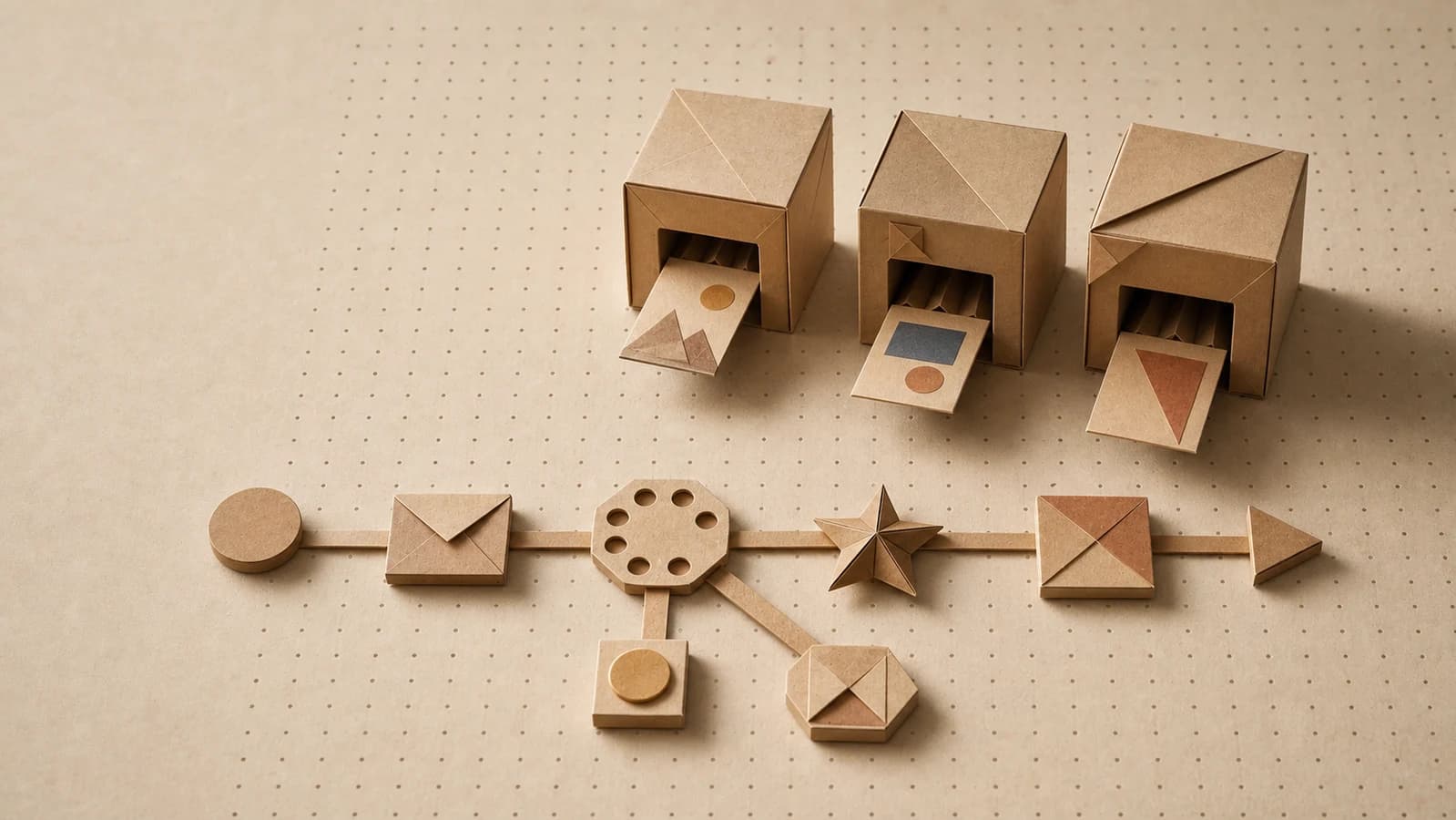
Almost every content workflow, AI or not, breaks down into the same five stages:
| Stage | What happens | Example |
|---|---|---|
| Input | The things that change each run | Product photo, campaign brief, blog URL |
| Transform | Reshape inputs into what generation needs | Summarize the blog, extract key claims, split a script into scenes |
| Generate | Models produce draft assets | Images, video clips, copy, voiceover |
| Assemble | Combine pieces into finished formats | Caption on image, clips into one video, copy into a layout |
| Export | Deliver where the work needs to go | Download, cloud folder, handoff to scheduling |
When you map your process onto those five stages, two things become obvious: which parts are the same every time (the structure), and which parts change (the inputs). Separating those two is most of the work. Everything below is just doing it deliberately.
Why don't chat threads scale into workflows?
Most teams' first "AI workflow" is a chat thread: paste the brief, go back and forth, copy the good parts out. It works for one-offs. It fails as a production system, for four specific reasons.
The process lives in nobody's hands. The "workflow" is the conversation history, a winding path of corrections and retries. There's no artifact you can hand to a teammate. The closest thing is a doc of pasted prompts, which goes stale the day someone improves a step and forgets to update it.
Every run is different. Each output depends on everything said earlier in the thread. Start a fresh thread with the same brief and you get a different result, and that's by design, not bad prompting. OpenAI's own documentation describes its chat APIs as "non-deterministic by default," meaning outputs may differ from request to request even when nothing else changes. That's fine for exploration. It's a problem when Tuesday's batch needs to match Monday's.
One change means redoing everything. If the client wants a different opening line in variant four, you can't change just that. You re-prompt, the model regenerates more than you asked, and now other parts have drifted too. The cost of a small iteration is a full redo.
Multimodal work means tab-juggling. Image in one tool, video in another, copy in a third. Every handoff between tools is a manual export, a re-upload, and a chance for the brand context to get lost on the way. And the sprawl is only growing: chiefmartec's 2025 marketing technology landscape counts 15,384 martech products, roughly 100x more than in 2011, so "just add another tool" is the path of least resistance and fragmentation is the default.
None of this means chat is bad. Chat is where you figure out what you want. A workflow is how you produce it the tenth time, the fiftieth time, with someone else at the keyboard.
What makes an AI workflow repeatable?
Before the steps, it's worth naming what you're actually building toward. In our experience, repeatable workflows share three properties, and workflows missing any one of them quietly decay back into one-offs.
Explicit inputs. The things that change per run are named and separated from everything else. "Product photo" and "promo angle" are inputs; the prompt wording, the model choice, and the output format are not. If a teammate has to read the prompts to know what to supply, the inputs aren't explicit yet.
Deterministic structure. The same steps run in the same order, every time. Models are still models, so generation varies, but the process doesn't. Same stages, same handoffs, same review points. That's what makes output comparable across runs and across people.
Swappable models. The workflow describes what each step does ("generate a product image in our style"), not which vendor does it. Models improve monthly. If your process is welded to one model, every model release is a rebuild. If the model is just a setting on a step, it's a dropdown change.
Keep those three in mind. Every step below exists to produce them.
Step 1: define the recurring output, not the one-off
The biggest mistake is starting from a task ("make a hero image for the spring sale") instead of a pattern ("every campaign needs a hero image set in three sizes").
A workflow only pays for itself through repetition, so start by finding the repetition. Look back at the last month of creative requests and ask: what did we make more than three times with the same shape? Common answers:
- Ad variants from one approved concept
- Product imagery for every new SKU
- A social pack from every blog post
- Localized versions of every campaign asset
Then write one sentence in this form: "Every time we get [input], we produce [output set]." For example: "Every time we get a product photo and a promo angle, we produce six ad variants in two aspect ratios." If you can't write that sentence, you don't have a workflow yet. You have a task, and chat is fine for tasks.
This sentence is also your scope fence. Anything not in it doesn't go in version one.
Step 2: map the steps from input to export
Take your sentence and expand it into the five stages from earlier. Write it as a plain list before touching any tool. The thinking is the work; the tool just records it.
A worked example for "blog post → social pack":
- Input: blog post URL.
- Transform: extract the three strongest claims; rewrite each as a short hook.
- Generate: for each hook, generate a visual; generate a caption in the brand voice.
- Assemble: pair each visual with its caption; produce square and vertical crops.
- Export: deliver the set to the shared campaign folder.
Two rules while mapping. First, every step gets one job. "Write the caption and pick the best image" is two steps pretending to be one, and you can't review or fix them separately. Second, write down what each step receives and produces. Steps with fuzzy boundaries are where workflows break later, because nobody can tell which step caused a bad output.
You'll notice the map is mostly not about AI. That's correct. Generation is usually one or two steps out of six. The workflow is everything around it.
Step 3: decide where humans review
Full automation is the wrong goal for creative work, and reviewing everything is the wrong goal for automation. Even the model vendors agree on the first half: OpenAI's safety best practices recommend "having a human review outputs before they are used in practice" wherever possible. The question is where review buys the most.
Put review at the two points where errors are expensive:
- After planning, before fan-out. If a transform step produces the three hooks that thirty assets get built from, a bad hook costs thirty assets. Approve the hooks, then let the fan-out run.
- Before export. The last gate before anything leaves the building. This is where brand and quality judgment lives.
And resist review everywhere else. If a human has to approve every intermediate image, you've rebuilt the bottleneck with extra steps. A useful test: would a reviewer actually reject outputs at this point, or just nod and click approve? A gate where nothing ever gets rejected isn't doing any work, so remove it.
Make the review step part of the workflow itself, not a Slack message and a prayer. If the process pauses, shows the reviewer the options, and resumes on approval, review becomes a step with a place in the structure instead of the place where the structure dissolves.
Step 4: build it as a visible graph, not a doc of prompts
Now move your map out of the doc and into a form that can actually run. The honest options are a prompt doc, code, or a visual graph.
The prompt doc is where workflows go to rot: it can't execute, it can't enforce order, and it drifts from reality the first week. Code works too, if you have an engineer who wants to own marketing pipelines, which most teams don't. A visual graph, with nodes for steps and connections for data flow, is the middle path: real enough to execute, legible enough that the person who designed the process can also maintain it.
The better reason to prefer a graph is that the structure itself is the documentation. When the workflow is a picture, a new teammate understands it by looking. When step three misbehaves, you open step three and see exactly what came in and what went out. Compare that to a chat thread, where the only way to understand the process is to read the whole transcript, or a script, where the only person who can answer "why did this image come out wrong" is the person who wrote it. (For a fuller treatment of the canvas paradigm itself, see What is a visual AI canvas?.)
While you build, keep the three repeatability properties from earlier in view: inputs as explicit, named entry points; one fixed path from input to export; models as per-step settings rather than the process's identity.
Step 5: test with real inputs
A workflow tested only on the example you built it with is a demo, not a workflow. Before rolling it out:
- Run your golden case. The input you designed around. Check it end to end.
- Run five real, recent inputs. Actual briefs from the backlog, not idealized ones. Real inputs are messier: longer briefs, worse photos, products that don't fit the template's assumptions.
- Run one ugly input. The 40-word brief. The dark product shot. You're looking for where the workflow fails silently, producing something plausible-looking but wrong, because those silent failures are the ones that ship.
- Have someone else run it. If they need you in the room, the inputs aren't explicit enough yet. Their confusion is your spec for what to fix.
Expect iteration here, and budget for it. In our experience the first real-input test always sends you back to step 2 at least once, usually because a transform step assumed cleaner input than reality provides. That's the test working, not failing.
Step 6: turn it into a template your team reruns
A workflow that lives only on your machine is a personal productivity hack. The value compounds when it becomes a shared artifact.
- Template it. Save the working graph with the inputs blanked and everything else fixed. The contract is simple: a teammate supplies inputs and hits run, and the structure does the rest.
- Name the inputs like you're not in the room. "Product photo, square, white or plain background" beats "image."
- Simplify the front door for non-builders. Most of the team doesn't need the graph; they need a form to fill in the inputs, run, and collect outputs. Hand the canvas to the people who maintain the process and the simple version to everyone who uses it.
- Assign an owner. One person owns each template. When a model upgrade lands or the brand evolves, the owner updates the template once and every future run inherits the change. That's the whole point: improvements accrue to the system instead of evaporating into individual chat histories.
Then watch what people actually do with it. The variants they hack around the template are the roadmap for version two.
How does Orisu implement this?
This method is tool-agnostic; you could run it with scripts and discipline. We built Orisu because we wanted the method to be the product, so here's the honest mapping.
The step map from this guide is the canvas: each step is a node, each connection passes data forward, and image, video, text, and audio steps live on one graph, so the assemble stage doesn't mean exporting between tools. Inputs are explicit nodes, which makes step 5's "have someone else run it" test concrete: they fill the input nodes and hit run. Models are settings on nodes, with 100+ under one subscription (Nano Banana, Seedream, and Flux families for image; Veo and Kling for video), so swapping models is a dropdown, not a rebuild. Human review is a node too: the run pauses, shows the reviewer the outputs, and continues on approval. For iteration, reruns recompute only the steps whose inputs changed, which makes the "tweak step four, run again" loop cheap instead of a full redo. Step 6 maps to shareable runnable templates, and App Mode turns a graph into a simple form-style app for teammates who never open the canvas. One thing this guide didn't cover that we'd argue belongs in every content workflow: a brand kit, auto-extracted from your website URL and applied to every generation, so staying on-brand isn't a review burden but the default.
Where Orisu isn't the answer: genuinely one-off work. If you'll never run the process twice, a chat thread is faster and you should use one. Build the workflow when you can write the sentence from step 1. There's a free tier, so you can test the method on one real recurring output before deciding anything.
Further reading
The spoke posts in this series go deeper on specific workflows and decisions:
- What is a visual AI canvas?: the paradigm behind step 4, explained from scratch
- The AI ad variants playbook: a complete worked example, one concept in, a variant set out
- On-brand product imagery for ecommerce: the SKU-to-imagery workflow, step by step
- AI creative for agencies: running this method across many client brands at once
- The on-brand AI content guide: the brand layer that should sit underneath every workflow you build
- From prompt to pipeline: the maturity ladder from one-off prompts to rerunnable pipelines, and what breaks at each rung
- Multimodal AI pipelines: why image, video, text, and audio belong in one pipeline instead of four tools
- 7 AI content workflows every marketing team should steal: ready-made pipeline shapes to copy
See the whole workflow.
Every step on Orisu is a node you can see, rewire and rerun. Templates are real share pages — open one and inspect the graph.
Common questions.
What is an AI content workflow?
An AI content workflow is a saved, repeatable sequence of steps (input, transform, generate, assemble, export) that turns the same kind of brief into the same kind of finished asset every time. Unlike a chat thread, it has explicit inputs, a fixed structure, and outputs anyone on the team can reproduce by running it again.
How is an AI workflow different from a prompt?
A prompt is one instruction to one model, and its result depends on whoever typed it and whatever came before it in the conversation. A workflow is the whole process: named inputs, multiple steps in a fixed order, review points, and an export. The prompt is one step inside that.
Do I need to know how to code to build an AI content workflow?
No. Visual canvas tools let you build workflows by connecting steps as nodes on a canvas, where each node is a step and each connection passes data forward. Code and APIs matter later, when you want to trigger workflows from other systems, but they aren't required to design or run one.
Where should humans review in an AI workflow?
Put review at the points where errors are expensive to undo: after planning steps that fan out into many assets, and before anything exports or publishes. Reviewing every intermediate step recreates the manual bottleneck you were trying to remove. Reviewing nothing ships mistakes at volume.
How do I make an AI workflow my team can reuse?
Save it as a template with the inputs clearly named and everything else fixed, so steps, order, models, and brand context are baked in. A teammate should be able to fill in the inputs and run it without understanding how it was built. Test it with real briefs from other people before calling it done.