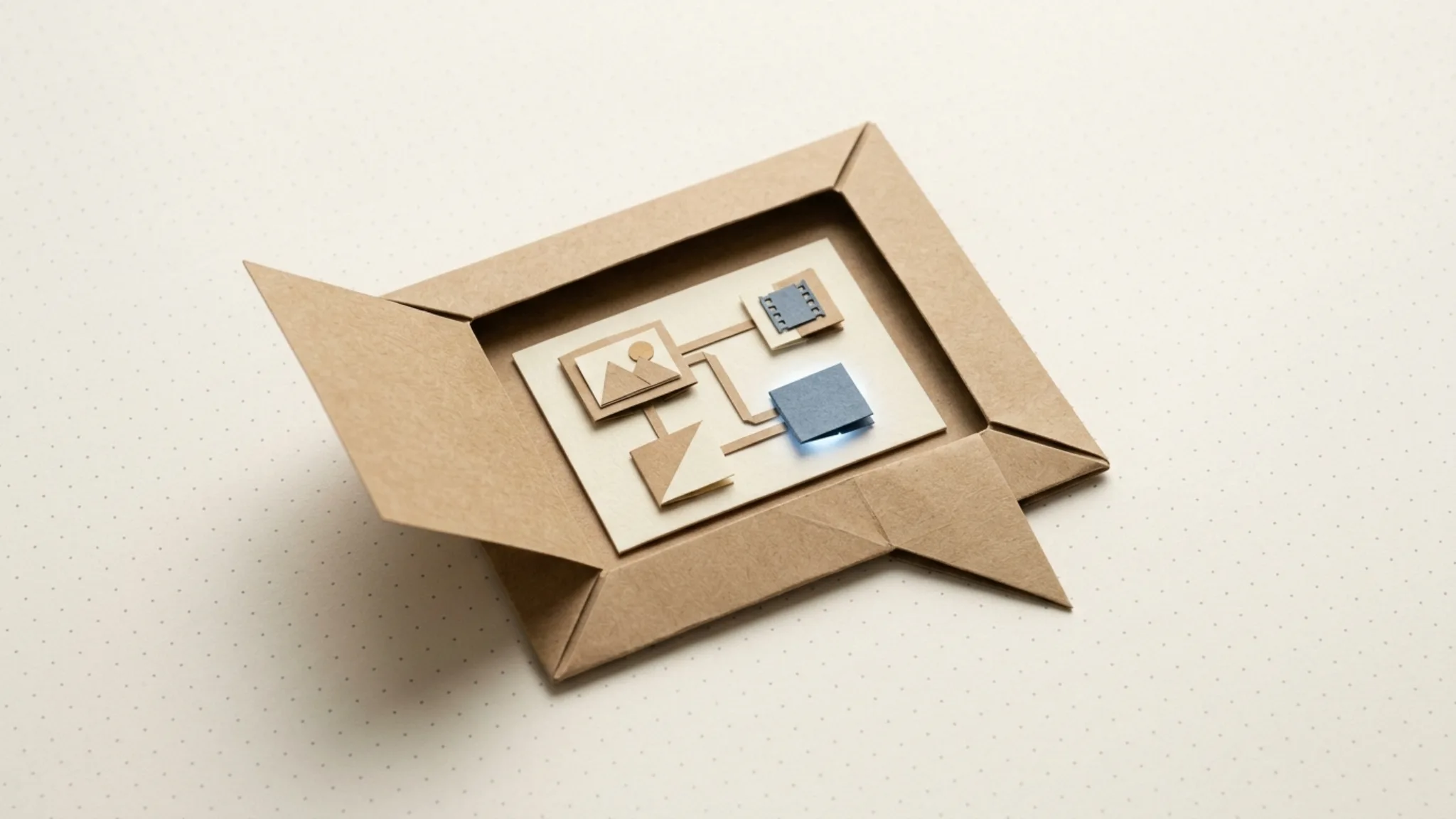
Multimodal AI pipelines: image, video, text, and audio in one place
Real campaigns need scripts, voiceovers, video, captions, and thumbnails. What changes when all four content types share one pipeline, and when separate tools still win.

A multimodal AI pipeline is one workflow that creates and connects several kinds of content (text, image, video, and audio) in a single place. Instead of making each asset in a separate tool, the pipeline passes outputs forward: the script feeds the voiceover, and the voiceover becomes the audio track of the video.
Why is real campaign content multimodal?
Almost nothing a marketing team ships is a single content type. Take the most ordinary deliverable there is: a short video ad. Unpack it and you find at least five assets in four formats.
- A script. That's text.
- A voiceover, which is audio read from that script.
- The video itself, footage generated or assembled to match the script's beats.
- Captions, text again, pulled from the same script and burned in or attached.
- A thumbnail or cover image, a still that has to match the look of the video it fronts.
And that's one ad. A real campaign adds cutdowns for each placement, static variants for feed posts, alt copy for testing, and a landing page hero that echoes the same visual.
Notice what these assets have in common: none of them is independent. The captions come from the script. The thumbnail has to match the video's style. The voiceover's tone should match the caption copy's tone. The deliverable isn't five files. It's one connected set, and the connections are the hard part.
What does switching between single-purpose AI tools cost?
The standard way to make that ad today is one tool per format: a writing tool for the script, a voice tool for the audio, a video generator, an image tool for the thumbnail. Each is fine on its own. The cost shows up in the gaps between them, the tab-switching tax. And it's measurable, not just a feeling. Researchers writing in Harvard Business Review studied 20 teams and found that workers spend a real share of their day just toggling between apps and websites to get work done.
- Export-import friction. Every handoff is a download and an upload. Generate the voiceover, download the MP3, open the video tool, upload the MP3. Multiply that by every asset and every revision round.
- Context repeats itself. Each tool starts from zero. You describe your brand, your product, and your style in the writing tool, then again in the image tool, then again in the video tool. None of them knows what the others were told.
- Version drift. The script is on version three, but the voiceover was generated from version two, and the captions were copied from version one. Nobody notices until the ad is live and the captions don't match the audio.
- No record of how it was made. The finished ad exists, but the process that produced it lives in four scattered histories. Reproducing it for next month's campaign means rebuilding it from memory.
- Four subscriptions, four meters. Separate billing and separate credit limits, with no single view of what one finished ad set actually costs.
Each cost is small. Together, in our experience, they routinely take longer than the generation itself. There's a mental cost on top of the clock, too: according to research summarized by the American Psychological Association, even brief mental blocks created by shifting between tasks can cost as much as 40 percent of someone's productive time.
What changes when image, video, text, and audio share one pipeline?
Putting all four formats in one workflow does more than save you some clicks. It changes what the workflow can do. Three things become possible that aren't possible across separate tools.
Outputs feed inputs directly
In a pipeline built on a visual canvas, connections between steps are typed: they know whether they carry text, image, video, or audio. So the script node's output plugs straight into the voiceover node. The voiceover plugs into the video node as its audio track. A frame of the finished video can seed the thumbnail.
There's nothing to download, upload, or re-paste. The handoffs that were the tab-switching tax become edges in a graph, and the dependency structure of the campaign (captions come from the script) is now explicit instead of living in someone's head.
One brand layer covers every format
Brand consistency is hard enough in one tool; across four tools it's manual memory. In a shared pipeline, brand can be a single layer that every step reads.
In Orisu, you paste your website URL and Orisu extracts the brand kit for you: colors, fonts, voice, logo, guidelines. That kit then applies to every generation in the graph. Images use the palette, scripts and captions follow the voice, and video inherits the visual style. Set it once, and all four formats fold from the same sheet.
Revisions ripple only as far as they should
When assets are connected, the pipeline knows what depends on what. Change the script and rerun: the voiceover regenerates from the new text, the video picks up the new voiceover, the captions update. The product photos two branches over stay untouched, because reruns recompute only the steps that changed. A script tweak doesn't re-bill the imagery.
This is the quiet payoff of the pipeline model. In separate tools, a revision means remembering every downstream asset and updating each by hand. In a pipeline, the graph remembers for you.
When do separate best-of-breed tools still win?
A multimodal pipeline isn't the answer to everything. A few cases where the separate tools hold up better:
- Deep manual craft. Frame-accurate video editing, detailed photo retouching, and audio mastering are hands-on disciplines, and dedicated editors (Premiere, Photoshop, a real DAW) remain the right tools. A sensible split: generate and assemble in the pipeline, then finish the hero asset in a pro tool.
- Single-modality teams at high craft. If your whole output is, say, photography retouching, a multimodal pipeline adds breadth you won't use.
- Established pro-tool workflows. A motion team with years of project files and plugins shouldn't rip that out. The pipeline can feed that workflow rather than replace it.
- True one-offs. For one asset in one format that you'll never repeat, a single-purpose tool or a chat interface is simpler. The pipeline pays off on connected sets and on repetition.
So the line is roughly this: pipelines win on connected, repeatable, multi-format work. Dedicated tools win on deep, manual, single-format work. Most marketing output is the first kind; the hero asset is sometimes the second.
How do multimodal pipelines look in Orisu?
In Orisu, the pipeline is a visual graph: image, video, text, and audio nodes on one board, connected by typed edges. Behind the nodes sit 100+ AI models under one subscription (Nano Banana, Seedream, and the Flux family for images; Veo and Kling for video), so switching models is a dropdown rather than another tab. The models themselves are heading the same multimodal direction. Per Google's official Veo documentation, Veo 3 and later natively generate audio with video, always on, producing two formats in one step.
The ad example from the top of this post is a real graph shape: script node → voiceover node → video node, with a thumbnail branch off to the side and the brand kit applied across all of it. Workflows like it ship as runnable templates, and App Mode can wrap the finished graph in a simple form so a teammate runs it without seeing a single node.
If you're starting from scratch, two guides pair well with this one: how to build an AI content workflow for the end-to-end walkthrough, and from prompt to pipeline for the shift in thinking it takes to get there.
See the whole workflow.
Every step on Orisu is a node you can see, rewire and rerun. Templates are real share pages — open one and inspect the graph.
Common questions.
What does multimodal mean in AI content creation?
Multimodal means working across more than one content type (text, image, video, and audio) instead of just one. A multimodal pipeline generates several of these in a single workflow and passes outputs between them, so a written script can become a voiceover, which then becomes the audio track of a finished video.
Can one platform really match dedicated image or video tools?
For most marketing output, yes. Multimodal platforms call the same underlying models (Flux, Veo, Kling, and others) that dedicated tools use, so generation quality is the same. Dedicated tools still win on deep manual control: frame-level video editing, detailed photo retouching, and audio mastering stay specialist work.
Do I need a multimodal pipeline if I only make images?
No. If your output is one content type produced in one step, a focused image tool or a chat interface is simpler and faster. A pipeline earns its place when formats start feeding each other, like product copy shaping image prompts or images becoming video, or when you rerun the same set of assets regularly.
How does a brand kit apply across different content types?
A brand kit stores your colors, fonts, voice, logo, and guidelines as structured context that every generation step can read. Image steps draw on the palette and visual style, text steps follow the voice rules, and video and audio steps inherit them too, so all four formats come out matching without separate setup in each tool.