What is a visual AI canvas? Nodes, edges, and runs explained
Nodes, edges, and runs: the three primitives behind every visual AI canvas, how it compares to chat and automation tools, and when a canvas is overkill.
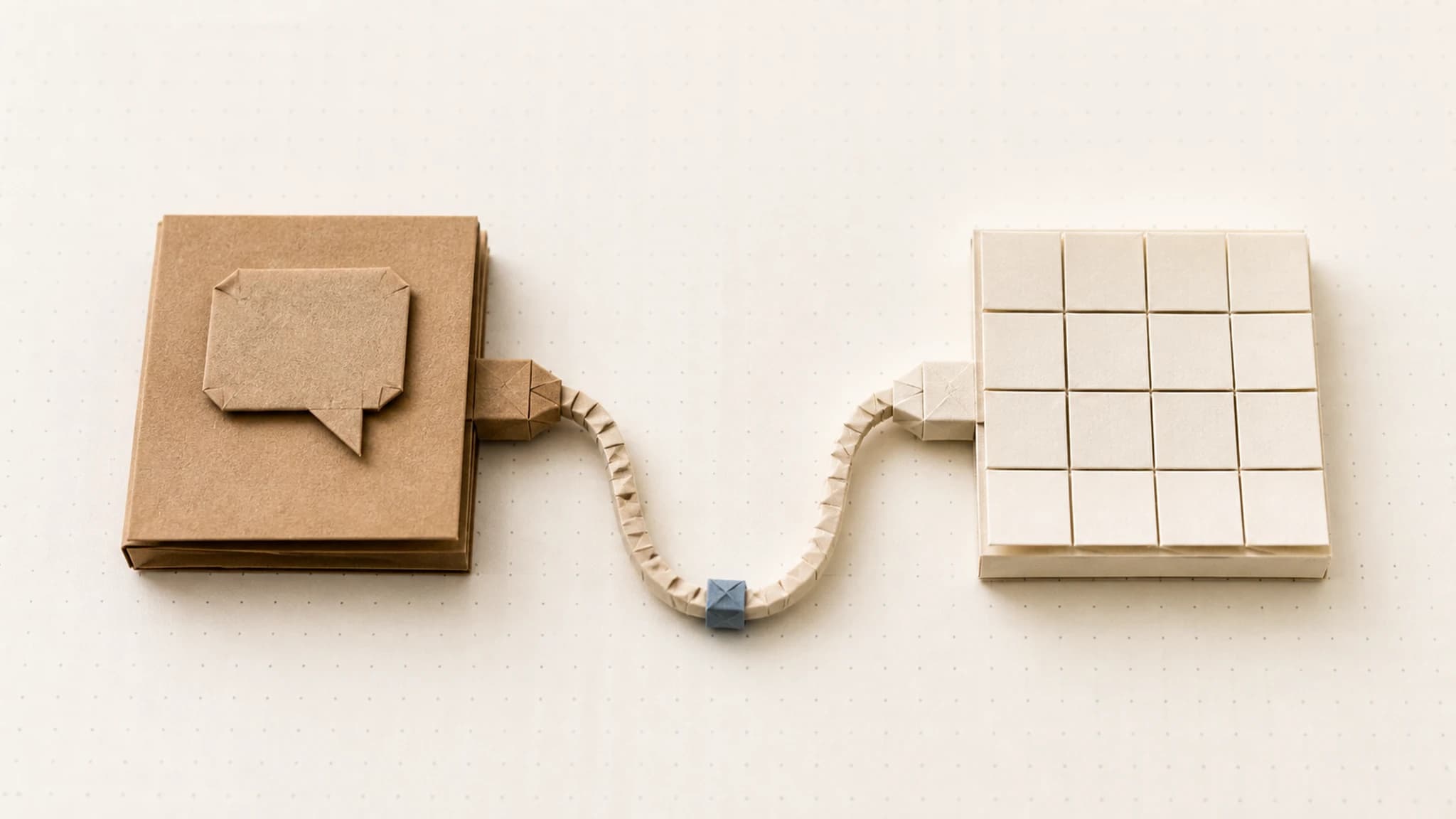
A visual AI canvas is a workspace where you build AI content by connecting steps on a board instead of typing prompts into a chat box. Each step does one thing, whether that's generate, transform, or decide, and connections carry outputs from one step to the next. You run the whole board at once and get every result in one place.
How does a node-based AI workflow work?
Every visual AI canvas, whatever the tool, is built from the same three primitives: nodes, edges, and runs. Once you understand those three, you understand the whole category. The rest is interface.
The pattern itself has a long lineage. Game designers have wired up logic this way for years in Unreal Engine's Blueprints, which the official docs describe as "a node-based interface to create gameplay elements." The AI canvas applies the same idea to content generation.
Nodes: a step that does one thing
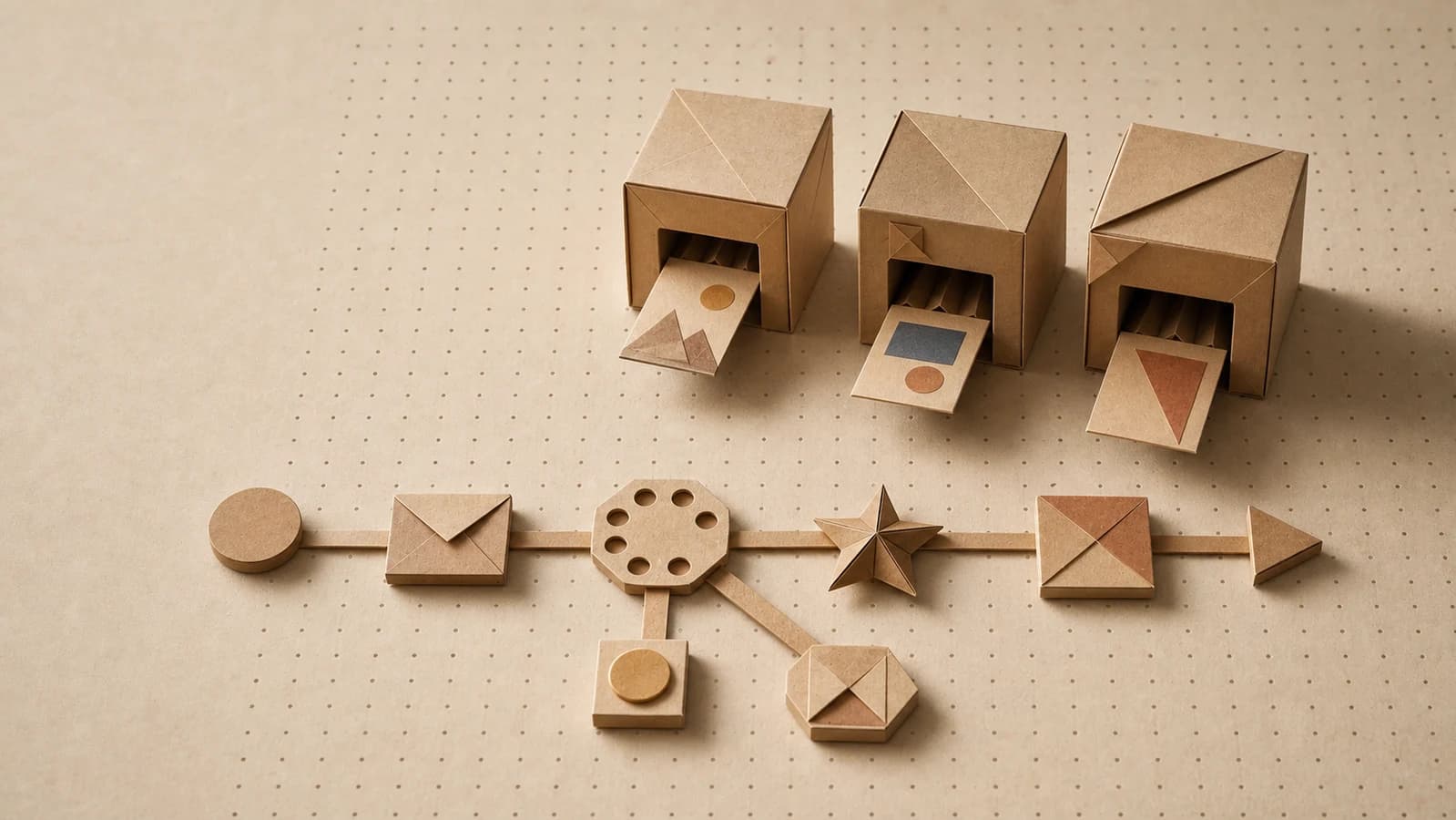
A node is a single step in your workflow. One node generates an image. Another writes a product description. Another crops, resizes, or combines what already exists. Another makes a decision: "if this passes review, continue; if not, stop here."
The one-thing rule is what makes a canvas readable. When every step has exactly one job, a board of twelve nodes reads like a recipe: pull the product page, write the script, generate the voiceover, render the video, add captions. There is no giant hidden prompt doing five jobs at once, so when something looks wrong, you can see exactly which step produced it.
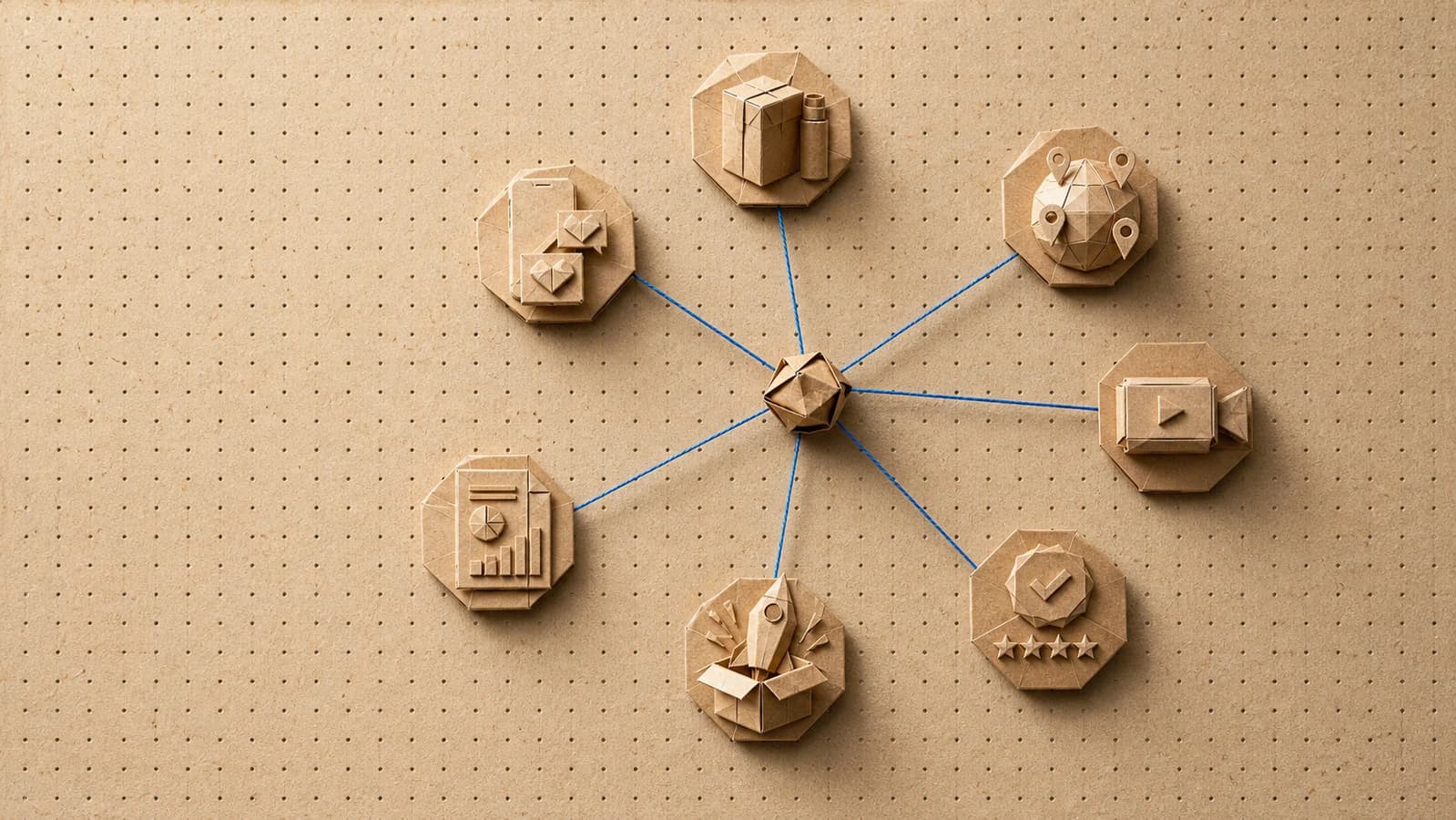
Nodes fall into a few broad families:
- Input nodes hold what you provide: a text prompt, an uploaded photo, a pasted URL.
- Generate nodes call an AI model: text to image, image to video, script writing, voiceover.
- Transform nodes change existing material: resize, crop, combine, rename.
- Decide nodes route the flow: switches, if/else branches, human review gates.
Edges: typed connections that carry media
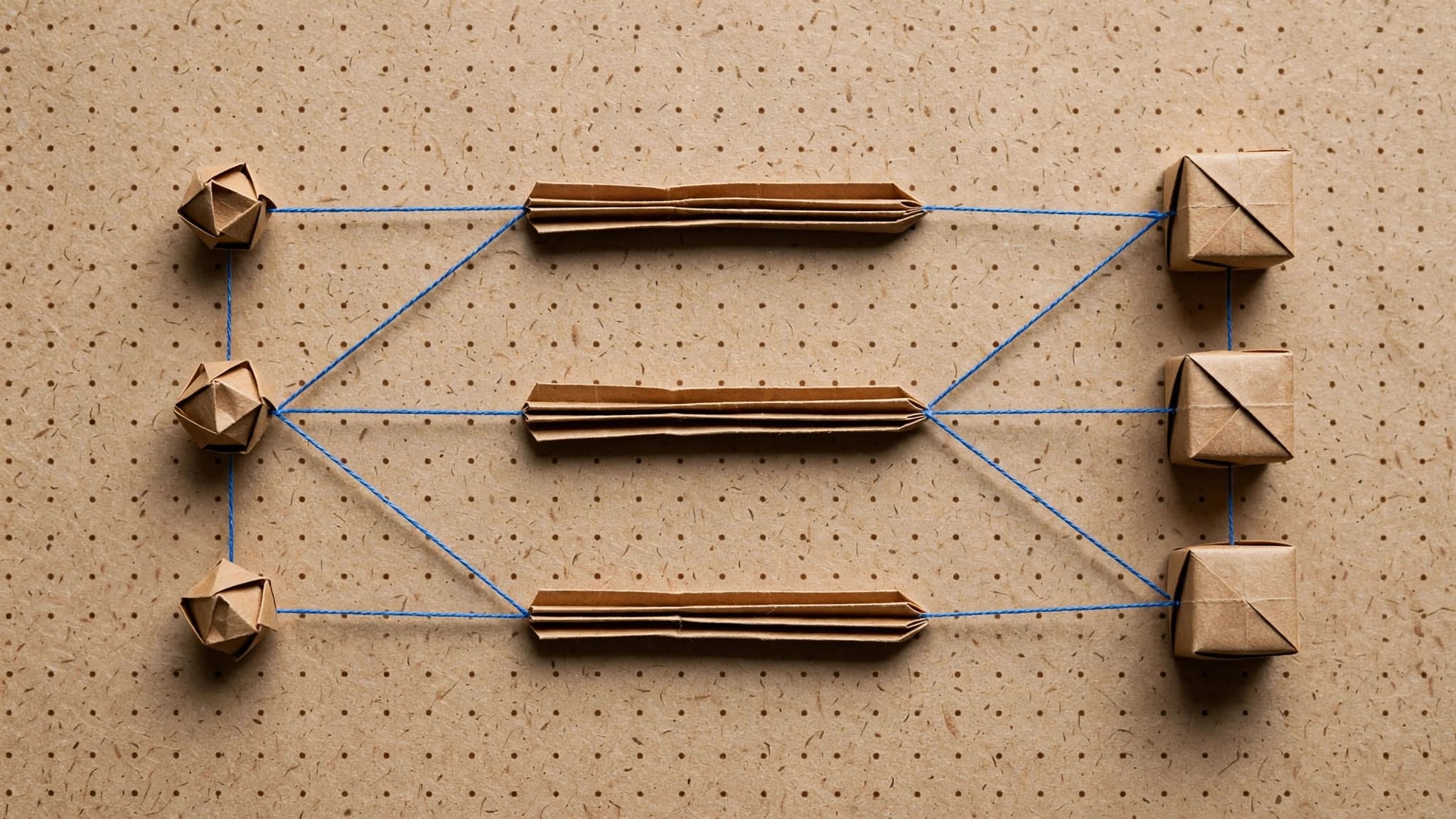
An edge connects one node's output to another node's input. The important word is typed: an edge knows whether it carries an image, a video, text, or audio.
That matters more than it sounds. Typed edges let the canvas stop you from wiring a video into a step that expects text, before you spend a single generation finding out. They are also what makes mixed-format work practical: the script node's text output plugs straight into the voiceover node's text input, and the voiceover's audio output plugs into the video node. The canvas knows each piece fits.
If nodes are the steps of the recipe, edges are the arrows between them. Together they form a graph: a picture of the entire workflow you can read at a glance.
Runs: one execution with real inputs and outputs
A run is one execution of the graph with concrete inputs. You press run, each node fires in order, and the results land on the canvas: the actual image, the actual video, the actual script, sitting on the node that made it.
Runs are what separate a canvas from a diagram. The board is not documentation of a process that happens somewhere else; the board is the process. Change one prompt, run again, compare the two results side by side.
Good canvases are also smart about repeat runs. ComfyUI, the open-source node canvas for diffusion models, treats this as a core design rule. Its documentation states that "only parts of the graph that change from each execution to the next will be executed." Orisu works the same way: edit the script, and the script and everything downstream of it regenerate, but the untouched image branch keeps its result and costs nothing.
Canvas vs. chat vs. traditional automation: what's the difference?
These three tool types get mixed up constantly, because all of them "do AI workflows" in some sense. They are built for different jobs.
| Chat interface | Visual AI canvas | Traditional automation (Zapier-style) | |
|---|---|---|---|
| Built for | One-off answers and drafts | Repeatable multi-step content work | Moving data between apps |
| Structure | A linear conversation | A graph of typed steps | A trigger followed by actions |
| Multi-step work | You are the pipeline, copying outputs between prompts | Edges carry outputs automatically | Supported, but built for records, not media |
| Reuse | Scroll back and re-paste | Save the graph, run it again with new inputs | Reuse the automation, minus the creative steps |
| Visibility | Chat scrollback | The whole workflow on one screen | A step list |
| Best at | Exploring, drafting, asking questions | Producing sets of assets the same way every time | Notifications, syncing, CRM updates |
The short version: chat is a conversation, a canvas is a machine you build once and run many times, and traditional automation is plumbing for data. Automation tools can call AI models, but they were designed to pass records between apps. They have no natural home for a 200 MB video moving between creative steps, and no way to see the creative work as it develops.
Chat is not the loser here. It is genuinely better for thinking out loud, exploring a direction, or getting one good draft. The canvas wins when the same multi-step work needs to happen again next week, with different inputs, by someone who didn't build it.
When is a visual AI canvas overkill?
Often. A canvas is the wrong tool when:
- You need one image, once. A chat interface or a single model tool is faster. Building a graph for a one-off is ceremony with no payoff.
- You're still exploring. If you don't yet know what you want, a conversation beats a structure. Sketch in chat; build on the canvas once the shape is clear.
- The work is pure data plumbing. Syncing form fills to a CRM has no creative steps. Traditional automation tools do this better.
- The workflow will never repeat. The value of a graph is reuse, so without repetition there's no return.
A simple rule of thumb from our experience: the canvas earns its keep the second time you run the same workflow. The first build takes longer than doing it by hand. Every run after that is nearly free effort.
What does a visual AI canvas look like in Orisu?
Orisu's canvas follows the model described above, with a few specific choices.
Image, video, text, and audio nodes live on the same board, backed by 100+ AI models under one subscription: Nano Banana, Seedream, and the Flux family for images; Veo and Kling for video. Picking a different model is a dropdown on the node, not a different product.
A brand kit node carries your brand into the graph: paste your website URL and Orisu extracts colors, fonts, voice, logo, and guidelines, then applies them to every generation downstream. The brand lives in the workflow itself, like a crease pattern that shapes every fold after it.
Graphs are shareable and runnable. A finished workflow becomes a template anyone can open and run with their own inputs. App Mode goes one step further, turning a graph into a simple app with just the input fields, so teammates can use the workflow without ever seeing the nodes.
And because runs track exactly which steps changed, reruns recompute only what they must. Iterating on one prompt doesn't re-bill the whole board.
If you want to put the primitives to work, the next step is building a real workflow end to end. Our guide to building an AI content workflow walks through it node by node.
See the whole workflow.
Every step on Orisu is a node you can see, rewire and rerun. Templates are real share pages — open one and inspect the graph.
Common questions.
Is a visual AI canvas the same as a node-based workflow tool?
Mostly, yes. Node-based workflow describes the structure, with steps as nodes and connections as edges, while visual AI canvas describes the product category built on that structure. A visual AI canvas is a node-based tool designed for AI content: its nodes call image, video, text, and audio models, and its edges carry media between them.
Do I need to know how to code to use an AI canvas?
No. A canvas replaces code with drag-and-connect. Each node is set up with menus and prompts, not scripts. The structure resembles programming, with steps, connections, and branches, but you never write any. Most people start from a runnable template and adjust it instead of building from an empty board.
What's the difference between an AI canvas and ChatGPT?
ChatGPT is a conversation: you ask, it answers, and multi-step work means pasting outputs between prompts yourself. A canvas is a reusable machine: you wire the steps once (script, image, video, audio) and run the whole thing with new inputs anytime. Chat is better for exploring; a canvas is better for repeating.
When should I use a chat interface instead of a canvas?
Use chat for one-offs: a single image, a quick draft, brainstorming, or anything you will never reproduce. A canvas pays off when a workflow has several steps, mixes formats, or runs more than once. In our experience, the switch makes sense the second time you rebuild the same prompt chain.