Image-to-video AI: the workflow that keeps your videos on-brand
Text-to-video reinvents your brand on every clip. Image-to-video anchors each generation to a reference image, so your characters and products stay consistent. Here is how it works and when to use it.
Ask a text-to-video model for "our founder explaining the new feature" five times and you get five different people. Ask for "our hero product on a marble counter" and the bottle changes shape, the label rewrites itself, the brand color shifts a few degrees. Text is a loose description, and the model fills every gap it leaves. That is why text-only AI video tends to look slightly off-brand every single time. Image-to-video is the fix the whole field has settled on.
Image-to-video AI generates a clip from a starting still image plus a text prompt, rather than from text alone. The image is the anchor. It pins down what your character, product, or scene actually looks like, and the model animates that exact subject instead of inventing a fresh one. The prompt then directs the action and the shot. This guide explains why that one change makes AI video reliable enough for brand work, and when to reach for it.
How does image-to-video actually work?
A text-to-video model starts from nothing but your words. Every detail your prompt doesn't nail down, like the precise face, the stitching on a jacket, the curve of a bottle, gets invented on the spot and reinvented on the next run. That randomness is fine for a one-off mood clip and fatal for a brand that needs to look the same twice.
Image-to-video changes the starting point. You give the model a reference image, and that image becomes a fixed constraint the generation has to respect. The model reads the subject's shape, color, and texture from the picture and carries them into motion. Your words still matter, but they now do a narrower, easier job: instead of describing the subject from scratch, they describe what it should do.
That division of labor is what makes it work. The image controls identity, meaning who or what is on screen. The prompt controls behavior, meaning the action, the camera move, and the mood. Pin the first and you have solved the problem that makes AI video feel unusable for marketing, which is the subject staying itself from clip to clip.
This isn't a niche trick anymore. It is how the leading models are built. Google's Veo lets you "ensure characters maintain their appearance across different scenes in your videos by giving Veo reference images of your character," and supports separate references for a scene, a character, an object, or a visual style (Google DeepMind). Runway makes the same promise even more bluntly: Gen-4 delivers "infinite character consistency with a single reference image," letting you "precisely generate consistent characters, locations and objects across scenes" (Runway). When two of the biggest video models both lead with reference images, the direction is clear.
Image-to-video vs. text-to-video: which controls what?
The two modes aren't rivals so much as different jobs. Here is where each one earns its place.
| Text-to-video | Image-to-video | |
|---|---|---|
| Starting point | A text prompt only | A reference image + a prompt |
| Controls the subject's look | The model decides | Your image decides |
| Consistency across clips | Low, drifts every run | High, anchored to the reference |
| Best for | Exploring ideas, abstract or generic scenes | Branded characters, products, repeatable sets |
| Main risk | Off-brand drift | Only as good as your reference image |
A rule of thumb: when what's on screen has to be specifically yours, start from an image. When you're brainstorming and the exact subject doesn't matter yet, text alone is faster.
When should you use image-to-video?
Reach for image-to-video whenever the subject is something a viewer would recognize, and notice if it changed.
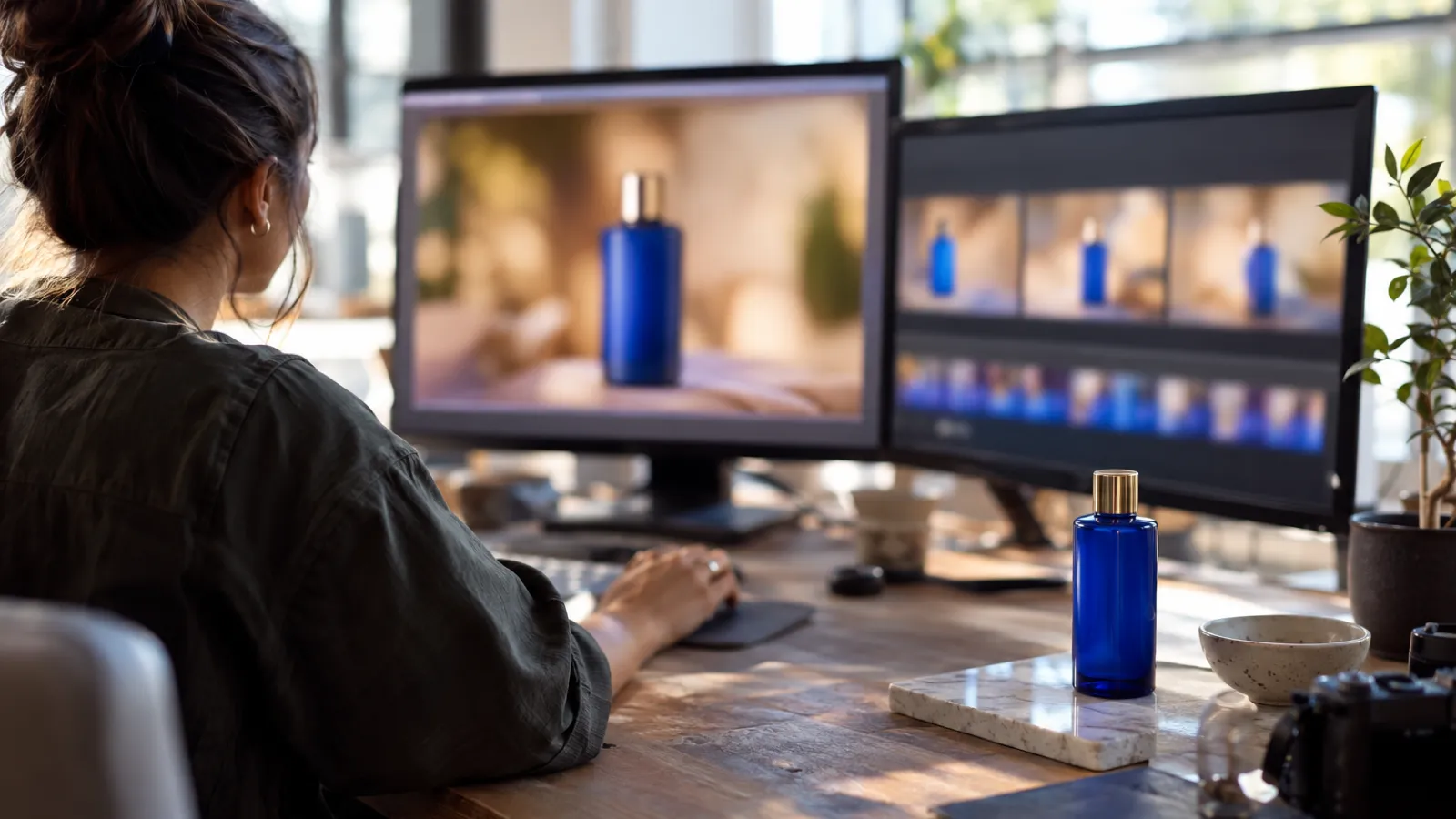
The clearest case is products. One clean product photo becomes the anchor for an entire run of clips: the same bottle, the same packaging, dropped into different settings, lighting, and seasons. You get the variety of a full shoot without the bottle quietly morphing between shots.
The second is recurring characters, like a brand mascot, a spokesperson, or a stylized avatar that shows up across a campaign. Words can't reliably re-summon the same face. An image can, which is what makes episodic and series content possible at all.
The third is a locked visual style. A style reference holds your look and feel, including palette, grain, and mood, steady across a batch even when the scenes differ wildly. It's the difference between a campaign and a pile of unrelated clips.
There's an honest flip side. Image-to-video is only as strong as the reference you feed it. A messy, low-resolution, or busy image hands the model bad instructions, and the output inherits the mess. And when you genuinely want surprise, like early ideation, abstract intros, or anything where a recognizable subject would only get in the way, text-to-video's freedom is the feature, not the bug. Picking the right mode for the job is part of the same judgment as choosing the right video model for the shot.
Why a reference image isn't the whole answer
Here's the catch most "just use image-to-video" advice skips: a great reference fixes one clip. Brand work is never one clip.
The moment you're producing a week of ads, three formats per concept, and a few market variations, the bottleneck moves. Now the questions are: is every clip starting from the approved reference, not last month's? Is the same caption and style treatment applied each time? Did the person doing Friday's batch use the same settings as the person who did Monday's? Consistency stops being a model feature and becomes a process problem. One off-brand reference, used by one teammate in a hurry, and the whole set drifts. That is the exact failure mode behind why so much AI content looks off-brand in the first place.
Reference images give you consistency within a generation. Holding it across hundreds of generations, people, and days is what a repeatable workflow is for. The reference image handles one clip; the workflow handles the whole campaign. That is the part building an AI content workflow has to get right to hold up at volume.
How image-to-video looks in Orisu
On a visual canvas, image-to-video stops being a setting you remember and becomes a step you can see. Your approved reference, whether a product shot, a character frame, or a style plate, sits as a node on the canvas, wired into the video step that animates it. The reference is the input, not an attachment someone has to re-upload and hope they grabbed the right version.
That wiring is what makes the set hold together. Build the path once, with the reference going in and video coming out and your prompt and brand inputs attached, and every run starts from the same anchor by definition, not by discipline. Change the prompt to get a new angle, a new format, or a new market, and the subject stays itself across all of them. Hand the canvas to a teammate or a freelancer and they get your output, because they're running your process, not improvising their own.
That's the quiet shift image-to-video makes possible. The reference image gives each clip a fixed identity, and folding it into a repeatable workflow gives the whole campaign one. You set the anchor once, and every video that runs through the canvas comes out looking like yours.
Common questions.
What is image-to-video AI?
Image-to-video AI generates a video clip from a starting still image plus a text prompt, instead of from text alone. The image acts as a fixed reference for what your character, product, or scene looks like, so the model animates that exact subject rather than inventing a new one each time.
Why does image-to-video keep content more on-brand than text-to-video?
Text prompts describe a subject in words, so the model fills the gaps differently on every run and your brand drifts. An image pins down the look that words can't capture: the exact face, packaging, or color. The leading models, including Veo and Runway Gen-4, now treat reference images as the main way to hold characters and style steady across scenes.
Do I still need a good prompt if I use a reference image?
Yes. The image controls what the subject looks like; the prompt controls what it does: the action, the camera move, the mood. The best results come from a clean reference plus a clear, specific prompt. The image stops the drift, and the prompt directs the scene.
Can one product photo become several on-brand video ads?
That's the most common use. Start from a single product or brand image, then run the same image-to-video step with different prompts for different formats, angles, and markets. Because every clip is anchored to the same reference, the set stays recognizably yours without a studio shoot.