Why give your AI agent a canvas? What changes when Claude or ChatGPT can see the work
Chat is a poor place to hold a plan with ten steps. Here's what a canvas gives Claude, ChatGPT, or your own agent, which tools offer one in 2026, and when plain chat is still enough.
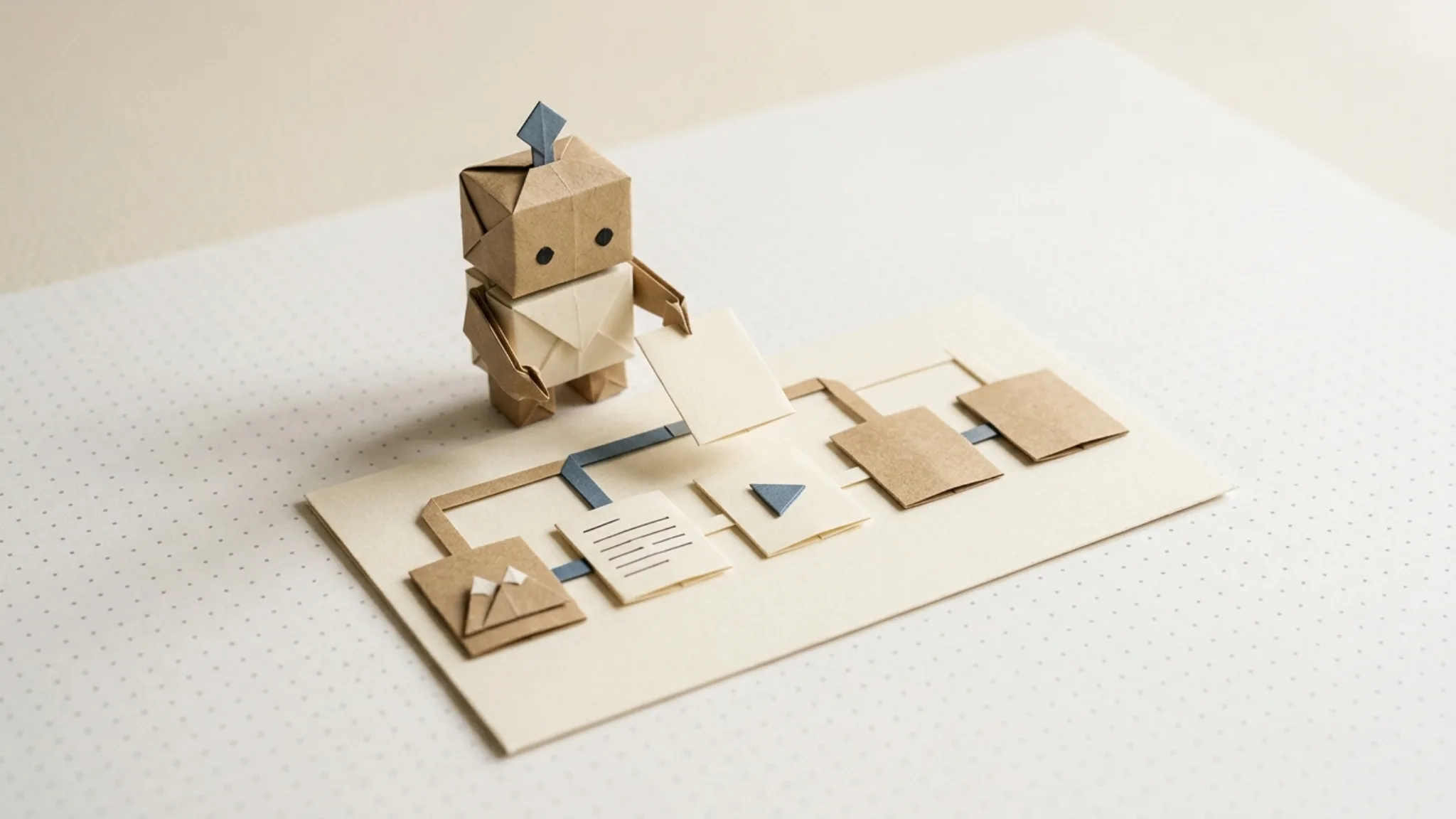
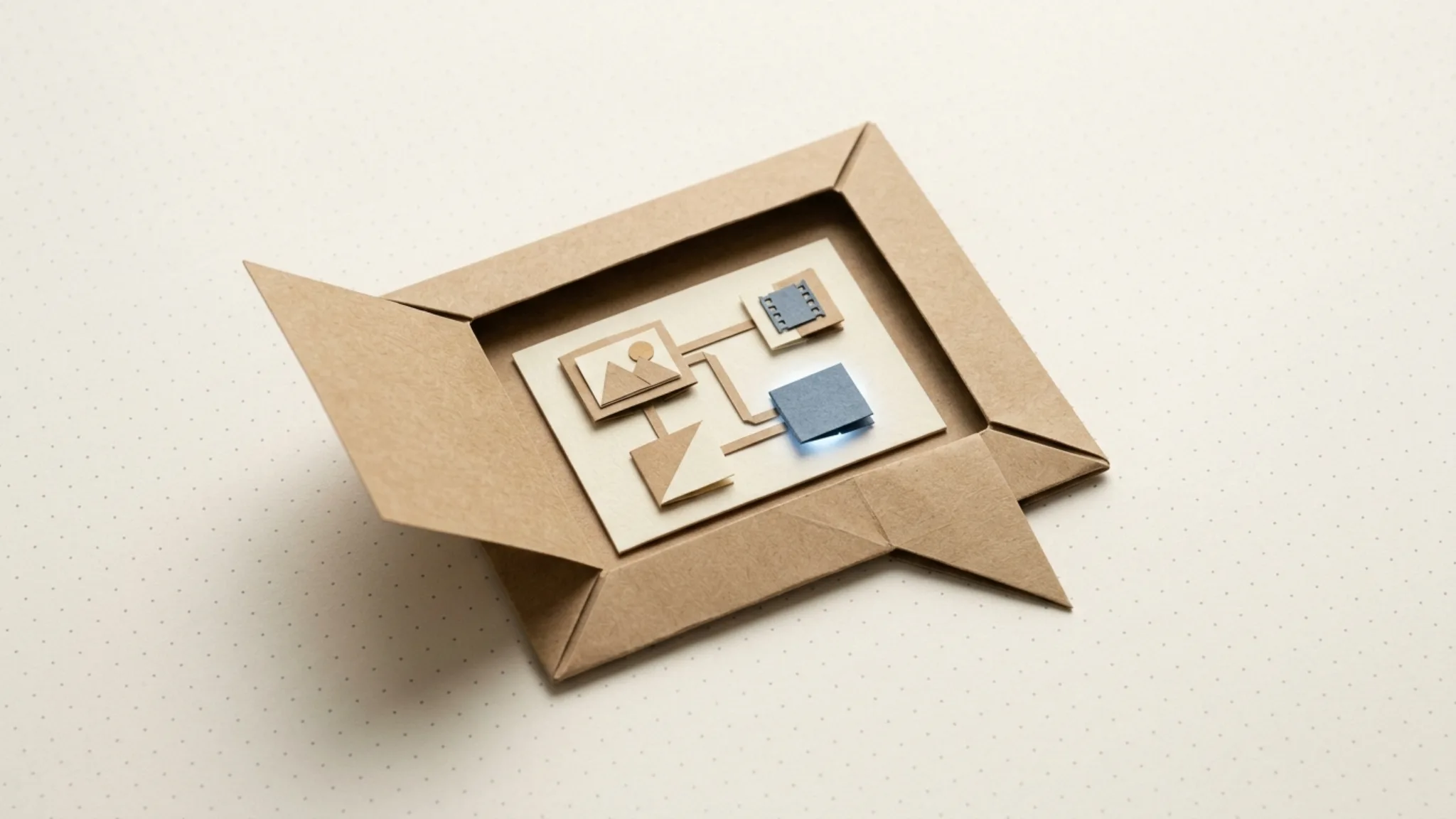
Giving an AI agent a canvas means letting it read and write a shared visual surface (a diagram, a whiteboard, or a node graph) instead of only replying in a chat transcript. The plan stops scrolling away. It sits on the canvas as objects you can both see, point at, and change, and it is still there when the conversation ends.
That used to be a custom-build job. In 2026 it's a connector you add in two minutes, because the Model Context Protocol grew a standard way to show interactive UI inside Claude and ChatGPT. Most canvas tools now let the agent write to the board, not only look at it. Chat still wins for small jobs, and the last section is about where that line falls.
Why isn't chat enough for agent work?
Chat is linear, and most real work isn't. Ask an assistant to plan a launch campaign and you get a long reply: ten steps, three branches, a list of assets per channel. Then you ask for a change to step four, the assistant rewrites the whole thing, and you scroll back up to work out what moved.
Amelia Wattenberger made the core argument back in 2023: a text box gives you "unclear affordances," with no visible sense of what you can do or where things stand (Wattenberger). Maggie Appleton and Linus Lee have argued the same from the interface-design side. Chat is good for asking, and much weaker for holding a structure in place while two parties edit it.
There is now some data behind the intuition. A Stanford study presented at ACL 2026 compared generated, structured interfaces against plain conversational replies and found "generative interfaces consistently outperform conversational ones, with up to a 72% improvement in human preference" (Chen et al.).
Steve Ruiz of tldraw said it more briefly when tldraw shipped its agent canvas: "Some ideas just don't fit in a chat box" (tldraw).
What does an agent gain from a canvas?
Once the work moves out of the transcript, a few things change in practice.
The whole plan is visible at once
A ten-step workflow on a canvas is one picture. You can spot the missing step or the wrong order in a few seconds, where in chat you would have to reconstruct it from paragraphs.
You can point instead of describe
"Change the third image node to a vertical crop" is precise when both of you are looking at the same graph. Without that shared reference, you end up describing locations in prose and hoping the model maps them correctly.
State survives the conversation
A transcript is a log of what was said. A canvas is the current state of the work. When the chat gets long, or you start a new one, the canvas still holds the latest version, and the agent can read it back instead of relying on what is left of its context window.
Review fits where it belongs
Anthropic's guidance on agents says they should "pause for human feedback at checkpoints or when encountering blockers" (Anthropic). A canvas gives those checkpoints a place to live: you look at the plan before it runs and at each output after.
Parallel work stays legible
Agents increasingly fan out: twelve ad variants, five languages, three aspect ratios. As text, that is a wall of results. On a canvas, each branch is its own visible lane, so you can see which ones finished, which failed, and which need another pass.
The result is reusable
In my experience this is the one that matters most. A chat answer is a one-off. A graph the agent built is a workflow you can run again next week with new inputs, hand to a teammate, or schedule.
How does an agent get a canvas inside Claude or ChatGPT?
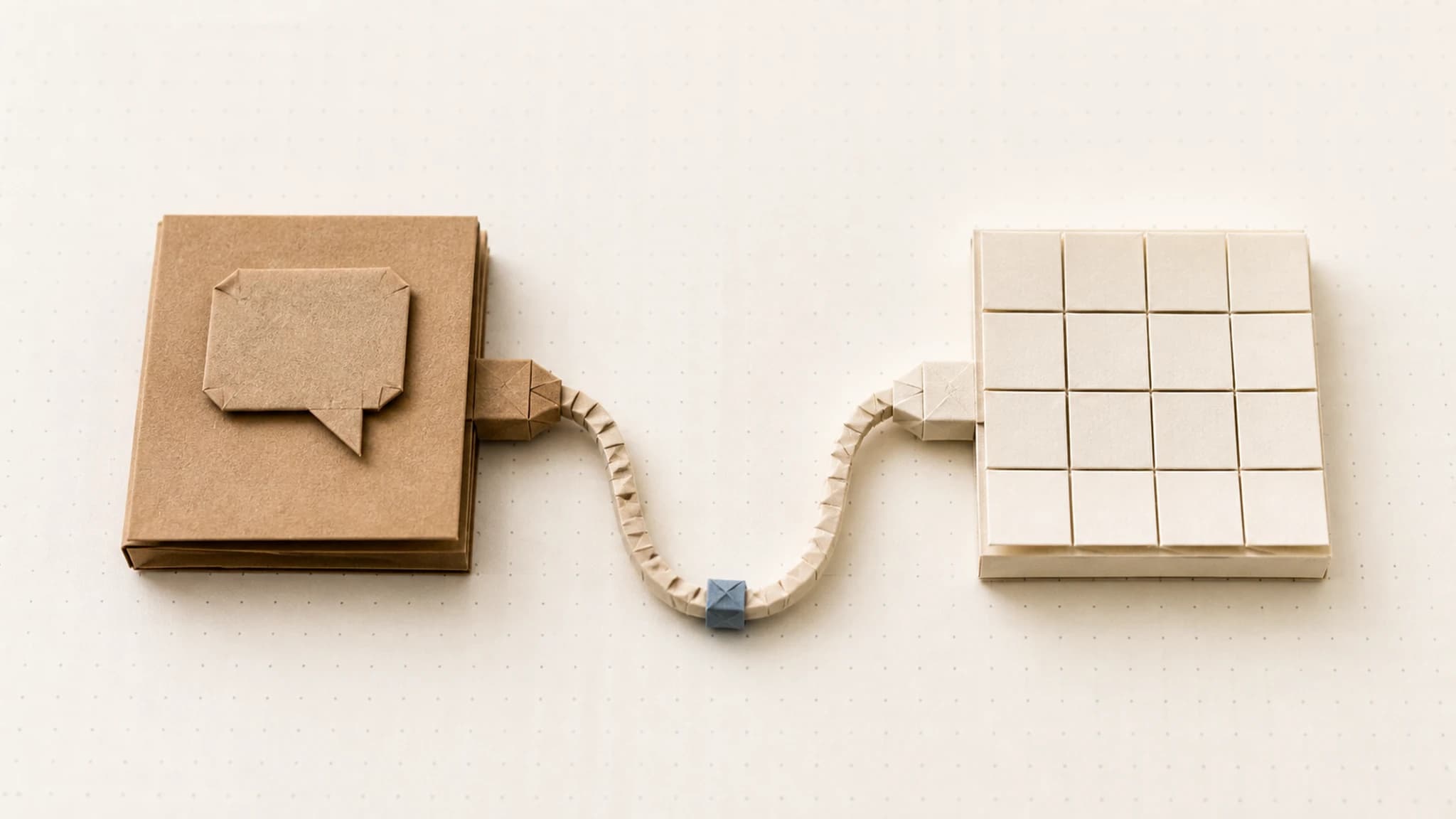
Through MCP Apps, the first official extension to the Model Context Protocol, announced on January 26, 2026 (MCP blog). It merged the earlier MCP-UI project with OpenAI's Apps SDK into one standard.
The mechanics are simple:
- A tool on an MCP server declares a UI resource, a
ui://address that points at an HTML page. - When the assistant calls that tool, the chat client loads the page in a sandboxed frame inside the conversation.
- The page and the client talk over a message bridge. The UI can receive the tool's results, call other tools, and update what the model knows.
In the spec's words, the app "stays isolated from the host but can still call MCP tools through the secure postMessage channel" (MCP Apps overview). The MCP team's summary of the goal is "the model stays in the loop, seeing what users do and responding accordingly, but the UI handles what text can't."
According to the official client matrix, MCP Apps render today in Claude (web, desktop, and mobile), ChatGPT, VS Code with GitHub Copilot, Microsoft 365 Copilot, Goose, Cursor, Postman, and several others (client matrix). If MCP itself is new to you, start with what MCP is and why it matters.
Which canvas tools can an AI agent use in 2026?
The question that matters is whether the agent can write to the canvas or only read it. Most of the useful ones now write.
| Tool | Kind of canvas | Agent can write? | Best for |
|---|---|---|---|
| tldraw | Freeform whiteboard | Yes, and it sees your edits | Sketches, wireframes, thinking out loud |
| Excalidraw | Hand-drawn diagrams | Yes | Architecture and flow diagrams |
| Miro | Team whiteboard | Yes | Workshops, boards the whole team uses |
| Figma | Design canvas | Yes (beta) | UI design and design-system work |
| Canva | Design editor | Yes | Social graphics, resizes, templates |
| n8n | Automation workflow | Yes (built in the chat client) | Business automations and integrations |
| ComfyUI | Node graph for diffusion models | Yes, and runs them | Local or cloud image pipelines |
| Orisu | Node graph for AI media | Yes, via the agent; the in-chat view is read-only | Image, video, and audio workflows you rerun |
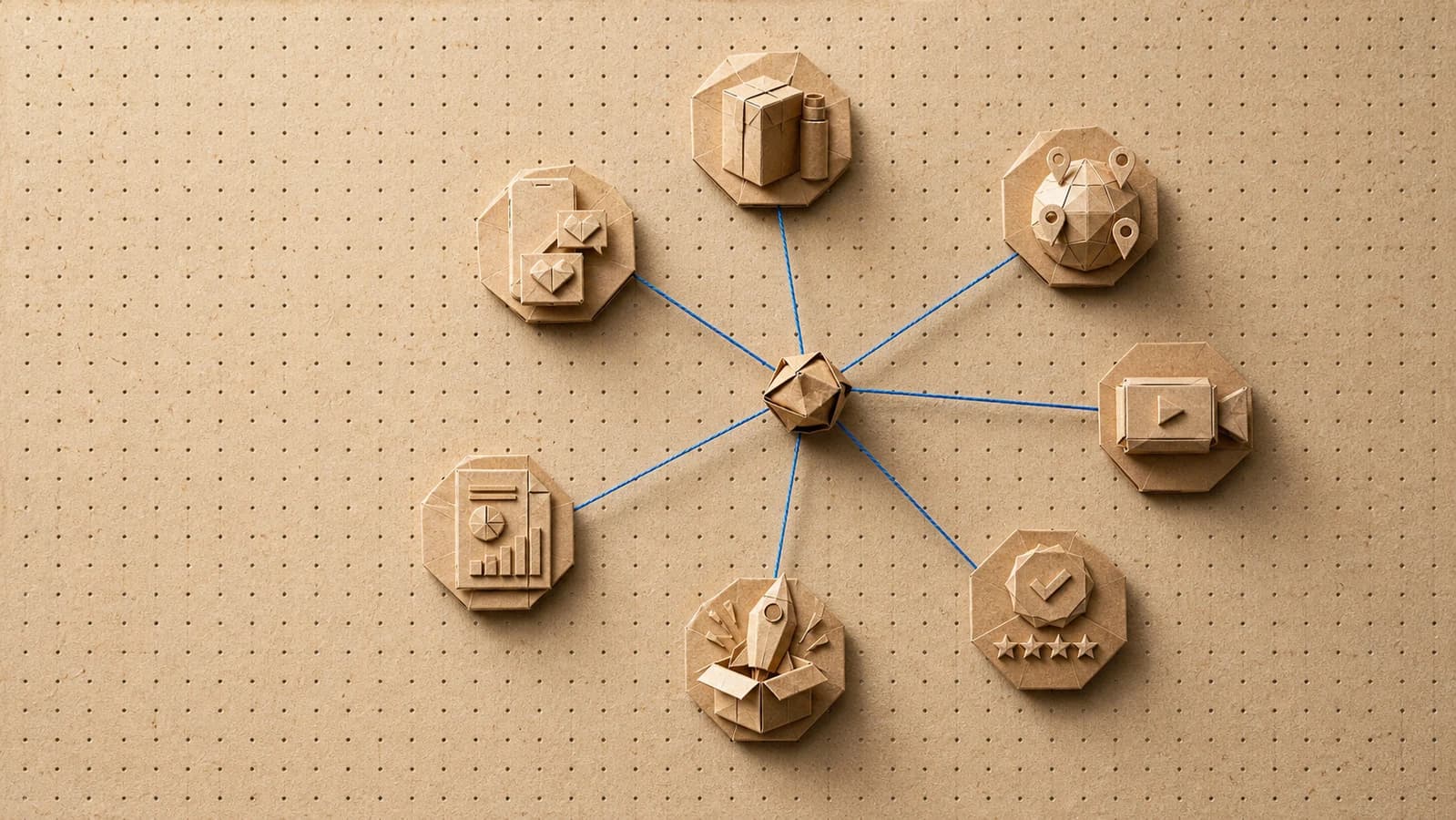
Two patterns show up. Whiteboards (tldraw, Excalidraw, Miro) are for thinking. Node graphs (n8n, ComfyUI, Orisu) are for doing, because the canvas is the program: every box is a step that runs.
When should you stick with plain chat?
A canvas is overhead when the task is small. Rewriting a headline, answering a question, or generating one image are all faster in chat. Opening a graph for them is like drawing a flowchart to boil an egg.
Signs you've outgrown chat:
- The task has more than three or four steps that depend on each other.
- You're producing variants in parallel and losing track of which is which.
- Someone else has to review the work before it ships.
- You'll want to do the same thing again with different inputs.
There are practical limits too. Terminal agents such as Claude Code don't render MCP Apps yet and fall back to the tool's text result (GitHub issue). Inline canvases are height-capped in chat, so big graphs need the fullscreen mode. ChatGPT also asks you to confirm any tool call that isn't marked read-only, which slows things down a little and is also the reason you can trust it with your credits.
How it looks in Orisu
Orisu is a node-based canvas for AI media work: images, product and UGC video, voiceover, dubbing, and chains of all of them. Our MCP connector works in both Claude and ChatGPT. When the assistant creates or edits a workflow, the real studio canvas renders in the chat, with the same node renderers you see in the app and live status badges as a run moves from queued to done.
The in-chat canvas is deliberately read-only. You don't drag nodes around inside the chat. You tell the assistant what to change, it rewrites the graph, and the canvas redraws. That keeps a clean split: the agent does the wiring, you do the judging, and an "Open in Studio" link takes you to the full editor when you want your hands on it.
If you want to set this up, the step-by-step guide is how to give Claude or ChatGPT a canvas with MCP. For the broader picture of building pipelines, see how to build an AI content workflow, or look at the canvas itself.
See the whole workflow.
Every step on Orisu is a node you can see, rewire and rerun. Templates are real share pages — open one and inspect the graph.
Common questions.
What does it mean to give an AI agent a canvas?
It means the agent can read and write a shared visual surface (a diagram, a board, or a node graph) instead of only replying in text. The work lives on the canvas as structured objects, so you can see the whole plan at once, point at one part, and keep the result after the chat ends.
Can Claude or ChatGPT work on a canvas today?
Yes. Since January 2026, MCP Apps lets a connector render interactive UI inside the chat. Claude (web, desktop, and mobile) and ChatGPT both render it, as do VS Code Copilot, Goose, and Cursor. Connect a canvas tool such as tldraw, Excalidraw, Miro, Figma, or Orisu and the canvas appears in the conversation.
Is a canvas better than chat for every task?
No. For a quick answer, a rewrite, or a single image, chat is faster and a canvas is overhead. A canvas starts paying off when the work has several connected steps, branches, or parallel variants, or when someone other than you needs to review or rerun it later.
Why doesn't my canvas show up in Claude Code or a terminal agent?
Terminal clients don't render MCP Apps UI yet; Claude Code returns the tool's text or JSON result instead of the interactive view. The tools still work. You get the data without the picture, so well-built connectors return a useful text summary alongside the canvas.