





























Your whole catalog.One run.
Run one workflow down every product you sell, review what comes back, and send a feed that Meta and TikTok pull on their own.
One column runs your catalog.
Mount an agent as a column, confirm the estimate, and watch it work down every row. Each product’s ads land in its own row, ready for review.
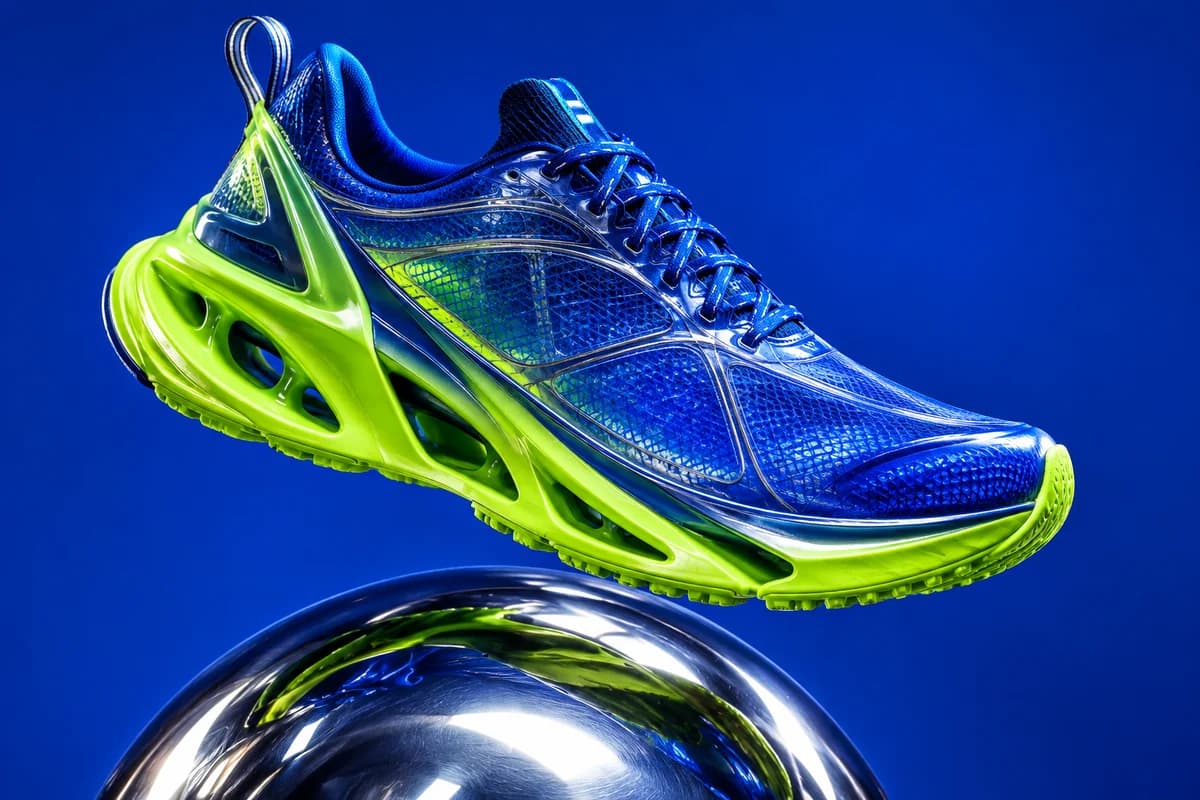
Glacier Runner, White129.00129.00Run—Sage Sparkling, 12-pack24.0024.00Run—Cognac Leather Tote189.00189.00Run—Havana Sunglasses95.0095.00Run—Frosted Serum, 30 ml48.0048.00Run—An illustration of a Feed run. The product shots and ads were made in Orisu for this page.
Import once. Stay in sync.
Connect Shopify or upload a CSV. You confirm the field mapping once, and every re-import reuses it and only touches the rows that changed.
- Column types inferred from your values: price, number, date, URL
- New rows fill every AI column on their own
- Cleaning scripts replay on each import
 ShopifyRe-import · mapping reused
- Glacier Runner, WhitePrice 139.00 → 129.00changed
- Frosted Serum, 30 mlAdded to the store yesterdaynew
- Cognac Leather ToteNew imagechanged
- Sage Sparkling, 12-packUntouchedskipped
1 new · 2 changed · 245 unchanged, skipped
Fix thousands of values in one sentence.
Clean columns on the way in, ask the copilot for a bulk change, or switch a column’s type. You see the real before and after on your rows, and nothing is written until you approve.
GLACIER RUNNER - WHITE/BLUE sz42129.0whitesage sparkling can 12pkUSD 24SAGECognac Tote (leather)189 USDcognac / brownhavana sunglasses UV40095,00TortoiseOrisu writes a small script per column and shows the real before and after on your rows. Once you confirm, it replays on every future import, with no per-row AI cost.
Write the copy too.
An AI column runs one prompt over each row’s other columns: headlines, cleaned descriptions, sale prices. It stores a value per row, refreshes only when you ask, and never overwrites a cell you edited.
Write a Meta headline under 40 characters for Title. Mention the Color.
Discount Price to 30 percent off. Return only the number.
129.0024.00189.0095.0048.00Example outputs. Each sale price is 30 percent off the price it was generated from.
One catalog, every campaign.
Add a column per campaign, each with its own agent and brief. The rows stay the same, so a launch, a retargeting push and your evergreen ads all start from the same product data.
Glacier Runner, WhiteSage Sparkling, 12-packCognac Leather ToteHavana SunglassesReuse what works.
The small things that save the most time once a catalog runs every week.
- Your agents, or a community app
Mount any agent you published, or an app from Explore. An app is copied to your workspace, so the author’s later changes never touch your feed until you click update.
- Pinned versions
A run column pins the agent’s deployed version. Keep editing it in the studio; the feed keeps producing the same thing.
- Unchanged rows rerun free
Re-run a column and every cell whose inputs didn’t change reuses its last result at no cost.
- AI columns feed agents
Bind a generated headline or a sale price to an agent input, just like a typed column.
- Fix one image in place
Open any output in the asset editor, mark it up or describe a change, and save the new version to your library.
- A copilot that asks first
Press ⌘J to read the feed, add columns, estimate a batch or run it. Every write is a card you approve.
- Record view
Open a row as a panel with every column as a field. Edit data in place and step through rows in your current sort.
- From code and agents
Everything the grid does is also an MCP tool and a REST endpoint, so your own agents can build and run feeds. API and MCP →
One drawer. Next, next, next.
Click a finished cell, approve or reject, and jump straight to the next one that needs a look. Approved rows are the ones that export. Try it.
A feed the channels pull themselves.
Every row is checked against the channel’s real catalog spec before it goes out, so nothing bounces after you’ve paid for it.
…/your-store/meta.csv- Glacier Runner, White, EU 42All required fields
- Cognac Leather ToteTitle too long for Meta, cut and flagged
- Havana Sunglasses, UV400All required fields
- Sage Sparkling, 12-packNo price. Blocked until it has one
Paste the URL into Commerce Manager or TikTok Catalog Manager once, and the channel refreshes on its own. Map with AI proposes the whole field mapping and lists the fixes it already made.
Before you ask.
The rest is in the Feed guide and the AI columns guide.
Where do my products come from?
Upload a CSV or connect Shopify. You confirm a field mapping once, and later imports only touch rows that changed. New columns get a type inferred from your values, and you can override it on the mapping screen.
Can it clean up messy product data?
Yes. Normalize with AI writes a small script per column and shows the real before and after on your rows before you import. For later cleanup, ask the copilot in plain words and approve the preview. Scripts run over every row with no per-row AI cost.
Can it write product copy?
Add an AI column with a prompt that references your other columns, such as a headline, a cleaned description or a discounted price. It fills every row on create and every new row on import. Cells you edit by hand are never overwritten.
What runs on each row?
Any published agent, or a community app, mounted as a column. Orisu matches its inputs to your columns, and you can test it on one real row before anything runs in bulk.
Can I run different campaigns on the same catalog?
Yes. Add a run column per campaign, each with its own agent and per-row instructions. The rows stay the same, so every campaign uses the same product data.
How do I keep costs in check?
Batches above your cost threshold show an estimate and wait for you. Re-running a cell whose inputs didn’t change costs nothing.
What if a cell fails?
It shows the error with a one-click retry. The rest of the column keeps going. A batch you stop partway leaves the unfinished cells cancelled, ready to rerun.
Which channels can pull the feed?
Meta and TikTok. Orisu hosts a CSV at a stable URL and checks every mapped field against that channel’s catalog spec. A plain CSV download of the whole grid is always there too.
Can my own agents or code use it?
Yes. The grid’s actions are MCP tools and REST endpoints, so an agent in Claude or ChatGPT, or your own service, can build a feed, add columns, run them and review results.
See the first column fill in today.
Import your products, mount one agent and run it on a single row. Free, no credit card.
Start free