AI video with native audio: what it changes for marketing teams
AI video models now generate dialogue, sound effects, and music in the same pass as the picture. Here's what native audio is, why it matters in 2026, and how to use it on-brand.
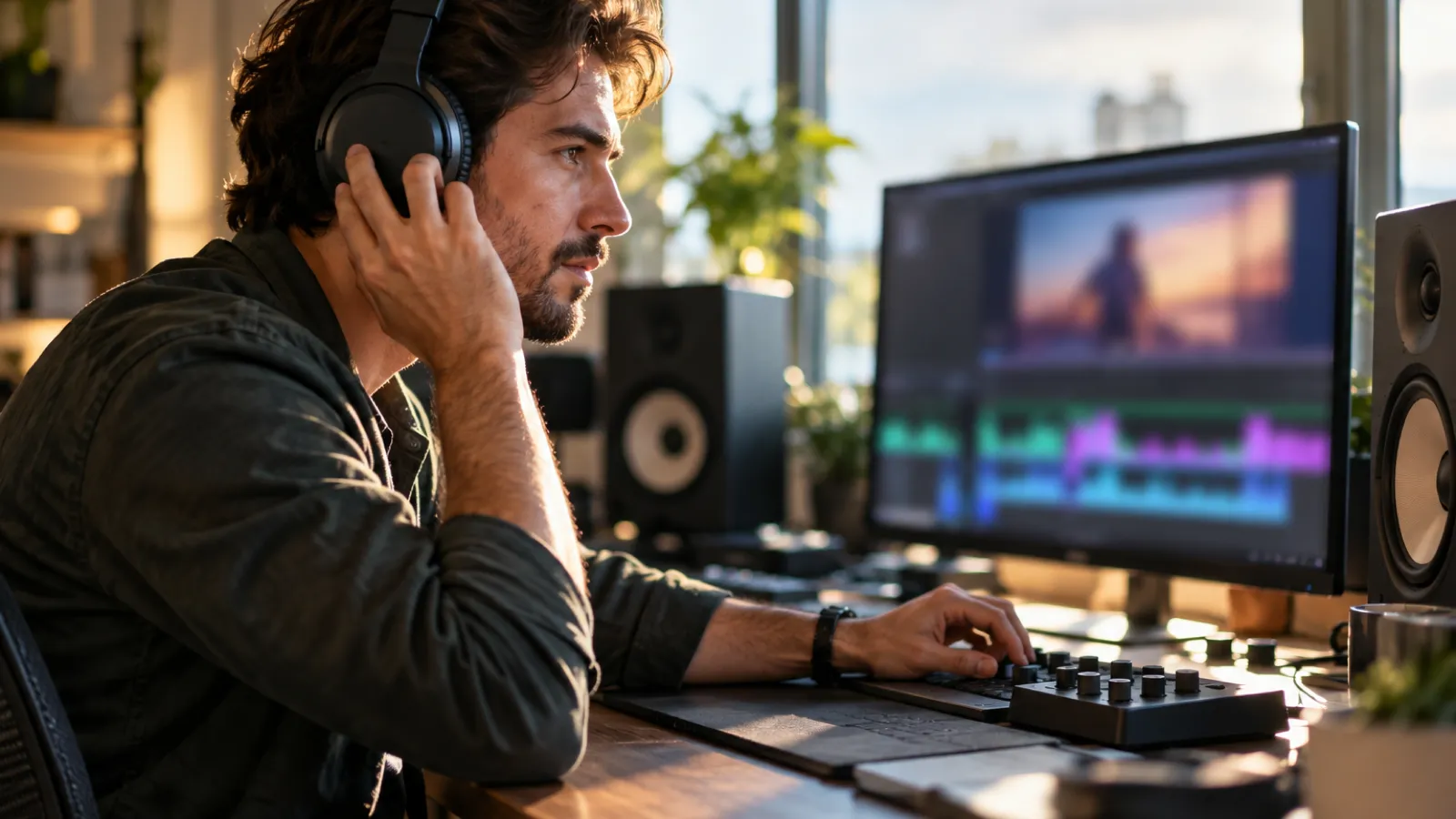
For most of the generative-video boom, the output was silent. You could prompt a model for a beautifully lit product shot or a cinematic city flyover, and then you'd go do the other half of the job: find the right sound effect, source music you're allowed to use, record or synthesize a voiceover, and line all of it up by hand. The picture was AI; the sound was still manual. That gap is closing fast, and for marketing teams it changes the math on what's worth making.
Native audio means an AI video model generates the sound (dialogue, sound effects, ambient noise, sometimes music) in the same pass as the picture, instead of in a separate editing step. Google's Veo was the model that made this mainstream: per Google DeepMind, "Veo 3 lets you add sound effects, ambient noise, and even dialogue to your creations – generating all audio natively" (Google DeepMind). The clip arrives already scored and synced, not as a silent file waiting for a soundtrack.
Why native audio matters now
Two things make this more than a novelty. The first is that video is where marketing attention already lives. In Wyzowl's 2026 survey, 91% of businesses use video as a marketing tool and 82% of marketers say it has given them a good ROI (Wyzowl). Sound is not a garnish on that. A muted autoplay clip and the same clip with synced dialogue and effects are different products, and the one that feels finished tends to win attention.
The second is that teams have already moved. The same Wyzowl report found 63% of video marketers have used AI video tools to help create or edit videos, up from 51% the year before, a notable jump in twelve months (Wyzowl). Native audio lands on an audience that has stopped asking whether to use AI video and started asking how to do it well. Removing the separate audio pass is exactly the kind of friction that decides whether AI video is a fun demo or a real part of the pipeline.
How does native audio actually work?
The mechanic is simpler than it sounds. With an audio-capable model, the same prompt that describes the scene also describes the sound, and the model produces both together so they line up. In Veo, for example, the prompt carries an explicit audio description alongside the visual one: a line like "wings flapping, birdsong, wind rustling, twigs snapping underfoot" attached to a shot of an owl in flight (Google DeepMind). The model isn't dubbing sound onto a finished video after the fact; it's generating picture and audio as one output, which is why dialogue can land roughly in time with a character's mouth and a footstep can hit when the foot does.
That "one output" framing is the important part. Traditionally, sound was a downstream task: render the video, then open another tool to add audio. Native audio folds that step into the generation itself. You still get to direct it, writing what you want to hear the same way you write what you want to see, but you stop owning the manual sync.
Native audio vs. the old add-it-later workflow
The difference is easiest to see side by side.
| Add audio later | Native audio | |
|---|---|---|
| Steps | Generate video, then source/record sound, then sync in an editor | One generation produces picture and sound together |
| Sync | You align effects and speech to the frame by hand | Audio is produced to match the action |
| Speed | Multiple tools, multiple passes | One prompt, one pass |
| Control | Total: you choose every sound | Directed by prompt; refine afterward if needed |
| Best for | Polished spots with specific VO or licensed music | Social clips, concept work, ambient product shots |
Neither column is "right." The honest read is that native audio collapses the common case (the ambient bed, the obvious sound effect, the rough voice) into the generation, and frees your editing time for the cases that actually need a human: a specific voice, a licensed track, a precise comedic beat. Use the fast path where speed matters most; reach for the editor where precision matters most.
What it changes for a marketing team
The practical shift is that "make a video" stops meaning "make a video and then make its soundtrack." A few places that shows up:
Short-form social moves faster, because a clip that's already scored is ready to post instead of ready to edit. Concepting gets cheaper, because a stakeholder can hear the idea (tone, pacing, the joke) in the first draft instead of imagining it over a silent file. And volume gets more realistic: when you're producing ad variants or localized cuts, the audio no longer multiplies the work, because it rides along with each generation.
What it doesn't change is the part that was always the point: brand fit. A model will happily generate a voice, a vibe, and a sound palette that have nothing to do with how your brand actually sounds. Generated audio is a strong first pass, not an automatic match, which is the same lesson the picture side already taught. (We wrote about that drift in why your AI content looks off-brand; audio just adds a new surface for it.)
Keeping native-audio video on-brand
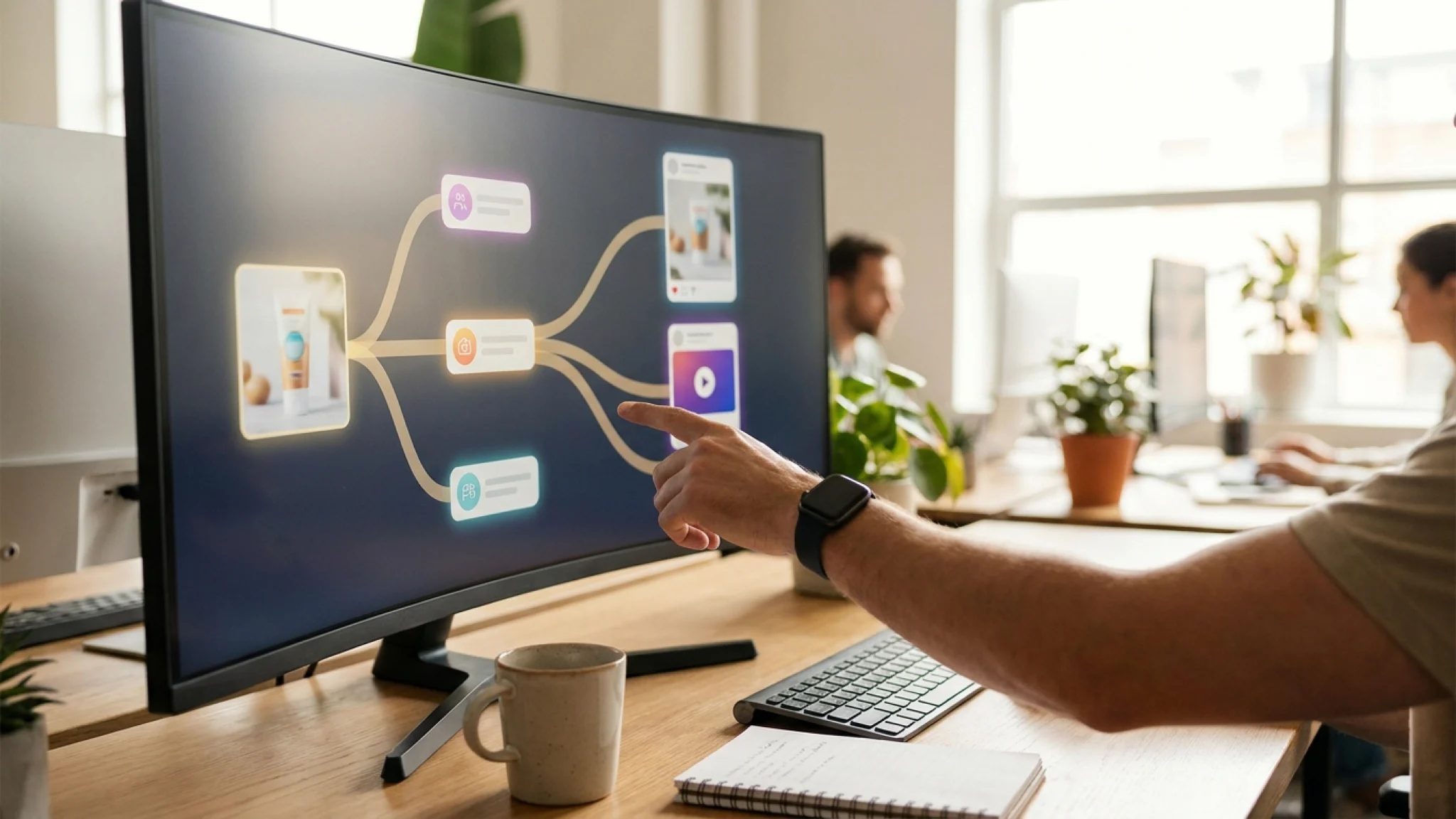
The fix is the same one that works for visuals: don't treat each clip as a one-off prompt, treat it as a step in a repeatable process where your brand inputs are wired in and the noisy parts are consistent. That's the whole idea behind a node-based canvas: you compose the steps once (the look, the model, the audio direction, the brand voice references from your brand kit) and run that same workflow for every variant, so the tenth clip sounds like the first instead of like a different company.
Native audio fits naturally into that kind of pipeline. The generation that produces your image-to-video clip can produce its sound in the same step, and the next step can hand it off for the human polish that genuinely needs a person. If you're building toward that, the related reads are which AI video model to use when for matching the model to the job, the best AI video tools for ads for the tooling landscape, and image-to-video for brand consistency for keeping motion on-brand. The fastest way to feel the difference is to open a template, swap in your brand, and run it.
Native audio won't make a bad video good. A clip that's off-brand silent is off-brand with sound, only louder. What it does is delete a step that used to sit between an idea and a finished clip. For a marketing team producing at volume, that deleted step is real time back, and it's worth understanding now, while it's still new enough to be an edge.
Common questions.
What is native audio in AI video?
Native audio means the video model generates the sound (dialogue, sound effects, ambient noise, and sometimes music) in the same pass as the picture, instead of you adding it in a separate editing step. The audio is produced to match the action on screen, so a clip arrives already synced rather than silent.
Which AI video models generate audio?
Google's Veo line was the first major model to natively generate synchronized audio alongside video, including dialogue and sound effects. Through 2026 other models added their own audio generation, so a single text prompt can now return a clip with sound. Capabilities and quality differ by model, so the right choice depends on whether you need speech, effects, or just ambience.
Is native-audio AI video good enough for real marketing use?
For short social clips, ambient product shots, and concept work, yes, the audio removes a whole production step. For polished spots with specific voiceover or licensed music, treat the generated audio as a strong first pass you refine, not a finished mix. The honest rule: use it where speed matters most and edit where precision matters most.
Does native audio replace a video editor or sound designer?
No. It removes the most repetitive part of the job (sourcing, syncing, and layering basic sound) so the people doing the work spend their time on judgment, brand fit, and the final polish. It's a faster starting point, not a replacement for taste.