What is an AI brand kit?
An AI brand kit is a machine-readable brand system that AI generation reads automatically. Here's how it differs from PDFs, asset folders, and prompt snippets.
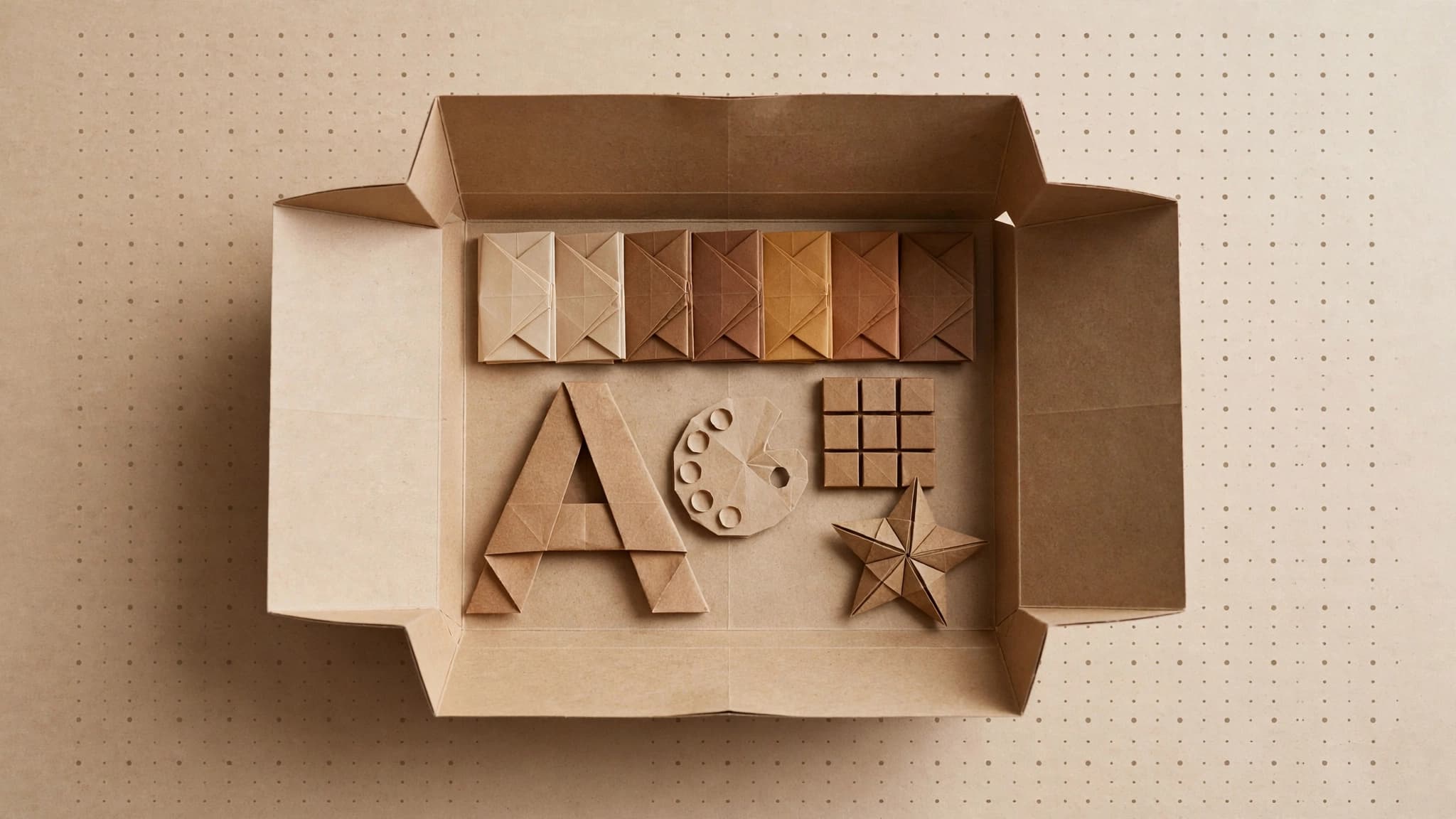
An AI brand kit is a machine-readable version of your brand. It stores your colors, fonts, voice, logo, and imagery rules in a structured format that AI tools read automatically, so every generated image, video, or line of copy starts from your brand instead of a generic default. You stop re-explaining your brand in every prompt.
This post is one piece of our larger guide to on-brand AI content. Here we focus on the kit itself: what it is, how it differs from the brand assets you already have, and when it's worth setting one up.
How does an AI brand kit work?
An AI brand kit has two halves: the data and the delivery.
The data is your brand expressed as structured values rather than prose:
- Colors as exact values (hex codes), each with a role like primary, background, or accent, not "our blue is friendly but professional."
- Fonts by name, with hierarchy: which face for headlines, which for body.
- Voice as concrete rules a model can follow: words you use, words you avoid, sentence length, formality.
- Logo files, plus clear-space and placement rules.
- Imagery guidelines: the photography or illustration style you want, and the things you never want to see.
Design systems already work this way. The Design Tokens format specification from the W3C Design Tokens Community Group defines a standard JSON format so design decisions like colors, typography, and spacing can pass between tools directly, instead of living in prose a person has to interpret. An AI brand kit applies the same idea to generation.
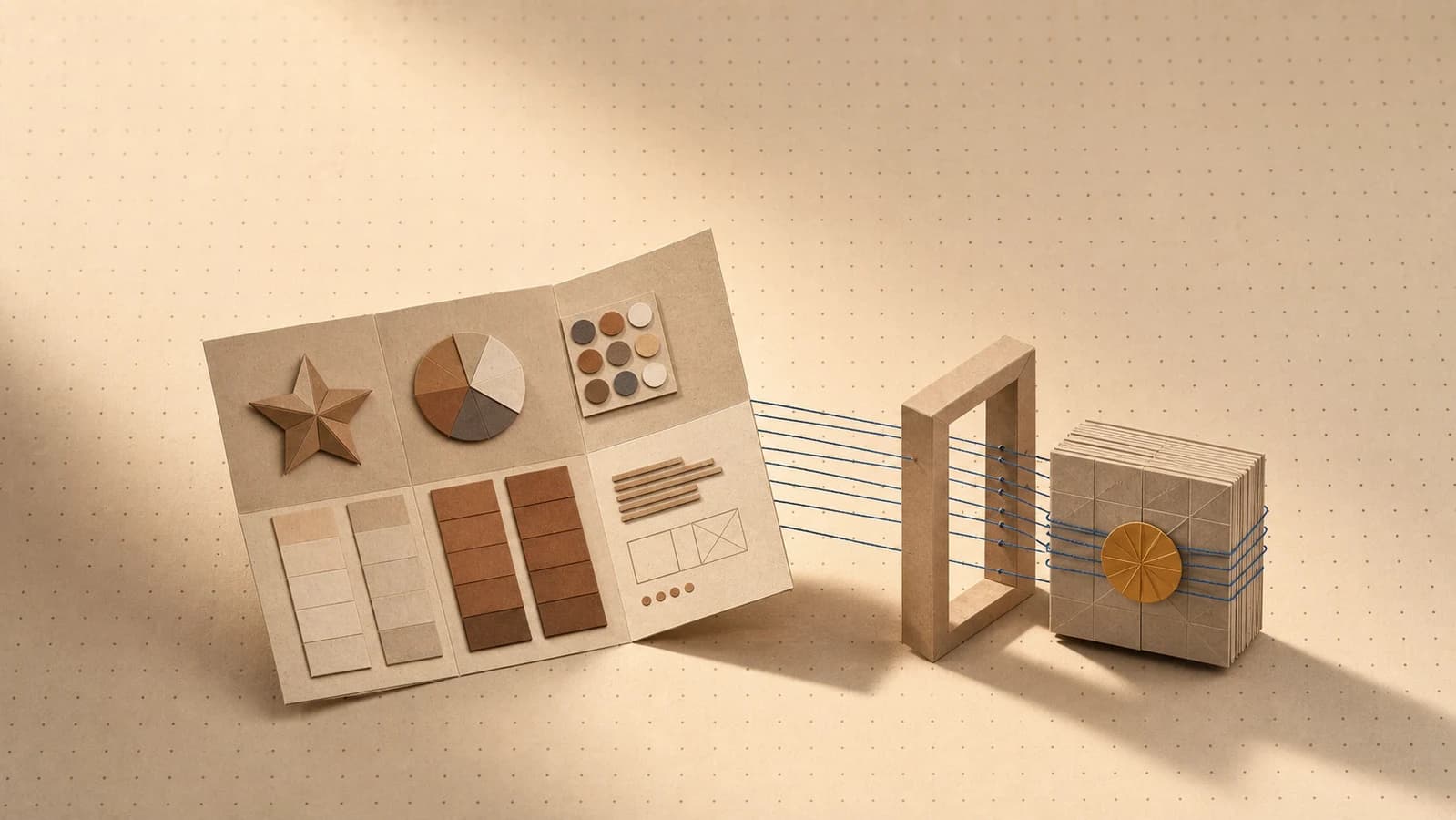
The delivery is what makes it an AI brand kit. The kit isn't a reference document someone consults. It's injected into the generation step itself. When a model generates an image, the kit supplies the palette and imagery rules. When a model writes copy, the kit supplies the voice rules. The brand arrives before the output exists, so there's nothing to fix afterward.
That delivery step is the whole difference. Plenty of teams have well-documented brands and still get generic AI output, because nothing carries the brand into the prompt. This gap predates AI: Lucidpress's 2019 State of Brand Consistency study found that 81% of companies still struggle with off-brand content, even with guidelines in place. (We wrote about that failure mode in why AI content looks off-brand.)
AI brand kit vs brand guidelines vs design-tool kits vs prompt snippets
Teams usually have some version of their brand written down already. The question is whether AI generation can use it. Here's how the common formats compare:
| Approach | What it is | Who reads it | How it reaches AI output |
|---|---|---|---|
| Brand guidelines PDF | A document explaining the brand in prose and examples | People | It doesn't; a person has to translate it into each prompt by hand |
| Design-tool brand kit (Canva-style) | A folder of logos, colors, and fonts inside one design tool | People, inside that tool | Only when someone manually drags assets into a design, since generation itself isn't brand-aware |
| Prompt snippets | A saved block of brand text pasted into prompts | The model, when someone remembers to paste it | Manually, and it drifts, since every teammate keeps a slightly different version |
| AI brand kit | Structured brand data wired into the generation layer | The AI tools themselves, automatically | Applied to every generation by default |
A few notes on each:
Brand guidelines PDFs are still worth having. They explain the why behind the brand and handle judgment calls no structured format can. But a PDF is invisible to an AI model. Someone has to read it, hold it in their head, and retype the relevant parts into every prompt. That works exactly as well as that person's memory and patience.
Design-tool brand kits solved this problem for layout tools: your colors and fonts are one click away when you're assembling a social post. But they're asset folders, not generation inputs. The AI image you drop into the layout was still generated with no knowledge of your brand.
Prompt snippets are the duct-tape version of an AI brand kit, and in our experience they're how most teams start. They half-work, which is the trap: each person's snippet drifts a little, the snippet only covers what fits in a paragraph, and nothing updates when the brand changes. Five teammates, five snippets, five slightly different brands.
How does extraction from a URL work?
Your website is already the most complete public record of your brand. It encodes your palette in its stylesheets, your fonts in its typography, your logo in its header, and your voice in every paragraph of copy.
Brand extraction reads all of that. Conceptually, an extractor:
- Visits your site and renders the pages the way a browser would.
- Pulls the visual layer: the dominant colors and their roles, the font stack, the logo file.
- Samples the written layer, meaning your actual copy, and derives voice and tone rules from how you already write.
- Assembles a draft kit with guidelines you can review, correct, and extend.
The honest caveat: extraction gives you a strong first draft, not a finished brand system. If your site is mid-redesign, or your strongest brand work lives in places the site doesn't show, you'll want to edit the result. The value is that you start from 90 minutes of review instead of a blank form.
When do you need an AI brand kit, and when don't you?
You need one when:
- More than one person generates content. Without a shared kit, each teammate's output reflects their own prompting habits, not the brand.
- You generate regularly. If AI images, video, or copy are part of your weekly output, per-prompt brand wrangling is a recurring tax.
- You work across formats. The same brand has to hold across images, video, and text, and one kit feeding all of them beats three separate workarounds.
- You manage multiple brands. Agencies feel this most: per-client kits mean switching brands is a selection, not a re-setup.
You can skip one when:
- You're making one-off art with no brand to hold to.
- The brand doesn't exist yet. A kit encodes decisions; it can't make them for you. Decide the brand first, then encode it.
- You generate rarely. If AI output is an occasional experiment, pasting a snippet now and then is fine.
What an AI brand kit looks like in Orisu
In Orisu, the kit starts from a pasted URL. Drop in your website address and the brand kit is extracted automatically, including colors, fonts, voice, logo, and guidelines, and every field is editable before you use it.
From there, the kit is applied to every generation on the canvas. Image, video, text, and audio steps all read from the same brand data, so the brand folds into the work at the moment it's made rather than being patched on afterward. Set it once per brand (or per client), and on-brand becomes the default rather than the chore.
Your brand kit is one URL away.
Paste your site and Orisu builds the kit — colors, fonts, voice, logo — then holds every generation to it.
Common questions.
Is an AI brand kit the same as brand guidelines?
No. Brand guidelines are written for people: a PDF that explains your colors, fonts, and voice. An AI brand kit stores the same information in a structured format that AI tools read automatically, so the brand is applied at generation time without anyone translating the rules by hand.
Can AI really extract my brand from my website?
Yes, to a useful first draft. Your website already encodes your colors, fonts, logo, and written voice, so an extractor can read the pages and assemble a kit from them. Treat the result as a starting point: review it, fix anything off, and add rules the site doesn't show.
Do I need a designer to create an AI brand kit?
No. If your brand already exists, with a website, a logo, and established colors, extraction tools can build the kit from what's there, and anyone on the team can review it. A designer helps most when the brand itself is still being defined, which is a separate job from making it machine-readable.
Does an AI brand kit work for video and text, or just images?
A good one covers every format. Colors, logo, and imagery rules shape images and video; voice and tone rules shape copy and scripts. That's the point of keeping the kit in one structured place: the same brand data feeds whichever model is generating, in any format.