Black Friday ad ideas that fit a small brand.
Twelve angles you can run this year, with real examples, the sizes each feed wants, and a plan for October and November. You don't need an agency or a big budget for any of them.
Pick two or three. Not all twelve.
The first six come with real examples. We ran one free workflow on a single product page (a kettle) and these are the ads it made, unedited. The other six are angles worth adding once the basics are running.
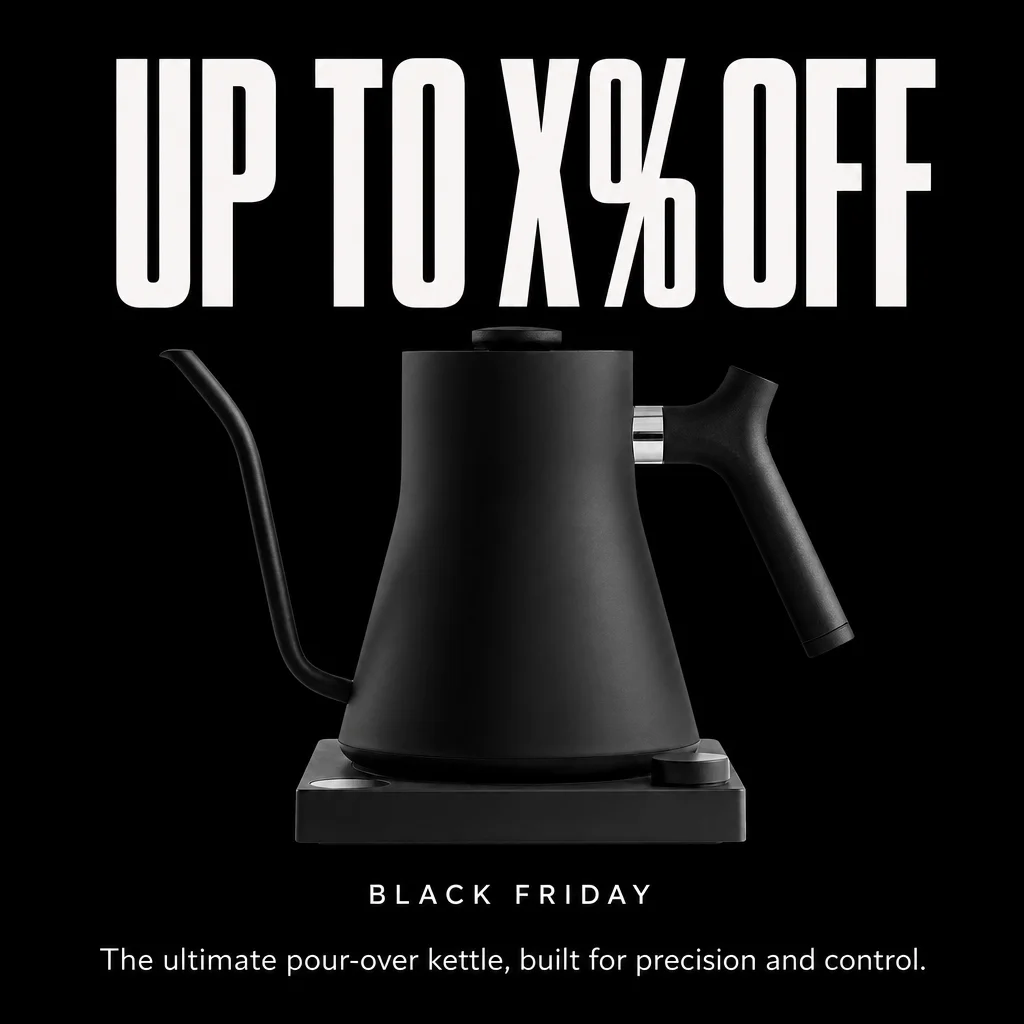
The big number
Your real discount in huge type, the product in the middle, nothing else. It's the plainest ad you'll run and the easiest to read at a glance.
Best for Black Friday itself, when the discount is worth shouting about.
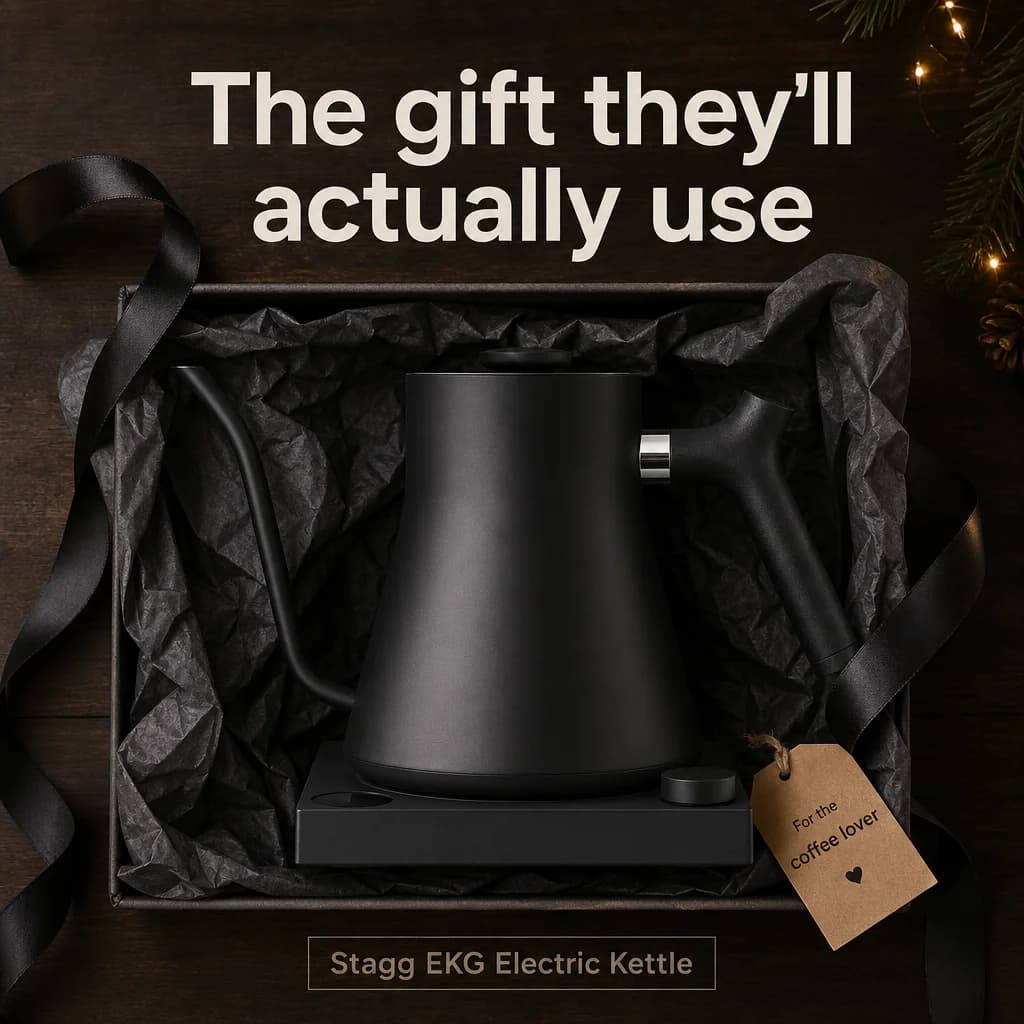
The gift set
Show the product boxed or wrapped, with one line about who it's for. In late November a lot of people are buying for someone else, so meet them there.
Best for Early November through the weekend.
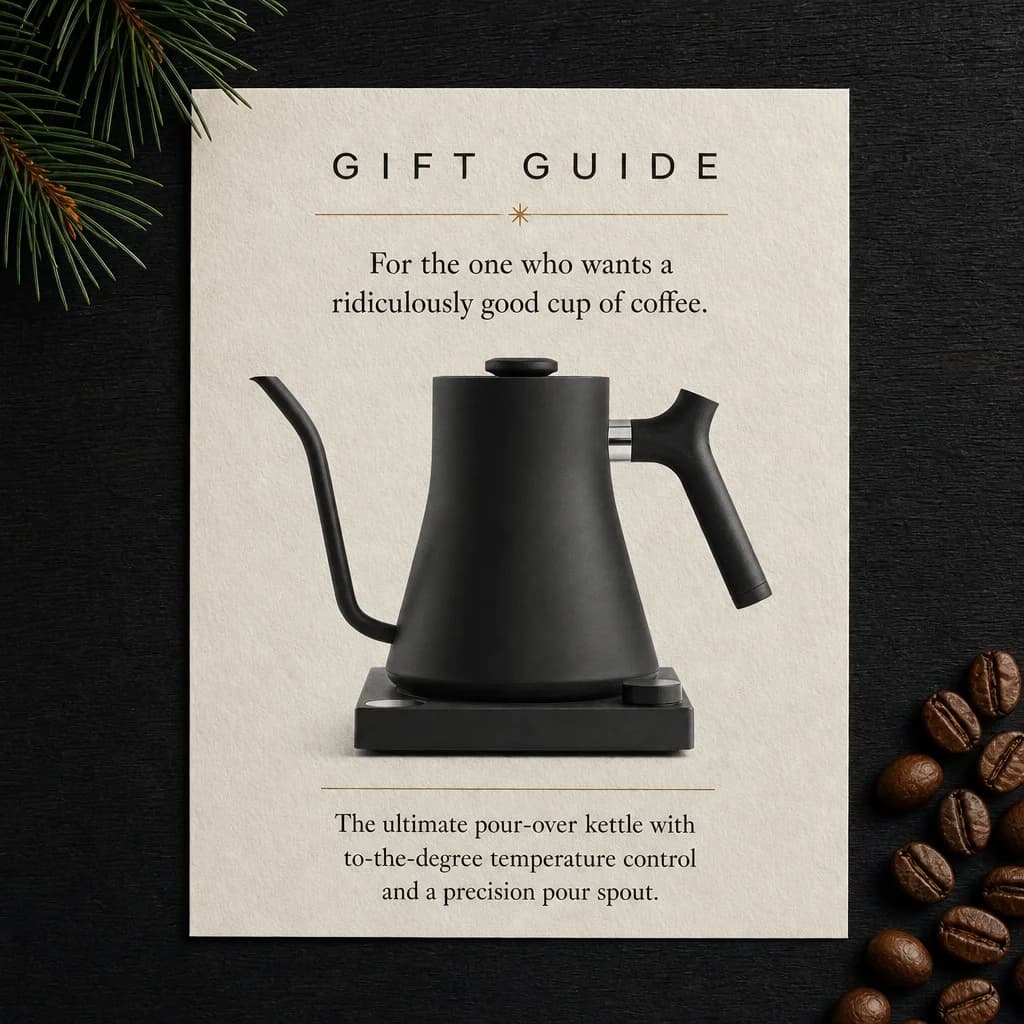
The gift guide page
Lay the ad out like a page from a magazine: your product, a short caption, maybe one thing it pairs with. People read it like editorial instead of skipping it like a banner.
Best for Warm-up weeks and anyone who hasn't decided yet.
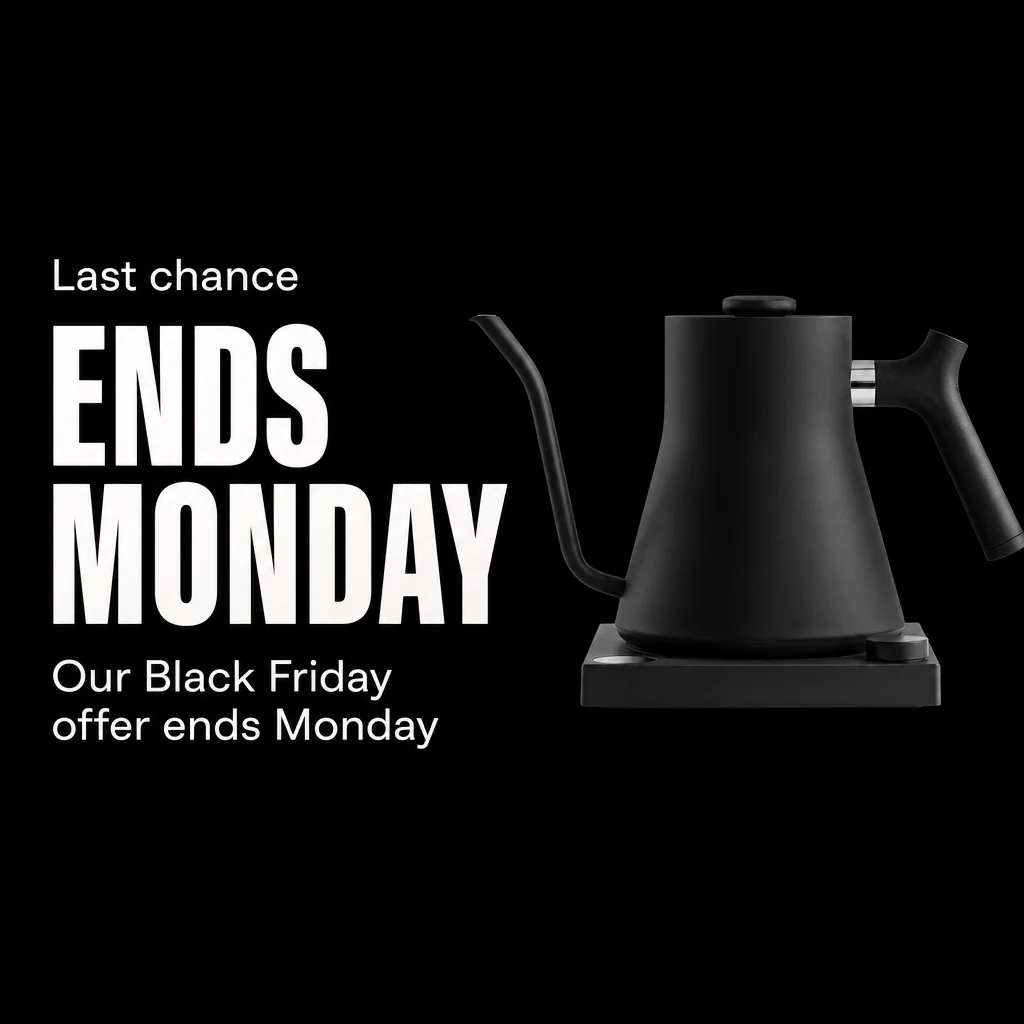
Last chance
The deadline does the work. Say when the sale ends, give the day and time, and keep the product large.
Best for Sunday night and Cyber Monday.
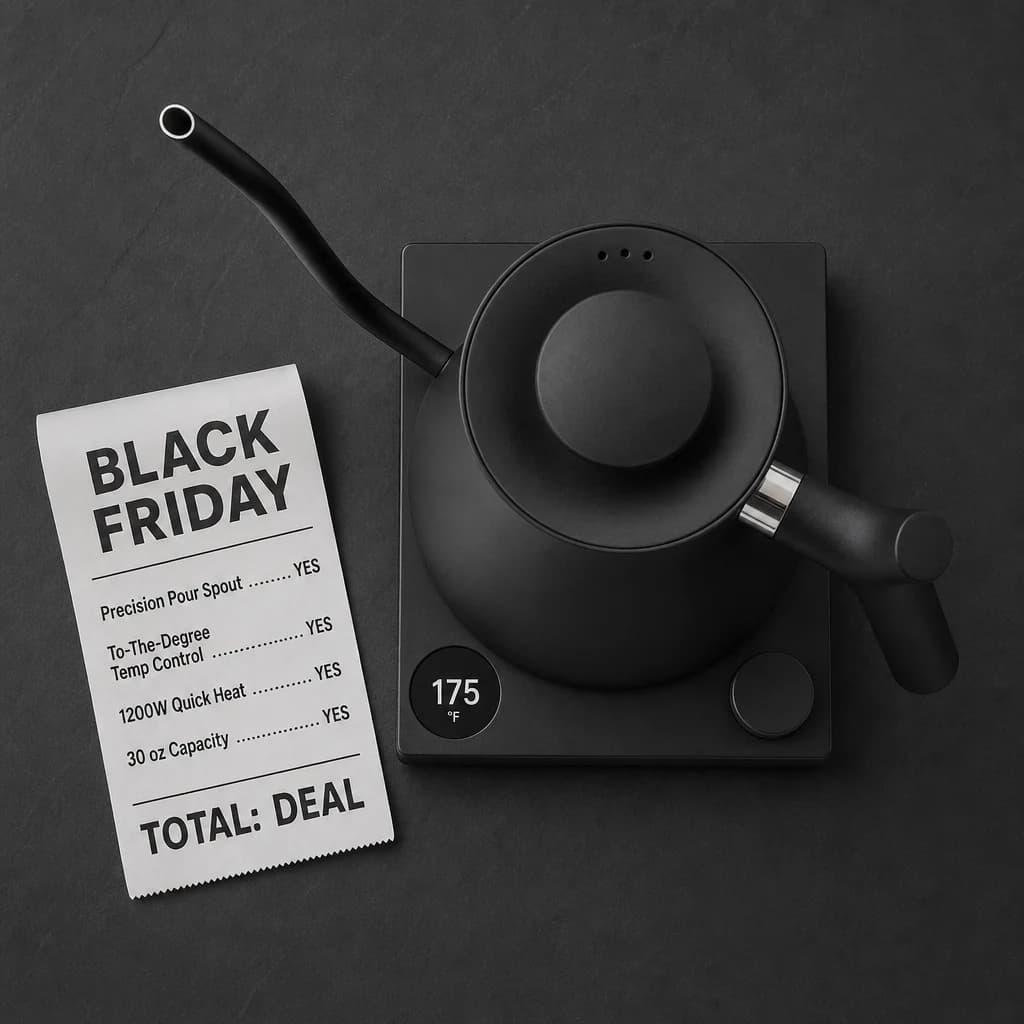
The receipt
List what the buyer gets as line items on a paper receipt and make the deal the total. It explains the product and the offer in one picture.
Best for Products with a few clear features.
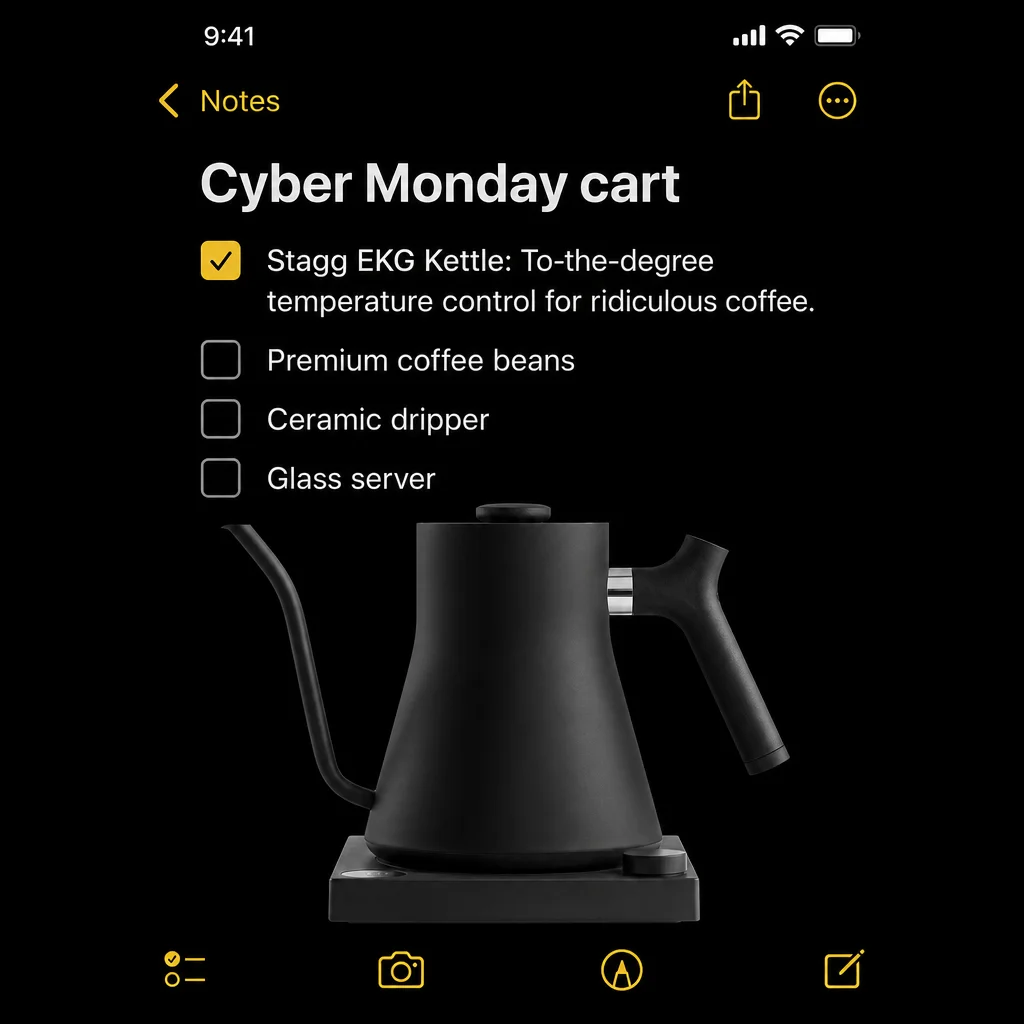
The notes app
A phone note that reads like a friend's shopping list, with your product on it. It looks like something a person made, which helps it stand out in a feed full of red banners.
Best for Cyber Monday and Stories.
Early access
A day or two before the sale, tell past buyers and your email list they get in first. The ad only has to say who, when and how.
Best for Retargeting and your existing customers.
Add something instead of cutting the price
If you don't want to discount, add value: a free accessory, a bundle, gift wrap, free shipping. It suits brands that stay full price the rest of the year.
Best for Premium products and thin margins.
The founder note
A photo of you packing orders and two honest lines about the sale. A small brand has a person behind it, and that's something the big stores can't copy.
Best for Brands with a following on Instagram.
The UGC-style review
Someone holds the product and says why they like it, in plain words. With Orisu an AI actor can read the script, so write it from real customer reviews instead of inventing praise.
Best for Reels, TikTok and cold audiences.
The product in use
Skip the studio shot and show the moment the product earns its keep: the pour, the fit, the before and after. Short B-roll made from your photos does this well.
Best for Video placements and products that need a demo.
The shipping cutoff
"Order by December 15 for delivery before the holidays." Once the sale ends, a real cutoff date gives people the next reason to buy.
Best for Cyber Monday into December.
Three sizes cover almost every feed.
Make each angle in a square and a vertical size and you can run it on Facebook, Instagram and TikTok. A few rules hold for all of them: one message per ad, the product large, the offer readable at thumbnail size, and a real price or a real end date.
1:1 Square
Facebook and Instagram feed, most other placements
The safe default. The whole ad shows almost everywhere without cropping.
4:5 Vertical feed
Instagram and Facebook feed on phones
Takes up more of the screen than a square. Keep the offer in the middle so it survives a square crop.
9:16 Full screen
Stories, Reels, TikTok
The app puts its own buttons over the top and bottom of the frame. Keep text and the product out of those bands.
Make the ads in October. Run them in November.
Black Friday is Friday, November 27, 2026 and Cyber Monday is November 30. Auction prices usually climb in the last week, so the work that matters happens before it.
- Oct 1 to 17
Pick your products and your offer
Choose the two or three products you want to push and get one clean photo of each. Settle the real offer now, even if it's a range you'll narrow later.
- Oct 18 to 31
Make a first batch and test it
Make three or four angles per product, statics first. Run them on a small budget and keep the two that earn clicks. This is the cheapest time to learn.
- Nov 1 to 15
Warm people up
Run gift guide and early-access ads. Turn your best static into a short clip, and build retargeting audiences from video views and site visits.
- Nov 16 to 26
Load the sale
Put the real discount into the ads that won. Make the 4:5 and 9:16 versions, dub or re-voice for other markets, and schedule everything before the week gets busy.
- Fri, Nov 27
Black Friday: lead with the offer
Percent off and gift set formats. A big number, the product in the middle, nothing else competing for attention.
- Nov 28 to 29
The weekend
Gift guide and receipt formats for people still browsing. Retarget anyone who watched a clip or visited on Friday.
- Mon, Nov 30
Cyber Monday: last call
Notes app and last chance formats. Say exactly when the sale ends, in the buyer's time zone.
- Dec 1
Switch it off on time
Pull sale copy when you said you would. Move what's left of the budget to retargeting with full-price creative and your shipping cutoff dates.
Put your best static in motion.
Reels, Stories and TikTok want video, and a short clip made from an ad that already works is the fastest way in. These two clips came out of the same run as the statics above.
Animate a static that already works
The cheapest video is a finished ad that moves: a slow push-in, steam, light across the box. You already know the message works, so the clip only has to catch the eye.
Show the product in the first second
Put the product and the offer on screen straight away. Many people scroll with the sound off, so burn the key line in as text.
Keep it short
Five to fifteen seconds is enough for a sale ad. End on the offer and the end date, held long enough to read.
Try one UGC-style cut
An AI actor holding the product and reading your script gives you a second style to test against the polished ads. Base the script on real reviews.
Selling abroad? Adapt it, don't just translate it.
Black Friday is big across Europe too, and the same ad can run in every market with a few changes. See ad localization for how the whole campaign reruns per market.
Change the details, not just the words
Currency, date format (27.11 or 11/27) and the sale's name all differ by market. Some countries run a whole "Black Week" instead of one day.
Dub the voice instead of reshooting
Keep the video and swap the voice-over. In Orisu a Dub node takes a finished clip and gives it back in the languages you pick.
Check shipping per country
Your delivery cutoff before the holidays won't be the same everywhere. Put the right date in each market's ads.
Let a native speaker read it once
Machine translation gets you most of the way. One read by someone who speaks the language catches the line that sounds wrong.
One product page in. A whole pack out.
Every example on this page came from one free workflow in Orisu. You paste a product page, add one photo, and it makes six Black Friday and Cyber Monday statics, then turns two of them into short clips. Your product photo goes into every ad as the reference, and prices only come from your page. If there's no live offer, the ads say X% OFF so you can put in your real number.
The same canvas can add a UGC-style video with an AI actor, product B-roll from your photos, or a dubbed copy of any clip. See the full pack or open the workflow and clone it into a free account.
Want the formats as reusable templates, with sizes for each placement? Read Black Friday ad templates. Planning the last day of the sale? Cyber Monday ads covers that.
Try your two best angles this week.
Open the Black Friday workflow, swap in your best seller and see all six formats before you decide which ones to run.
100 free credits a month · No credit card · A full run of the pack is about 92 credits
Short answers.
- When should I start making Black Friday ads?
- In early October if you can. That leaves time to test a few angles on a small budget before prices rise in the last week of November, and to go into the sale with ads you know work.
- How many Black Friday ads does a small brand need?
- Fewer than you'd think. Two or three angles per hero product, each in a square and a vertical size, plus one or two short clips, covers most small shops. Refresh the ones that tire out instead of making dozens up front.
- What if I don't want to discount?
- Add value instead: a bundle, a free accessory, gift wrap or free shipping. The gift set and gift guide formats work without any percentage on them.
- Can I make these ads for free?
- Yes. The Black Friday workflow on Orisu is free to open and clone, and the free plan gives you 100 credits a month with no card. A full run of six statics and two short clips is about 92 credits, and the price shows before you run it.
- Will an AI ad generator change my product?
- It can, which is why the Orisu workflow uses your own product photo as the reference in every ad and tells the model to keep it as it is. You check each ad before you use it and can re-run any you don't like.