Your Black Friday ads, from one product page.
Paste a product link and add one photo. The workflow writes and renders six sale ads in the formats shoppers see every November, with your real product in each one.
Free plan, no credit card. Six ads take about two minutes.
One kettle, six ads.
We ran the workflow once on the Fellow Stagg EKG kettle page with the photo from that page. These are the six ads it made, unedited.
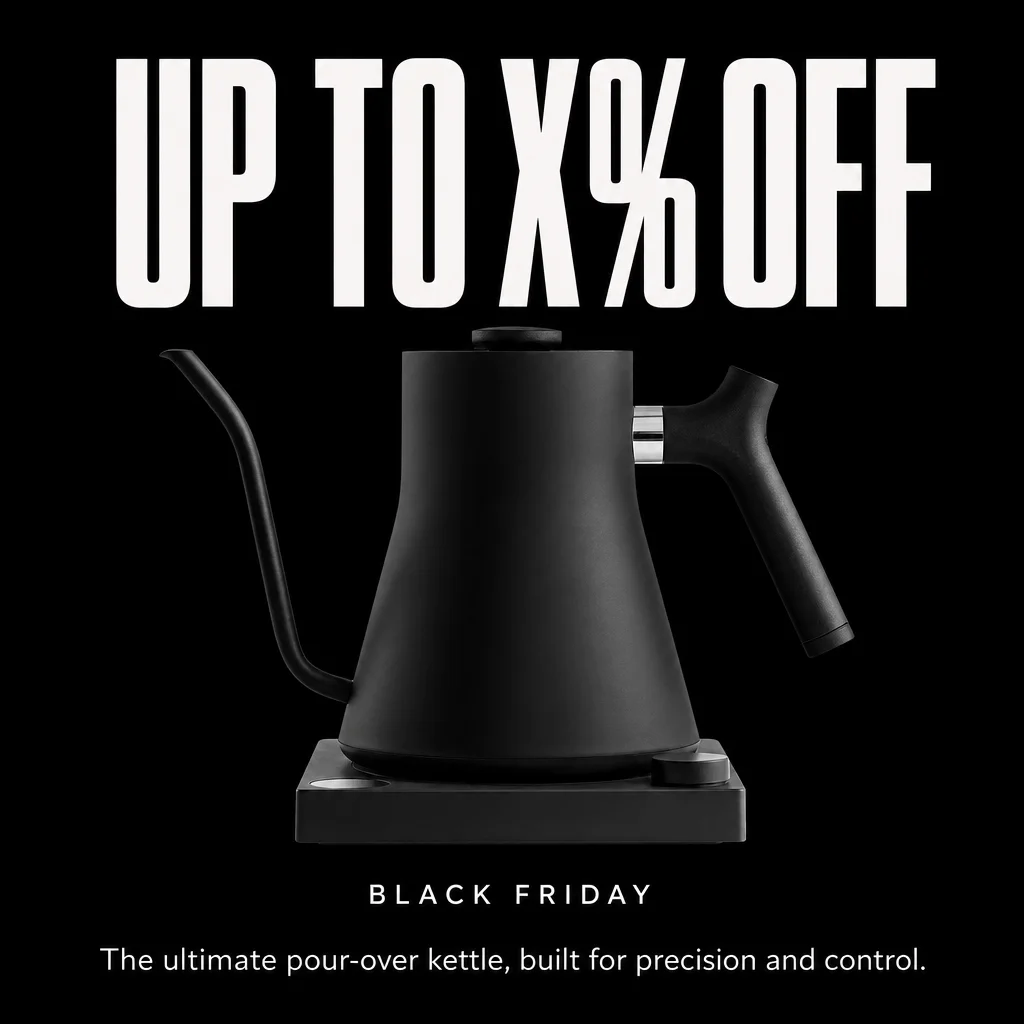
Percent off hero
A big discount headline. It says X% OFF until you type your real offer.
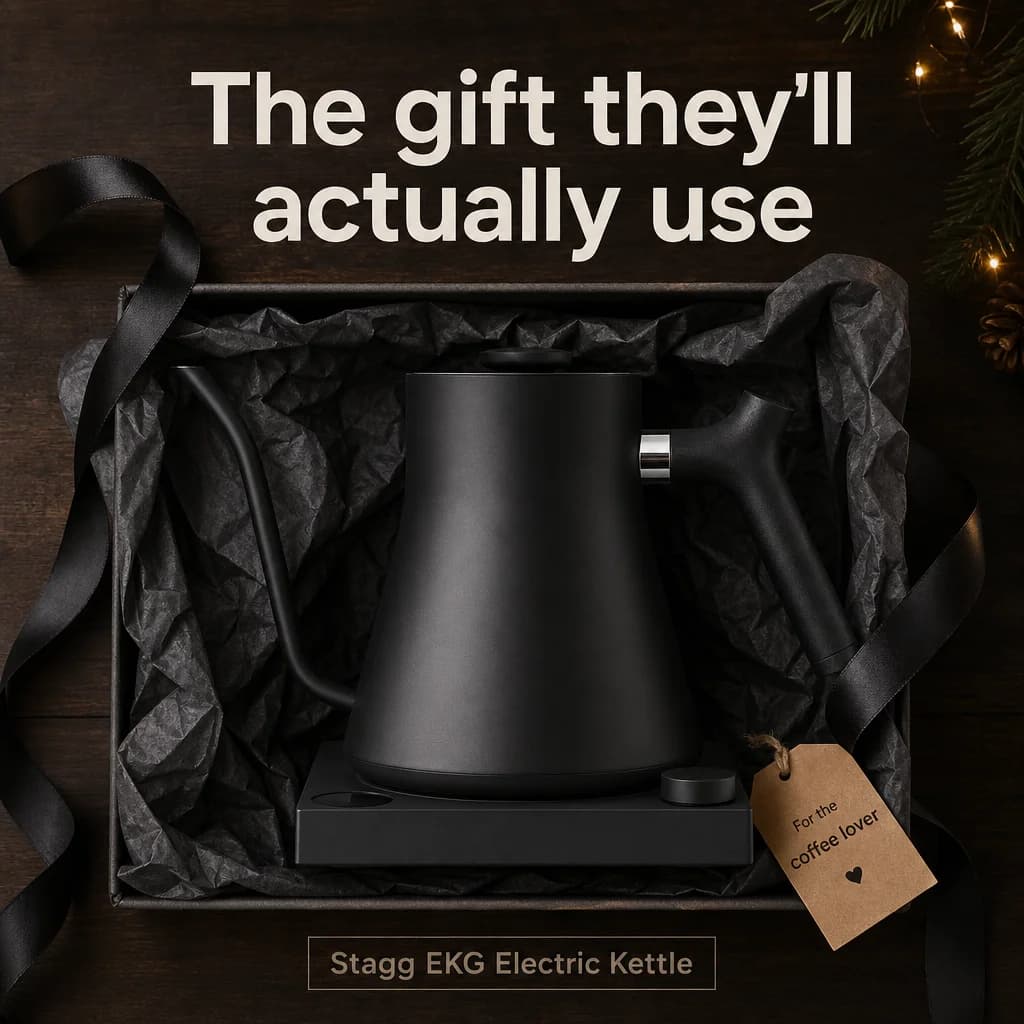
Bundle / gift set
The product boxed up as a gift, with the line “The gift they'll actually use”.
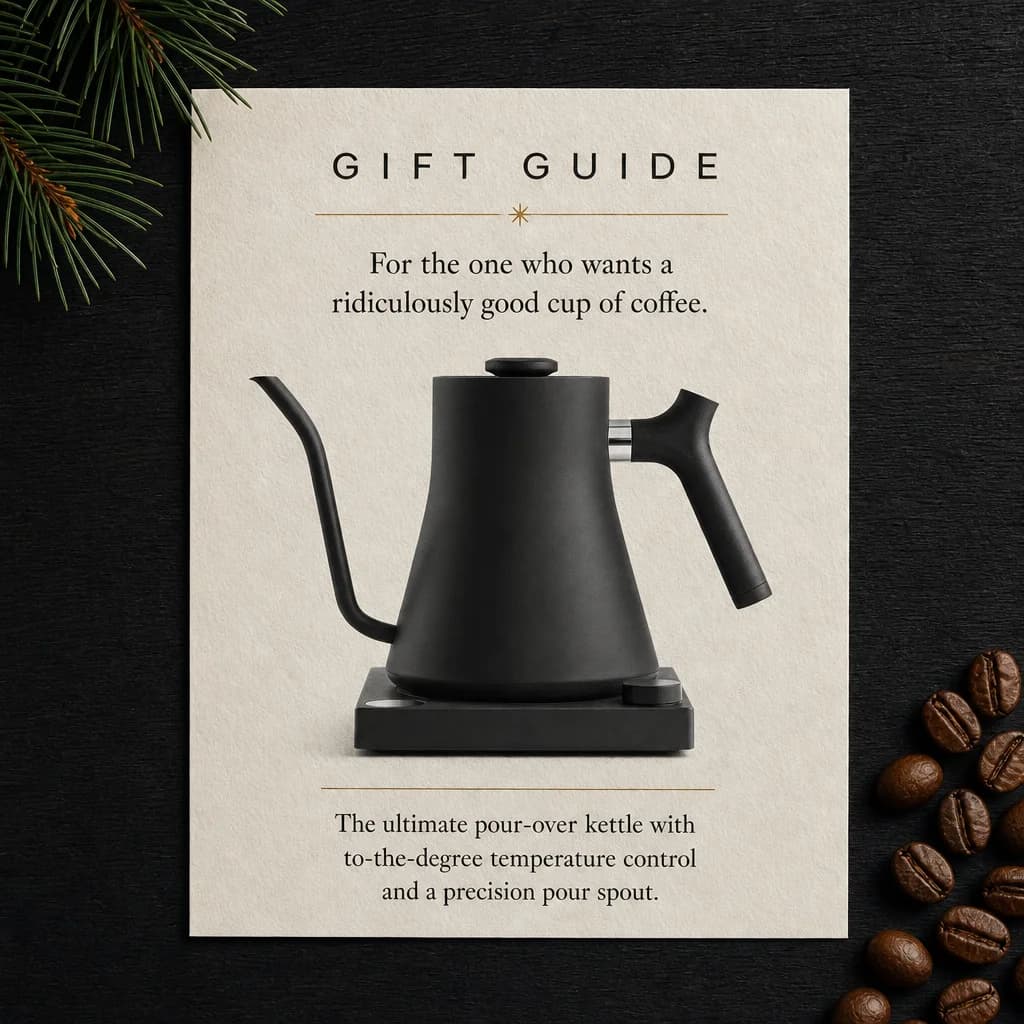
Gift guide card
A magazine-style gift guide page written for the person who'd want it.
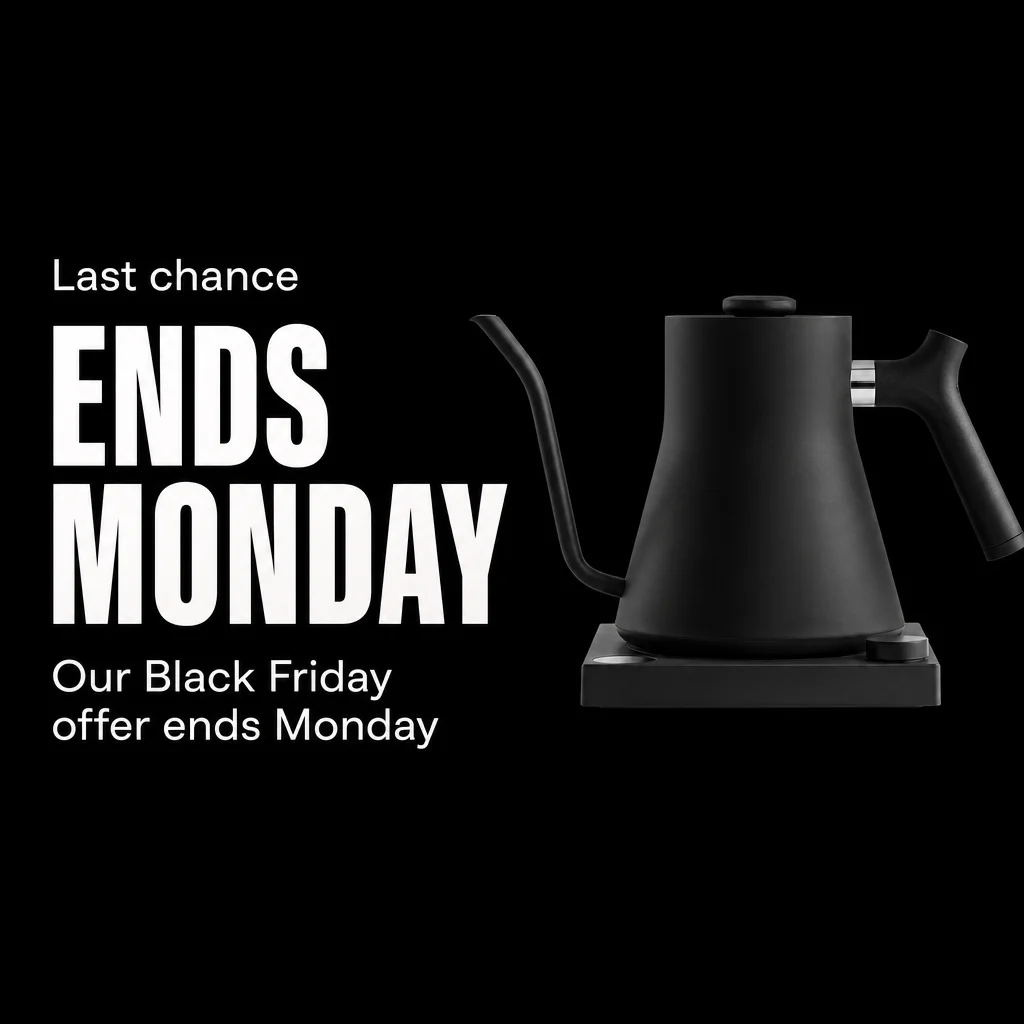
Countdown / last chance
An “Ends Monday” card for the last days of the sale.
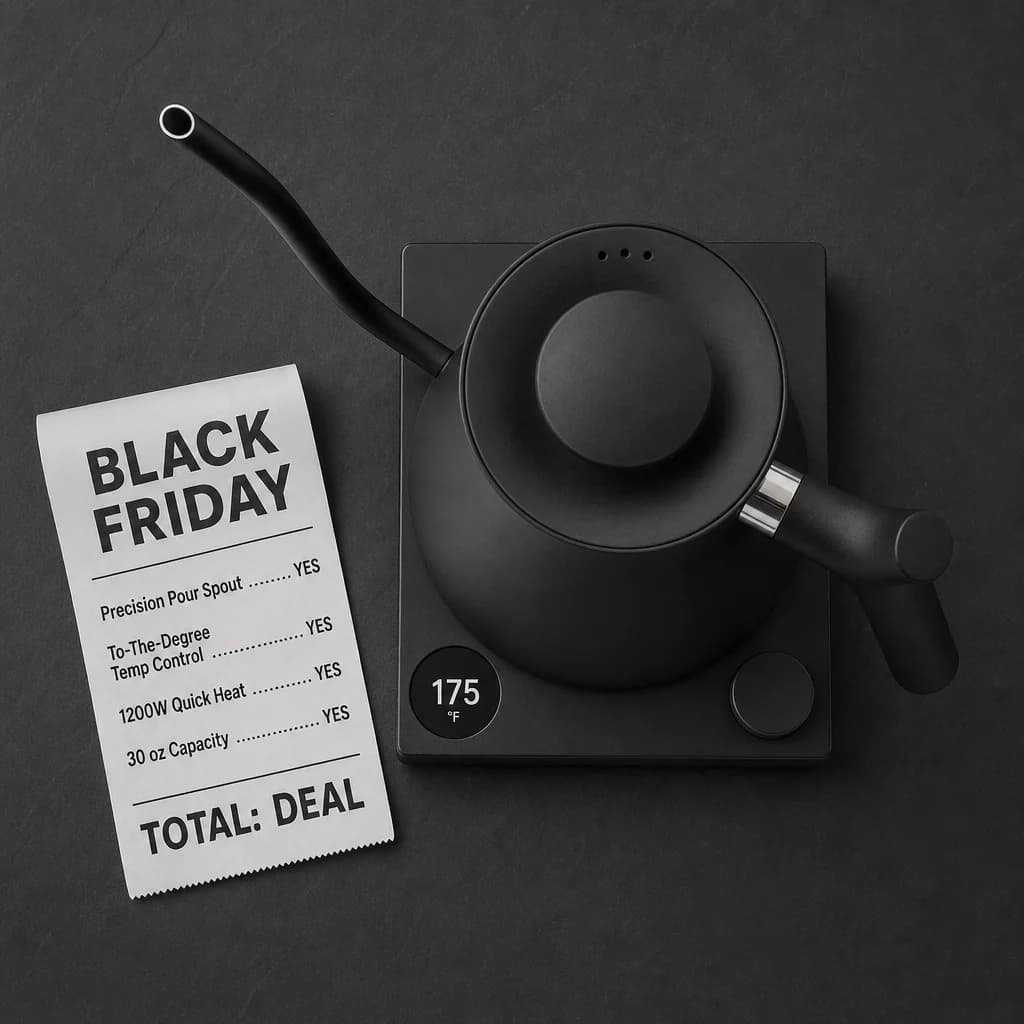
Black Friday receipt
A till receipt listing what the product does, ending in TOTAL: DEAL.
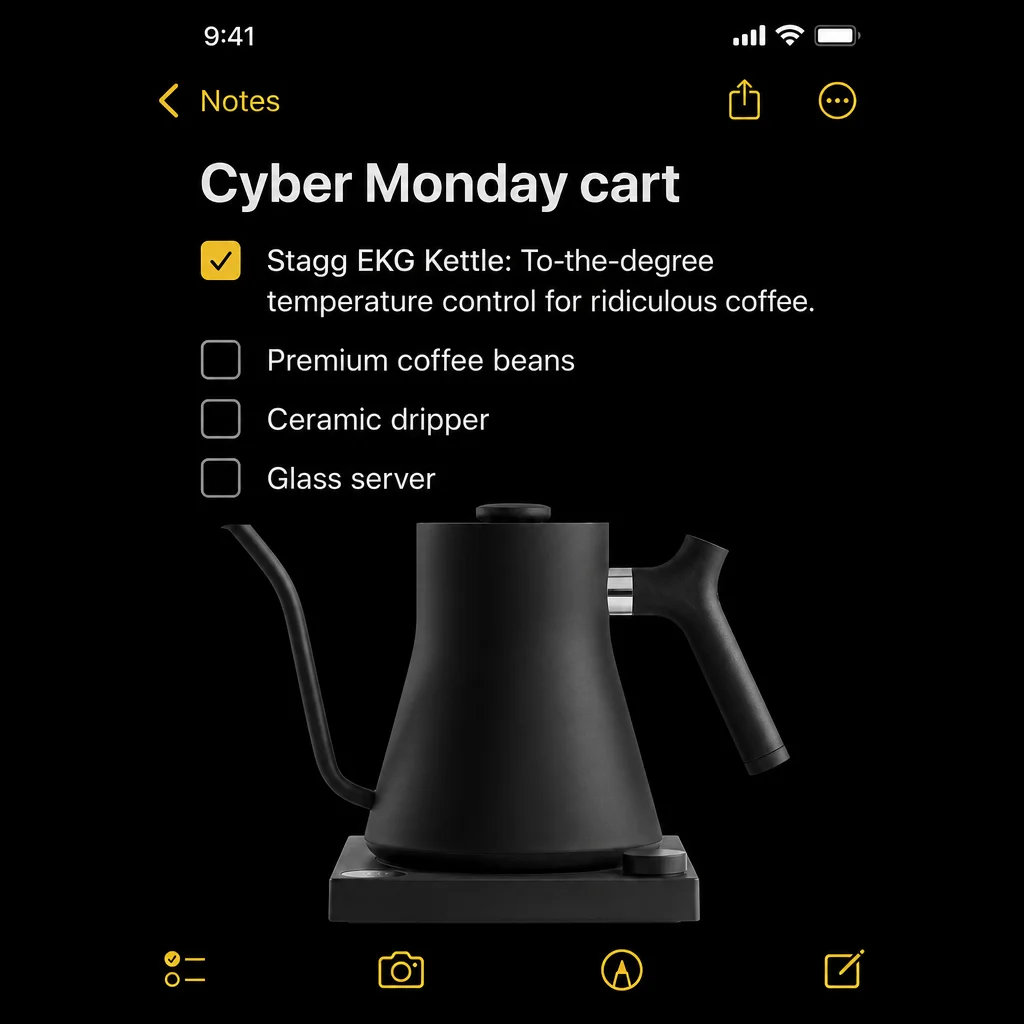
Cyber Monday notes app
A phone note titled “Cyber Monday cart” with your product ticked first.
Fellow and Stagg are trademarks of Fellow Industries. We used their public product page as a demo and have no connection with them.
Three steps, then Run.
- 1
Paste your product page
The workflow reads the page for the product name, features and tone. It only uses what the page says.
- 2
Add one product photo
A clean shot on a plain background works best. Every ad is built around that photo, so the product stays yours.
- 3
Get six BFCM ads
Press Run. About two minutes later you have six square ads, one per format, ready to check and download.
Before you run it.
What does it cost?
The workflow is free to open and clone. The free plan gives you 100 credits a month, enough for about 25 images, and you don't need a card to sign up. The cost of a run shows next to the Run button before you start it.
Will it change my product?
No. Your photo goes into every ad as the reference, and the instructions tell the model to keep the product exactly as it is. You look at every ad before you use it, and you can re-run any one you don't like.
Does it make up discounts or prices?
No. If your product page doesn't show a live offer, the ads say X% OFF so you can put in your real number. Prices and claims only come from your page.
What sizes do I get?
Square 1:1 by default. In the workflow you can switch the image step to 4:5 for feeds or 9:16 for Stories and Reels.
Can I change the formats?
Yes. The six formats sit in a plain text box at the start of the workflow, one per block. Edit them or write your own.
Have your sale ads ready before the rush.
Open the workflow, clone it into a free account and run it on your best seller.