Figure-style product page design for a heartbreak girl…
A detailed prompt for turning an image into an ultra-detailed figure-style product page, including logos, zoomed-in details, and layout like a professional…
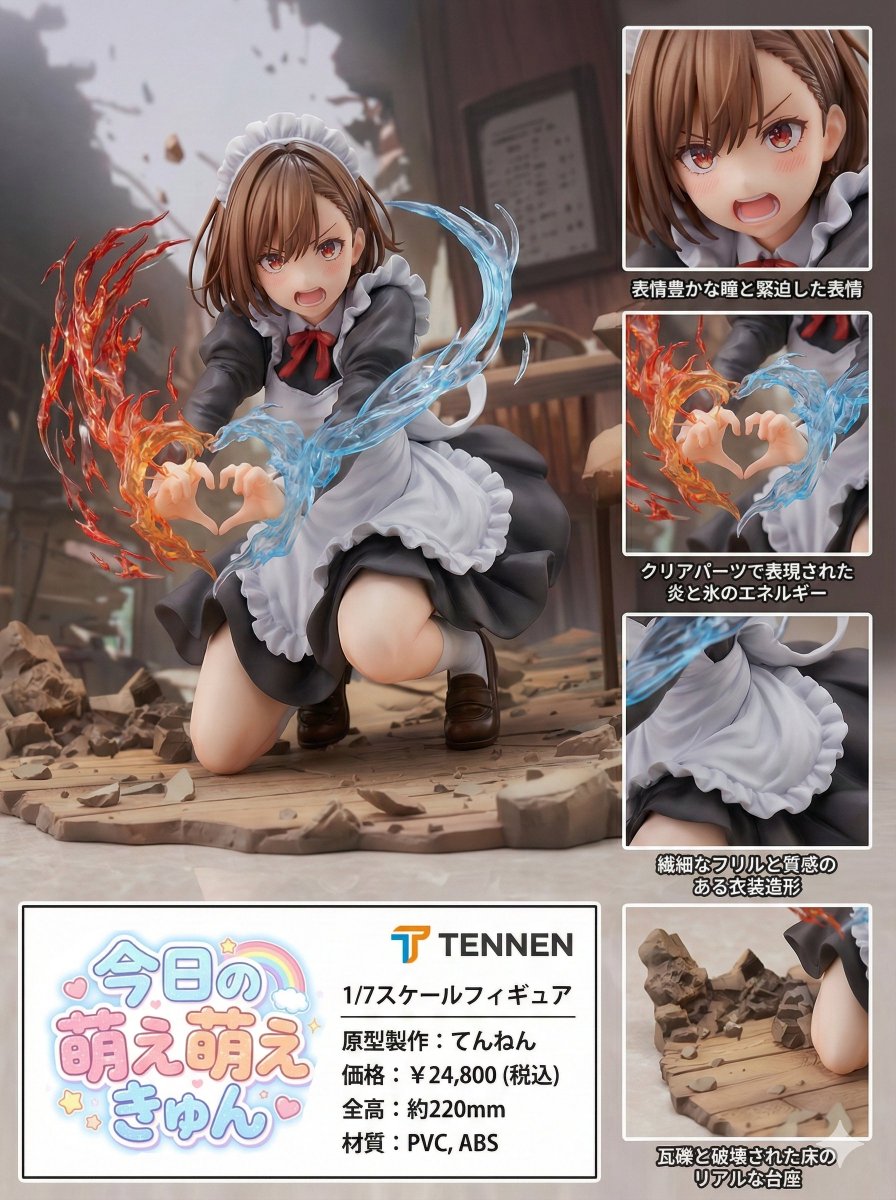
Turn this image into an ultra-detailed figure-style rendering and design a product introduction page.
The product name is “Heartbreak Girls”.
It is a 1/7 scale figure.
The manufacturer name is “TENNEN”.
The logo should be the word TENNEN inside a rounded blue square. Break the line after “TEN”, and align the next line “NEN” at the start of the line, placing it as large as possible within the rounded blue square.
Place zoomed-in detail views, etc., so that it looks like a product introduction and has a professional, visually appealing design.
Also make the “Heartbreak Girls” lettering look like a logo.
Make it look like a proper product introduction page.
Scheduled for release in Winter 2025.
Prototype sculptor: Tennen.