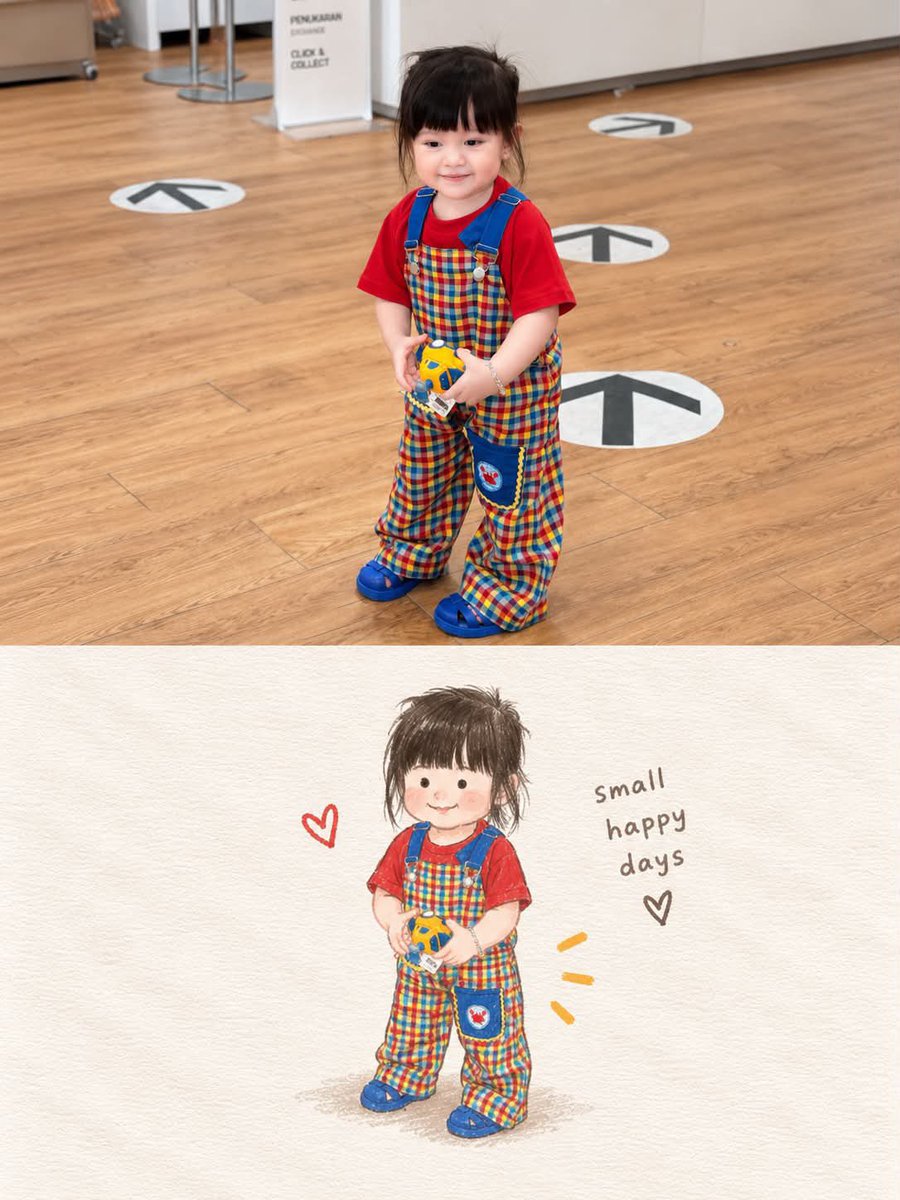
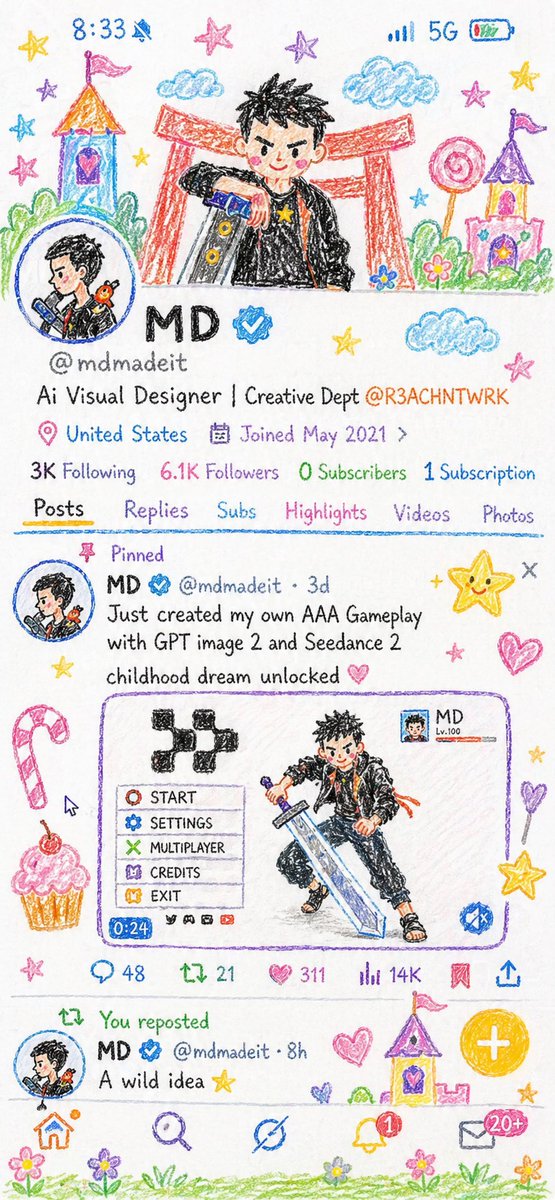
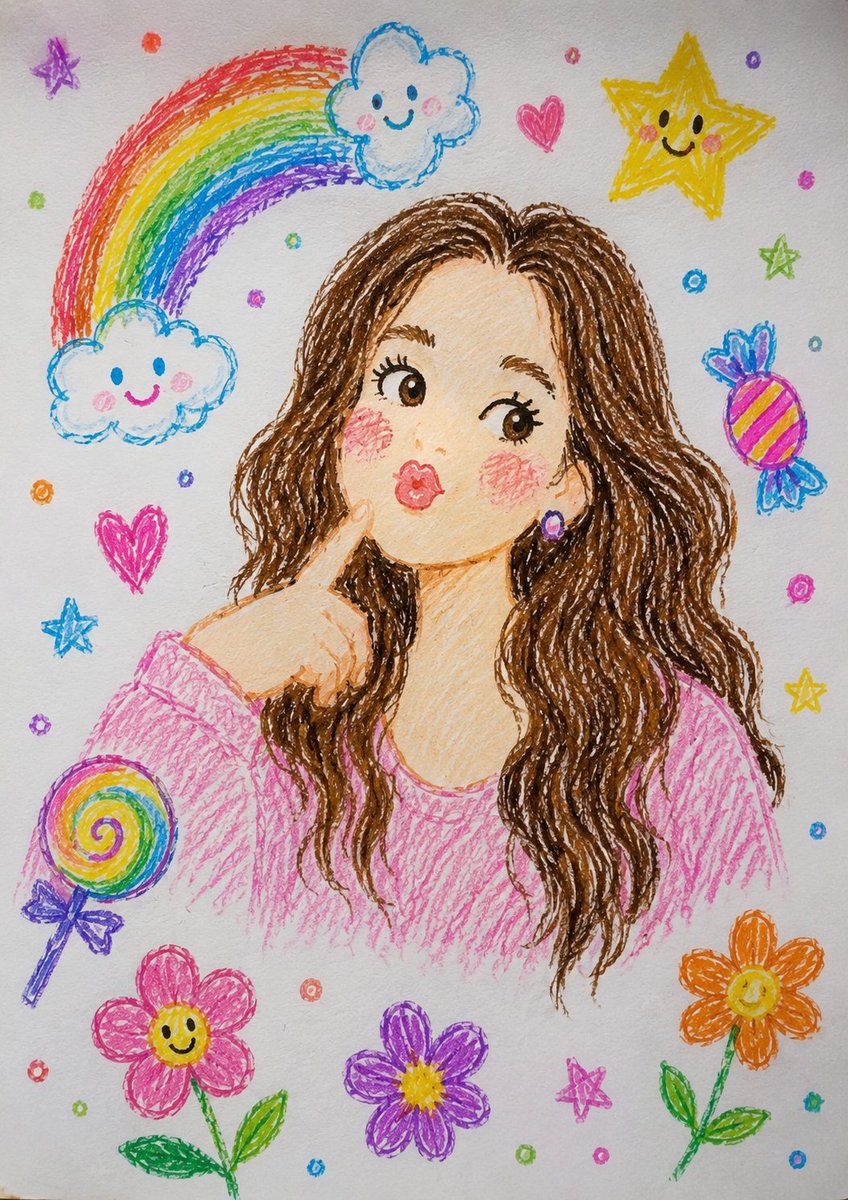
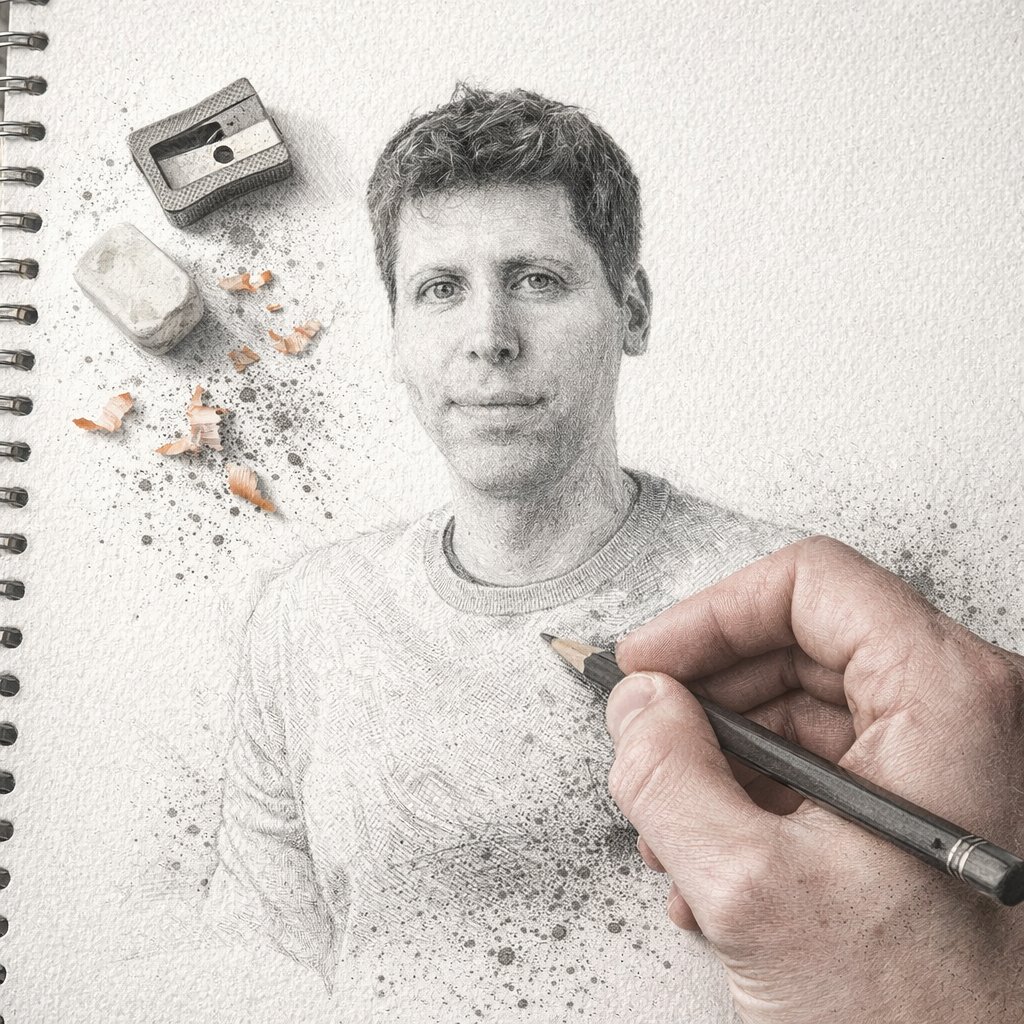
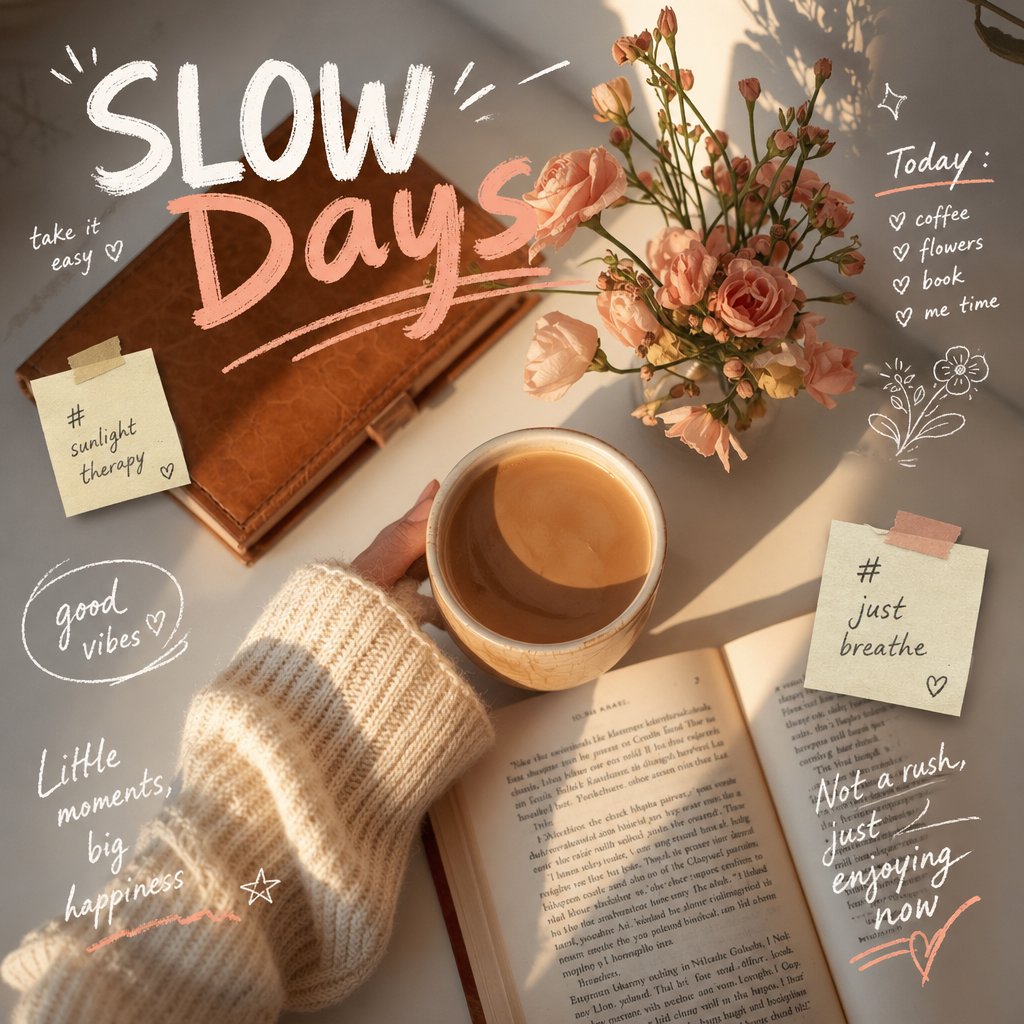
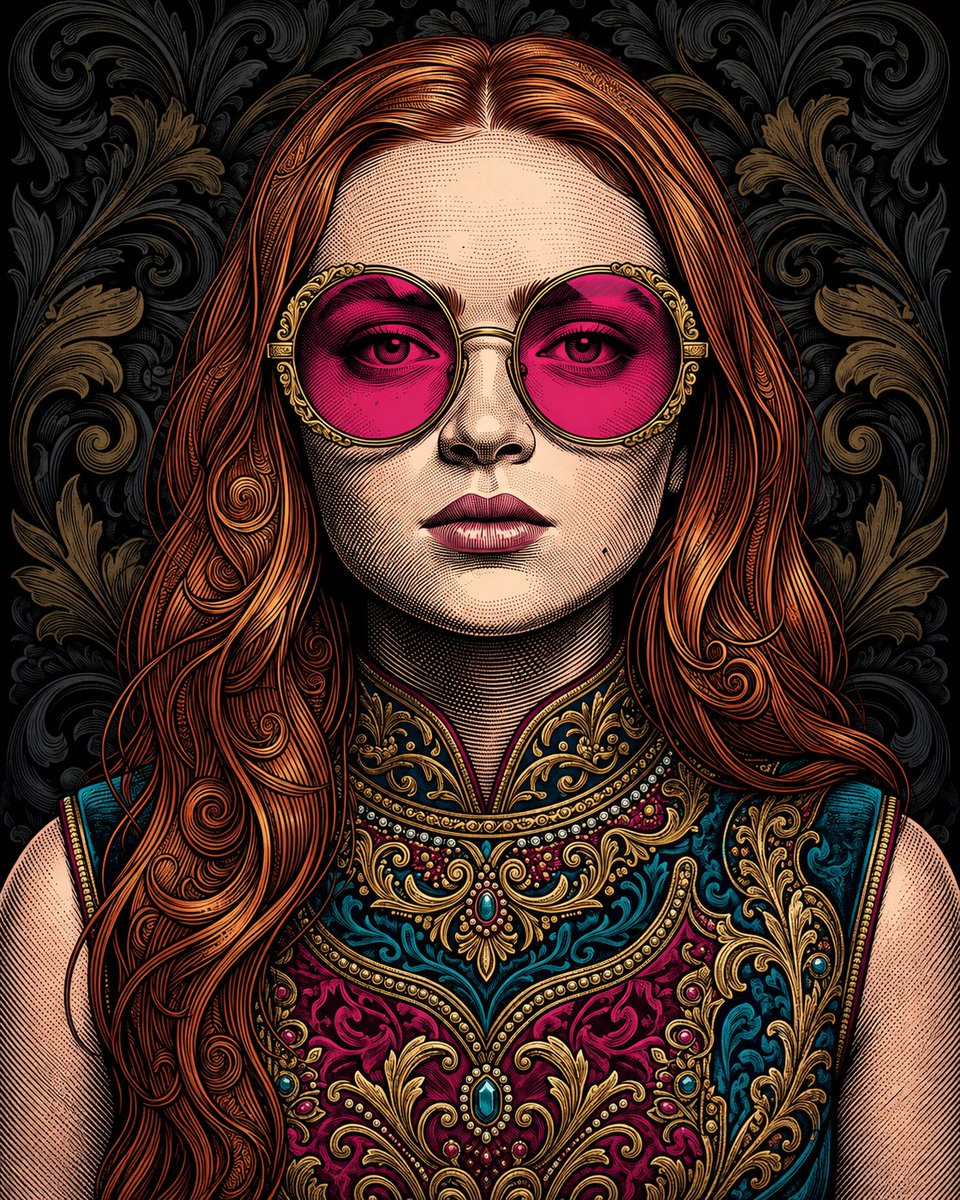
Transform the uploaded photo into a charming hand-drawn colored-pencil and crayon illustration while preserving the person's exact pose, facial features, outfit, expression, and background composition. Create a warm, whimsical sketchbook aesthetic with visible pencil strokes, crayon textures, and soft pastel colors.

Place the illustrated version as the main full-frame artwork. Add playful doodles around the scene such as hearts, stars, flowers, clouds, sparkles, and cute hand-drawn elements that complement the environment. Use textured paper as the canvas background and maintain a cozy, nostalgic, storybook feel.

In the bottom-right corner, include a rounded-rectangle inset containing the original unedited photo as a realistic reference image. The inset should resemble a social media post preview with subtle UI elements like a heart icon and engagement count. Ensure the illustrated version perfectly matches the original photo in composition, creating a striking before-and-after transformation effect.

Highly detailed, colored pencil illustration, crayon art style, hand-sketched textures, vibrant yet soft pastel palette, Instagram-style layout, whimsical doodles, premium artwork, realistic reference inset, masterpiece, ultra-detailed, 4K.