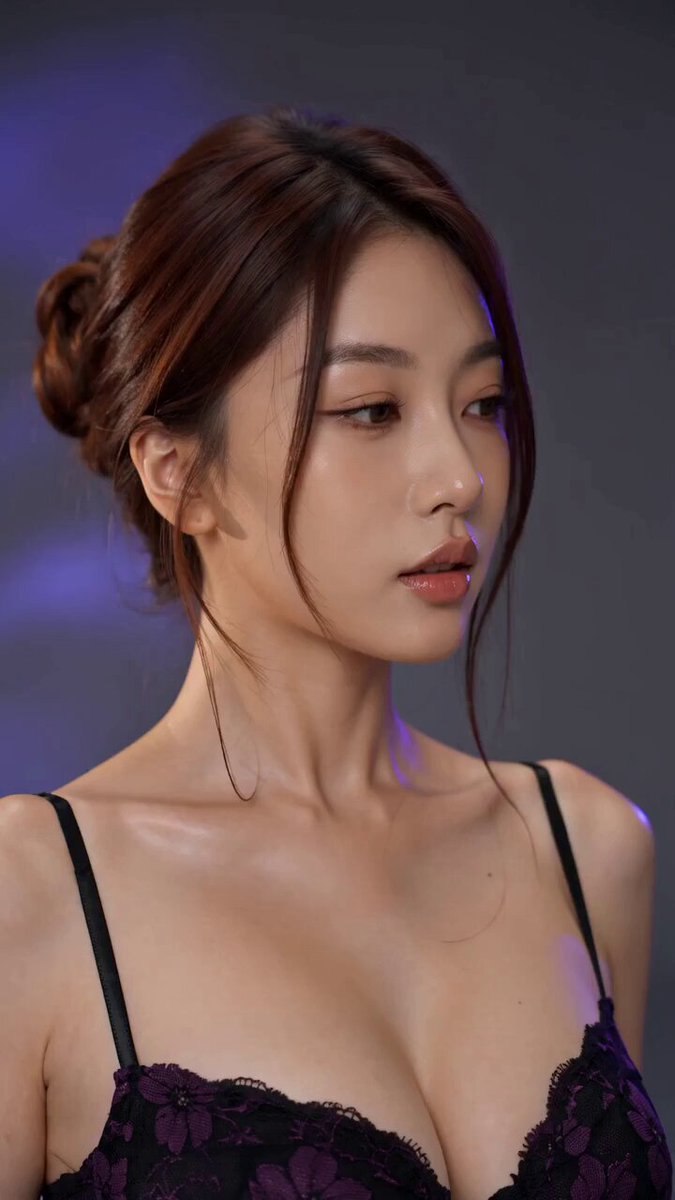
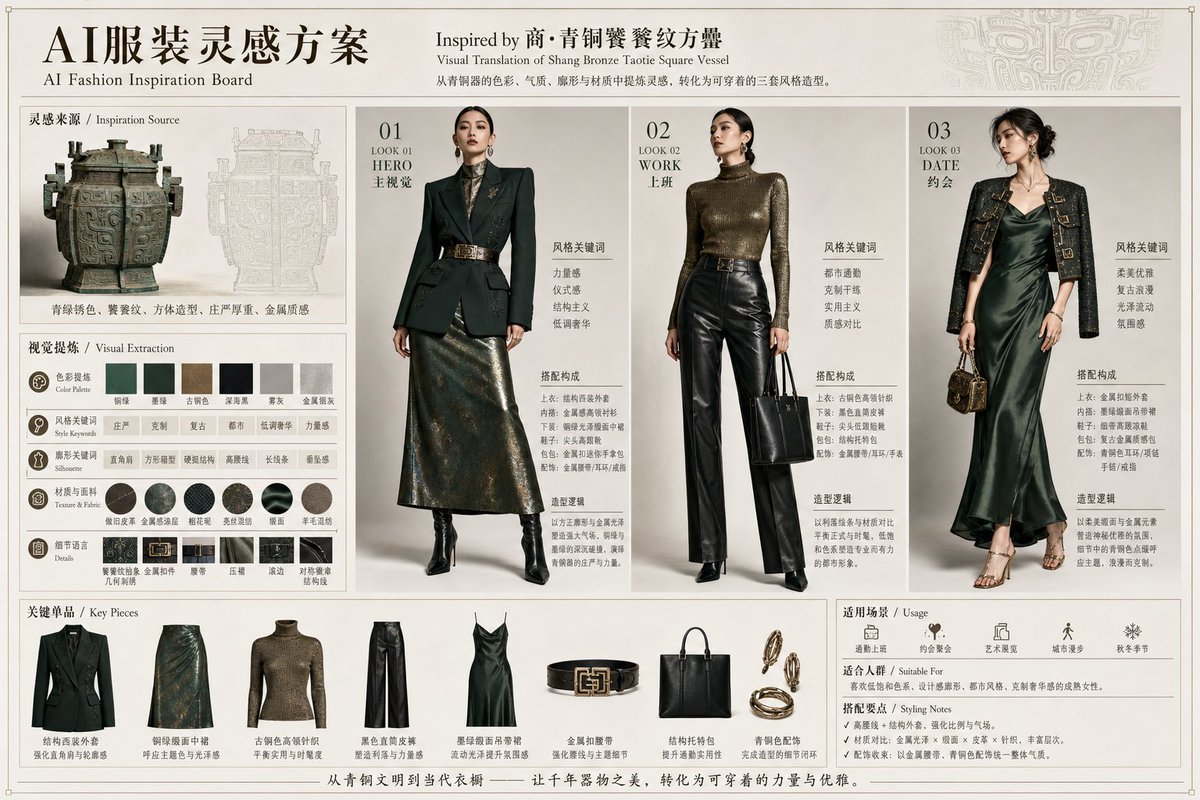
Create a horizontal 16:9four-panel fashion try-on reference poster suitable for AI training and commercial display. 📐 Layout (from left to right): ① Left Cell — Character (Prototype) original character portrait, standard frontal pose, clear facial features, natural hair and skin tone, clean light gray studio background, professional portrait lighting. ② Middle Cell — Outfit (Flat Lay) exquisite flat display of the complete clothing set: top / jacket / pants or skirt / shoes / bags / accessories, seamless white or beige background, commercial product-grade lighting. ③ Right Cell — Result (Effect) the same character wearing the new outfit, perfectly matching the original character's features, natural fit and fabric drape, lighting consistent with the left cell. ④ Far Right Cell — Pose Reference a six-grid small image arrangement showing various angles: frontal close-up, back standing, 45-degree profile, crouching, kneeling, and signature poses. 🎨 Visual Specs: 4K Ultra HD quality, independent clean studio backgrounds, unified color tone, three-point professional studio lighting, high-end fashion editorial look like Vogue/Elle, realistic fabric texture and reflections, elegant English labels at the bottom of each cell. 🎯 Core Requirements: Character facial consistency ≥ 95% | Natural clothing fit | Unified visual style | Ready-to-use commercial grade image.