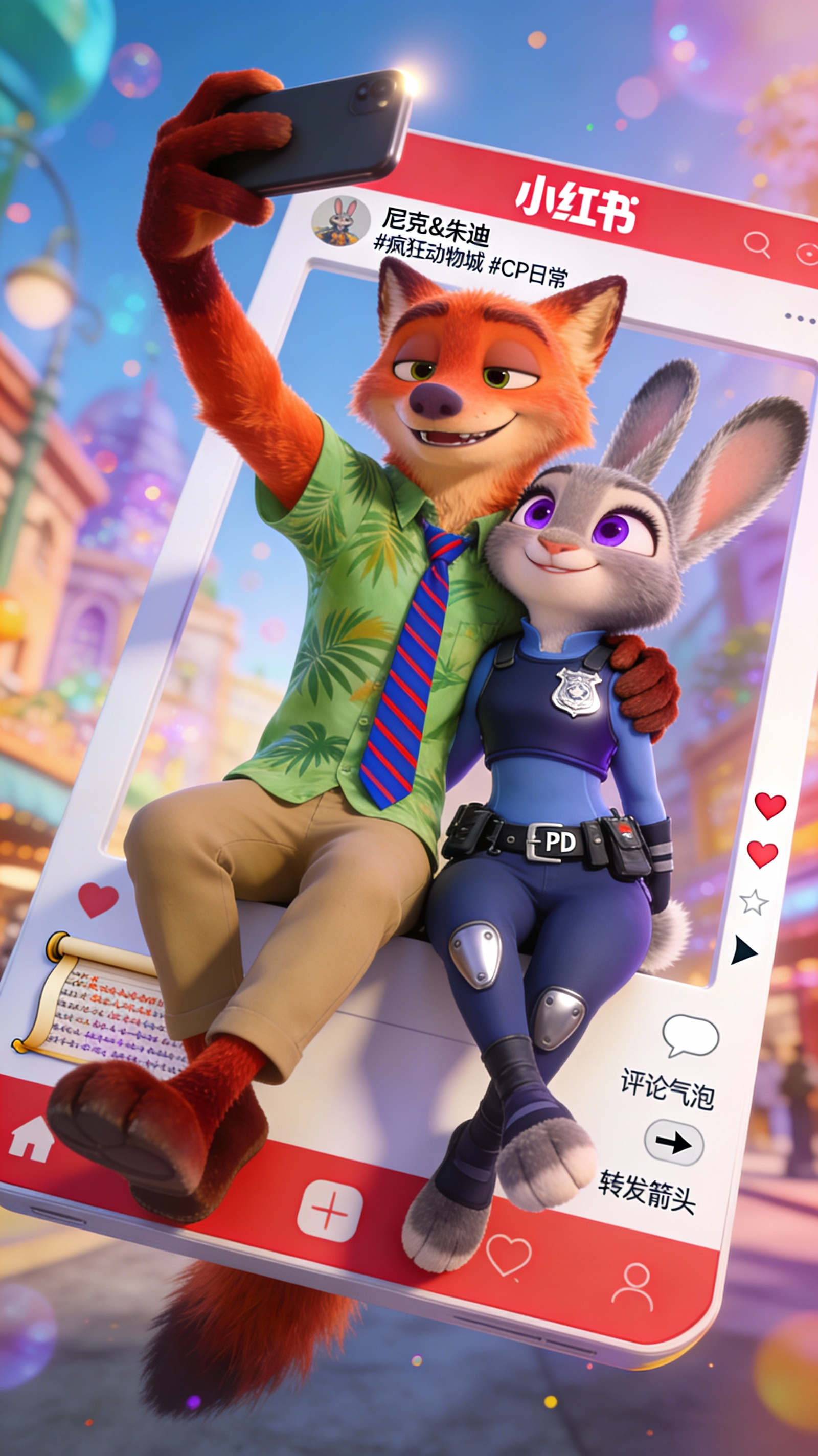
Generate a vertical mobile-screenshot–style image with an overall aspect ratio close to 9:16.
Centered slightly above the middle of the frame is a real-life coser portraying the 2D character (角色名称).
The character should be in a realistic style but with subtly anime-influenced facial features: delicate skin, slightly larger eyes, a gentle expression looking toward the camera, seated in an indoor casual setting such as a cafe or a bar counter, with background props appropriate to the scene.
Add a mobile system status bar UI at the very top of the image, including icons for time, battery, signal, network, etc., so the whole image reads like a phone screenshot.
Overlay a wide semi-transparent galgame-style dialogue box at the bottom of the image. Place on the left side of the dialogue box an anime or Q 版 avatar corresponding to the character in the image; on the right side arrange text as follows: the first line, in a larger font, displays the same character name as above; below it, one to two lines should display a gentle, healing-style line of Simplified Chinese dialogue appropriate to the character's persona, to be automatically created by you.
Below the dialogue box add an action bar modeled after galgame UI.
Overall style: high-definition, richly detailed, soft lighting, and a natural fusion of 2D anime aesthetics with real-life photography.